
What Is Headless Commerce? A Practical Guide
On this page
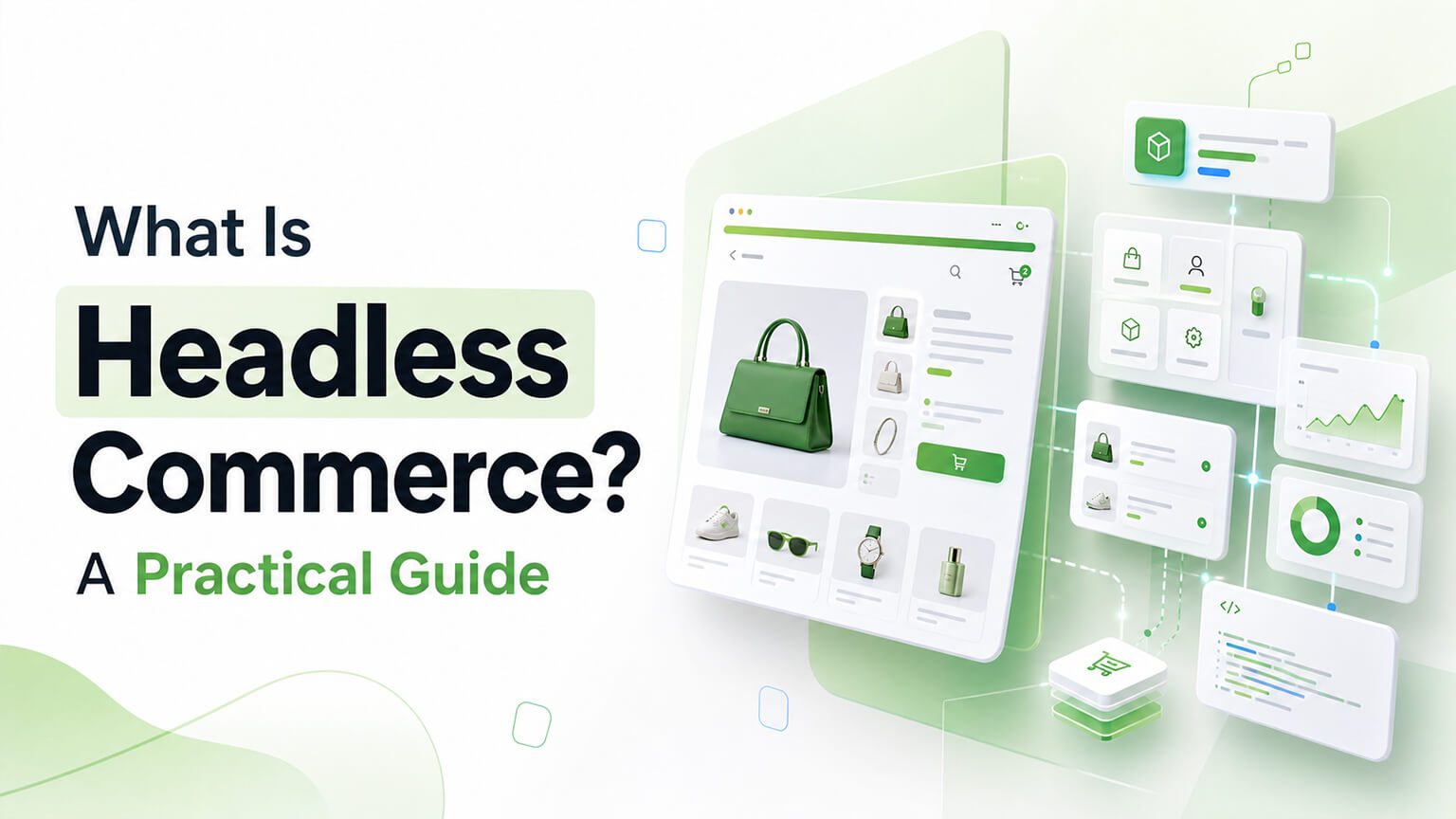
“Headless commerce” is one of the most talked-about concepts in ecommerce, and one of the most muddled — it’s surrounded by hype, jargon, and vendor marketing that often obscures what it actually is and whether a given store needs it. Stripped of the jargon, headless commerce is a straightforward architectural concept: it means separating (decoupling) the front-end of your store (the customer-facing part — what shoppers see and interact with) from the back-end (the commerce engine — catalog, cart, checkout, orders, inventory), so they’re built and run independently and connected via APIs. In a traditional setup, the front-end and back-end are coupled together (as in a standard Shopify theme, where Shopify provides both the commerce back-end and the themed front-end). In a headless setup, you build a custom front-end (in whatever technology you choose) and connect it to the commerce back-end (Shopify, in this case) via APIs. That’s the whole concept. Whether it’s right for a given store is a separate question (covered in the is-headless-worth-it and when-not-headless discussions), but understanding what headless actually is — clearly, without the hype — is the foundation for that decision. This piece is a practical, plain-English guide.
This piece covers what headless commerce is (clearly), how it works, why people use it (the real benefits), the trade-offs, and whether you need it. Because the concept is muddled by hype, and a clear understanding is the foundation for deciding whether it’s right for you. Let me walk through it.
What headless commerce is (clearly)
Let’s define it clearly, without jargon. The “head” — the “head” in headless refers to the front-end: the customer-facing presentation layer (what shoppers see — the storefront’s design, pages, and interface). The “body” — the back-end is the commerce engine: the systems that run the commerce (product catalog, cart, checkout, orders, inventory, customer accounts) — the functional core. Traditional (coupled) — in a traditional setup, the head (front-end) and body (back-end) are coupled together as one system: the platform provides both, and they’re integrated (a standard Shopify store, where Shopify provides the commerce back-end and you use a Shopify theme for the front-end, coupled together). Headless (decoupled) — headless means removing the “head” (the platform’s front-end) and replacing it with a custom front-end you build separately, connected to the back-end via APIs: the back-end (commerce engine) runs the commerce, and your custom front-end (the new “head”) handles the presentation, talking to the back-end via APIs (the Storefront API for Shopify, as that discussion covers). The decoupling — so headless decouples front-end from back-end: they’re separate, independently built and run, connected by APIs, rather than coupled as one system. The freedom — this gives front-end freedom: you build the customer-facing experience however you want (any technology, design, structure), while the back-end handles commerce. So headless commerce, clearly, is decoupling the front-end (customer-facing presentation) from the back-end (commerce engine), building a custom front-end connected to the back-end via APIs — versus the traditional coupled setup where the platform provides both together. The “headless” name means removing the platform’s front-end (“head”) and using your own. That’s the concept, stripped of hype. So understand headless as this architectural decoupling (custom front-end + commerce back-end via APIs), which the next sections build on.
How headless commerce works
A bit more on how it works in practice (for Shopify specifically). The back-end: Shopify — Shopify continues to run the commerce back-end: the product catalog, cart, checkout, orders, inventory, customer accounts — the commerce engine (you still manage products, orders, etc. in Shopify). The front-end: custom — you build a custom front-end (the customer-facing storefront) in your chosen technology (a framework like Next.js, Shopify’s Hydrogen, or others, as the Hydrogen-vs-Next discussion covers), with full control over the design, structure, and experience. Connected via the Storefront API — the custom front-end connects to Shopify’s back-end via the Storefront API (as that discussion covers), pulling product data, managing the cart, and initiating checkout — so the front-end gets commerce data and functionality from Shopify. Checkout stays on Shopify — importantly, the checkout typically stays on Shopify (the front-end hands off to Shopify’s secure, maintained checkout, as the Storefront-API and keeping-checkout discussions cover), so you don’t rebuild the critical, secure checkout. The result — the result is a custom front-end (your design, technology, experience) powered by Shopify’s commerce back-end (catalog, checkout, orders) via APIs — headless: decoupled front-end and back-end, connected by APIs. So headless on Shopify works by Shopify running the commerce back-end, you building a custom front-end (in Next.js, Hydrogen, etc.), connected via the Storefront API, with checkout typically staying on Shopify — a custom front-end powered by Shopify’s commerce. So conceptually and practically, headless on Shopify is a custom front-end + Shopify commerce back-end, connected by the Storefront API, with Shopify’s checkout retained — giving front-end freedom while keeping Shopify’s commerce engine. The next sections cover why people do this and the trade-offs.
Why people use headless (the real benefits)
People go headless for real benefits (separating the genuine ones from the hype). Front-end freedom and control — the main benefit: full control over the front-end (design, structure, experience, technology), enabling custom or unique experiences and designs beyond what themes allow — for brands needing a distinctive or specific front-end experience. Performance — a custom front-end (built with modern frameworks, optimised) can achieve high performance (fast, optimised, as the headless-performance and Core-Web-Vitals discussions cover) — for stores where front-end performance is a critical priority (though well-built themes can be fast too). Flexibility — the architecture is flexible: you can build the front-end with modern technology (React, etc.), integrate with other systems, and have engineering control — appealing to teams with specific technical needs/preferences. Omnichannel/multiple front-ends — headless enables powering multiple front-ends or channels (web, app, other contexts) from one commerce back-end (as the Storefront-API discussion covers), useful for omnichannel. Developer experience — for engineering teams, building with modern frameworks (versus theme development) can be appealing (developer experience, modern tooling). And future flexibility — the decoupling provides flexibility to change the front-end independently (in principle), appealing for long-term flexibility. So the real benefits are front-end freedom and control (the main one — custom experiences/designs), performance (a fast custom front-end), flexibility (modern tech, engineering control), omnichannel (multiple front-ends from one back-end), developer experience, and future flexibility. These are genuine benefits for stores that need them. But — crucially — they come with significant trade-offs (covered next), and most stores don’t need them enough to justify the trade-offs (as the is-headless-worth-it discussion covers). So understand the real benefits (front-end freedom and performance especially), but weigh them against the trade-offs, since the benefits only justify headless when you need them. So the benefits are real but conditional — valuable for stores that need front-end freedom, performance, or flexibility enough to justify the costs.
The trade-offs and whether you need it
Headless’s benefits come with significant trade-offs, which determine whether you need it. Complexity — headless is much more complex than a Shopify theme: you’re building and running a custom front-end (a custom application), with all the complexity that entails (development, architecture, hosting, integration), versus a theme’s relative simplicity. Cost — headless costs much more (building and maintaining a custom front-end is a significant investment, as the headless-TCO discussion covers), versus a theme’s lower cost. Development resources and capability — headless requires ongoing development resources and capability (a custom front-end needs developers to build and maintain), which not all stores have, versus themes being manageable with less. More responsibility — with headless, you’re responsible for more (the front-end application, its performance, maintenance, hosting, integration), versus a theme where Shopify handles more. Loses some Shopify conveniences — headless means giving up some of the integrated convenience of Shopify’s themed front-end (theme ecosystem, app integrations that work with themes, the simplicity of the standard setup, as the when-not-headless discussion covers). Most stores don’t need it — crucially, most stores don’t need headless: Shopify’s themes (especially modern Online Store 2.0, as that discussion covers) serve most stores well (good design, performance, functionality), so the headless trade-offs (complexity, cost, resources, responsibility) aren’t justified for most. Whether you need it — you need headless only when its benefits (front-end freedom, performance, flexibility) are necessary for your store and the benefits justify the substantial trade-offs (complexity, cost, resources) — a minority of stores with genuine needs and resources (as the is-headless-worth-it and when-not-headless discussions detail). So headless’s trade-offs are complexity, cost, development resources/capability, more responsibility, and losing some Shopify conveniences — significant costs that mean most stores don’t need headless (themes serve them well), and you need it only when the benefits are necessary and justify the trade-offs (a minority of stores). So whether you need headless comes down to whether you need its benefits enough to justify its substantial trade-offs — which, for most stores, you don’t, but for some (with genuine front-end/performance/flexibility needs and the resources), you do. So understand headless clearly (the concept, benefits, trade-offs), and make the decision based on genuine need versus the trade-offs — not on hype.
A worked example: the same store, coupled vs. headless
To make the architecture concrete, picture the same store built two ways. In the traditional (coupled) version, the store runs on Shopify with a good Online Store 2.0 theme. Shopify provides everything as one integrated system: the merchant manages products and orders in the Shopify admin, the theme renders the storefront, apps plug into the theme, and the checkout is Shopify’s. To change the storefront’s look or behaviour, the merchant edits the theme (sections, blocks, settings, or theme code). It’s relatively simple, well-integrated, and Shopify handles hosting, much of the maintenance, and the plumbing. For the vast majority of stores, this is exactly what they want.
In the headless version, the picture splits in two. Shopify still runs the commerce back-end — products, orders, inventory, and crucially the checkout still live in Shopify, and the merchant still manages the catalogue there. But the storefront shoppers actually see is now a separate custom application (built in, say, Next.js), hosted separately, that the merchant’s developers build and maintain. That application calls Shopify’s Storefront API to fetch products and manage the cart, renders the experience however the team designed it, and hands off to Shopify’s checkout when the shopper buys. Changing the storefront now means changing that custom application (a development task), and the team is responsible for the front-end’s code, performance, hosting, and maintenance. The upside is total freedom over that front-end; the cost is that they’ve taken on a whole custom application to build and run. Seeing the two side by side makes the trade-off vivid: headless moves the storefront out of Shopify’s integrated theme system and into the team’s own hands — more control and flexibility, but more complexity, cost, and responsibility. Which version is “better” isn’t abstract; it depends entirely on whether the store’s needs justify owning that custom front-end, which is why the decision hinges on genuine need rather than on headless being inherently superior.
Cutting through the hype
Because headless is so heavily marketed, it’s worth naming the hype directly so you can evaluate it clearly. A few common claims deserve a sober reading. “Headless is faster” — it can be, with a well-built optimised front-end, but a well-built Shopify theme can also be fast, and a poorly-built headless front-end can be slow; headless doesn’t guarantee speed, and speed problems on themes are usually fixable (as the speed and Core Web Vitals discussions cover) without going headless. “Headless is more modern/future-proof” — it uses modern front-end technology, which appeals to engineering teams, but “modern” isn’t automatically better for a given business, and you take on maintaining that technology over time. “Everyone serious is going headless” — many large brands have, for genuine reasons, but plenty of large, successful stores run on Shopify themes; headless is not a prerequisite for being serious or scaling.
The honest framing is that headless is a powerful architecture with real benefits for stores that need front-end freedom, specific performance characteristics, or flexibility — and a significant, often unnecessary, cost and complexity for stores that don’t. The vendor and agency marketing around it tends to emphasise the benefits and underplay the trade-offs (complexity, cost, resources, lost conveniences), because there’s commercial incentive to sell headless builds. So approach the topic by separating the architecture (a clear, neutral concept) from the hype (the marketing pressure to adopt it), and decide based on your store’s genuine needs versus the real trade-offs — exactly the analysis the is-headless-worth-it and when-not-headless discussions walk through. The single most useful mindset is to treat “should we go headless” as a sober cost-benefit decision specific to your store, not a question of being modern or keeping up. Most stores, honestly assessed, are better served by a well-built theme; some benefit from headless. Knowing clearly what headless is — which this guide has aimed to give you — is what lets you make that call on the merits rather than on the marketing.
The bottom line
Headless commerce is one of the most talked-about and most muddled concepts in ecommerce, but stripped of the hype it’s a straightforward architectural idea: separating (decoupling) the front-end of your store (the customer-facing presentation — what shoppers see and interact with) from the back-end (the commerce engine — catalog, cart, checkout, orders, inventory), so they’re built and run independently and connected via APIs. The “head” is the front-end; headless means removing the platform’s standard front-end and building your own custom one, connected to the back-end via APIs. On Shopify specifically, this means Shopify continues to run the commerce back-end (catalog, orders, inventory) while you build a custom front-end (in a framework like Next.js or Shopify’s Hydrogen) connected via the Storefront API, with the checkout typically staying on Shopify’s secure, maintained system — giving front-end freedom while keeping Shopify’s commerce engine. People go headless for real benefits: front-end freedom and control (the main one — custom or unique experiences and designs beyond what themes allow), performance (a custom, optimised front-end), flexibility (modern technology, engineering control), omnichannel (multiple front-ends from one back-end), developer experience, and future flexibility. But these benefits come with significant trade-offs: much greater complexity (building and running a custom front-end application), much higher cost, the need for ongoing development resources and capability, more responsibility (the front-end, its performance, maintenance, hosting), and giving up some of Shopify’s integrated conveniences (theme ecosystem, app integrations, simplicity). Crucially, most stores don’t need headless — Shopify’s themes, especially modern Online Store 2.0, serve most stores well — so the trade-offs aren’t justified for most. You need headless only when its benefits (front-end freedom, performance, flexibility) are necessary for your store and justify the substantial trade-offs, which is a minority of stores with genuine needs and the development resources. So understand headless clearly for what it is (an architectural decoupling with real benefits and real costs), and make the decision based on genuine need versus the trade-offs — not on hype. For most stores, themes are the better choice; for some, with genuine front-end, performance, or flexibility needs and the resources, headless is worth it. The clear understanding is the foundation; the linked discussions (is-headless-worth-it, when-not-headless, headless-TCO) help you decide.
Frequently asked questions
What is headless commerce in simple terms?
Headless commerce means separating (decoupling) the front-end of your store — the customer-facing part that shoppers see and interact with — from the back-end, the commerce engine that runs the catalog, cart, checkout, orders, and inventory. In a traditional setup, the front-end and back-end are coupled together as one system (like a standard Shopify store using a Shopify theme). In a headless setup, you build a custom front-end in whatever technology you choose and connect it to the commerce back-end via APIs. The “head” refers to the front-end, so “headless” means removing the platform’s standard front-end and using your own custom one. That’s the whole concept — an architectural separation of presentation (front-end) from commerce (back-end), connected by APIs.
How does headless work on Shopify?
Shopify continues to run the commerce back-end — the product catalog, cart, checkout, orders, inventory, and customer accounts (you still manage products and orders in Shopify) — while you build a custom front-end (the customer-facing storefront) in your chosen technology, such as Next.js or Shopify’s own Hydrogen framework. The custom front-end connects to Shopify’s back-end via the Storefront API, pulling product data, managing the cart, and initiating checkout. Importantly, the checkout typically stays on Shopify (your front-end hands off to Shopify’s secure, maintained checkout), so you don’t rebuild the critical, secure payment process. The result is a custom front-end — your design, technology, and experience — powered by Shopify’s commerce engine through APIs, with Shopify’s checkout retained.
Why do brands go headless?
For real benefits, the main one being front-end freedom and control — full control over the design, structure, experience, and technology of the customer-facing storefront, enabling custom or unique experiences beyond what Shopify themes allow. Other reasons include performance (a custom, optimised front-end built with modern frameworks can be very fast, for stores where front-end performance is critical), flexibility (using modern technology and having engineering control), omnichannel (powering multiple front-ends or channels from one commerce back-end), and developer experience (engineering teams may prefer building with modern frameworks over theme development). These benefits are genuine for stores that need them — but they come with significant trade-offs (complexity, cost, development resources, responsibility), so they only justify headless when a store needs them.
Does my store need headless commerce?
Probably not — most stores don’t need headless. Shopify’s themes, especially modern Online Store 2.0 themes, serve most stores well, delivering good design, performance, and functionality without the substantial trade-offs of headless: much greater complexity, much higher cost, the need for ongoing development resources and capability, more responsibility (running a custom front-end application), and giving up some of Shopify’s integrated conveniences. You need headless only when its benefits (front-end freedom, performance, flexibility) are necessary for your store and clearly justify those trade-offs — which is a minority of stores with genuine needs and the development resources to build and maintain a custom front-end. So make the decision based on genuine need versus the trade-offs, not on hype. For most stores, themes are the better, more cost-effective choice.