
The Shopify Apps Worth Paying For (and the Ones That Just Slow You Down)
On this page
Every “best Shopify apps” list reads the same way: forty apps, breathless praise for all of them, affiliate links throughout. Useless. The truth is you don’t want forty apps — you want maybe eight, each doing a real job, and you want to be ruthless about the rest, because every app you install is a little tax on your store’s speed and your monthly budget.
So instead of a giant list, let me organize this by the jobs a DTC store actually needs done, name the categories and a few well-known options, and be honest about where apps help versus where they just add weight. I’m deliberately not ranking specific apps as “the best,” because the right pick depends on your store, your budget, and your stack — and because apps change constantly. The categories don’t.
Email and SMS: the one most worth the money
If I had to keep a single category of app, it’d be this one. For most DTC brands, email and SMS marketing is where a big chunk of repeat revenue comes from, and it’s not close. Welcome flows, abandoned cart recovery, post-purchase sequences, win-back campaigns, back-in-stock alerts — this is the machinery of customer lifetime value.
Klaviyo is the name you’ll hear most in DTC, and for good reason: it integrates deeply with Shopify, it’s built around ecommerce data, and its segmentation is strong. It’s not the only option, and it’s not the cheapest, but the category is essentially non-negotiable for a serious store. If you’re spending money to acquire customers and not capturing and nurturing them with proper flows, you’re filling a leaky bucket. Spend here.
Reviews: trust you can’t fake
Social proof is the difference between a first-time visitor buying and bouncing, so a reviews app earns its place quickly. I’ve written a whole comparison of the main options elsewhere, so the short version: Judge.me is the focused, affordable favorite for most stores; Yotpo is the bigger suite if you want reviews tied into loyalty and SMS. Either collects reviews, shows them on product pages, and adds the schema that can get you star ratings in Google results.
The job matters more than the brand: get genuine reviews, especially with photos, displayed where shoppers hesitate. That single category does a lot of quiet conversion work.
Subscriptions: only if your product fits
If you sell anything consumable or replenishable — coffee, supplements, skincare, pet food — subscriptions can transform your economics, turning one-time buyers into recurring revenue. Recharge is the established name on Shopify for this, handling subscribe-and-save, customer portals, and the management side.
But — and this matters — subscriptions are not for every store. If your product isn’t naturally repeat-purchase, bolting on a subscription option is just clutter. This is a category to add when your product really suits it, not because it’s trendy. When it fits, it’s one of the highest-impact things you can do. When it doesn’t, it’s an app tax for a feature nobody uses.
Support: helping customers without drowning
As order volume grows, customer questions grow with it, and a proper helpdesk stops support from becoming chaos. Gorgias is built specifically for ecommerce and pulls your Shopify order data, email, chat, and social into one inbox, so your team isn’t toggling between five tabs to answer “where’s my order.”
For a small store, your regular inbox might be fine for a while. The signal to add a dedicated helpdesk is when support volume starts eating real time or things slip through the cracks. It’s an operational app rather than a revenue one, but a good support experience absolutely affects whether customers come back.
The ones to be careful with
Now the other side. There’s a whole genre of apps that feel valuable but mostly add weight: aggressive popup and “spin to win” apps, multiple overlapping upsell tools, currency switchers you don’t strictly need, decorative widgets, trust-badge apps that inject scripts to show a little icon you could’ve added to the theme directly. None of these is evil, but they pile up — each one adds scripts that slow your store, and slow stores lose sales, which can quietly cost you more than the app ever earned.
The trap is that they install in two clicks and the cost is invisible until your store is sluggish and nobody can remember why. My rule: every app is a costed decision, not a free experiment. Before installing, ask whether the value clearly beats the speed-and-subscription tax. Test your store’s speed before and after. And when you trial something and decide against it, actually uninstall it and check for leftover code, because half-removed apps are a classic source of mystery slowdown.
A sane stack for a typical DTC store
So what does a healthy app stack look like? For a lot of growing DTC brands, it’s something like: an email/SMS platform (Klaviyo or similar), a reviews app (Judge.me or Yotpo), a subscription tool if the product fits (Recharge), a helpdesk once volume justifies it (Gorgias), your analytics and ad pixels set up properly, and maybe one or two useful extras specific to your model — a bundle builder, a loyalty program, whatever actually drives revenue for you.
That’s a handful of apps, each pulling its weight. Compare that to the stores I audit running thirty apps, half forgotten, several overlapping, the product page crawling. Fewer, better, deliberately chosen. That’s the whole philosophy.
The bottom line
Don’t think in terms of “the best Shopify apps.” Think in terms of the jobs your store needs done — capturing and nurturing customers, building trust, handling subscriptions if relevant, managing support — and pick one solid app per job. Then guard the gates: treat every new install as a real decision with a real cost, and periodically clear out the ones that snuck in and stopped earning. A lean, deliberate stack beats a bloated one on speed, cost, and your own sanity, every time.
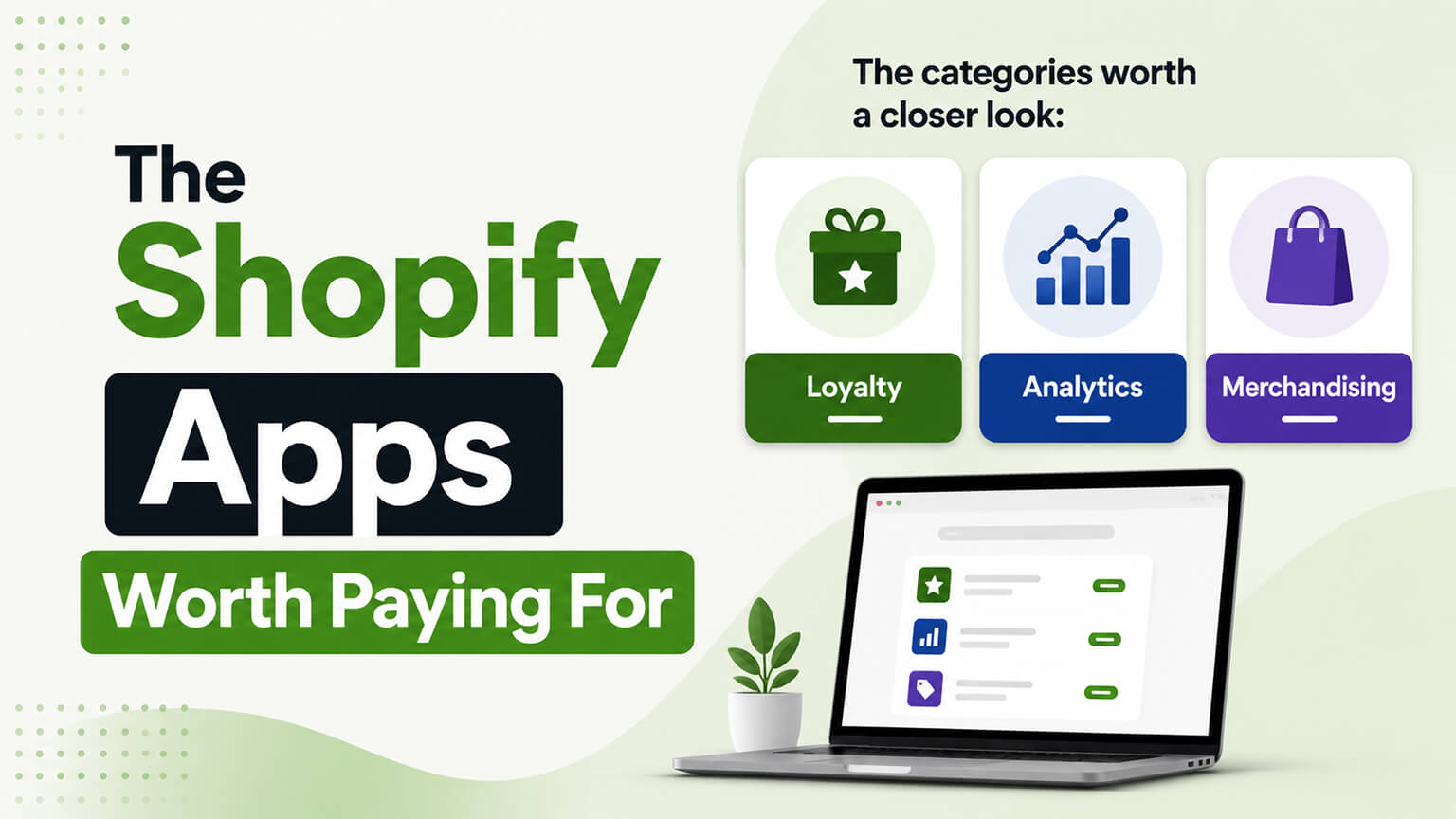
The categories worth a closer look: loyalty, analytics, and merchandising
Beyond the core stack, a few app categories deserve a mention because they earn their place for the right store — and add pure weight for the wrong one, which is exactly the distinction worth being clear about.
Loyalty and referrals is the first. For a brand built on repeat purchases, a well-run loyalty program (points, rewards, tiers) and a referral mechanism (customers bringing in customers) can meaningfully lift retention and lifetime value, which is where the durable money is. The caveat is that loyalty only works if you’ll actually run it — a program set up and neglected is just another app tax and a slightly cluttered store. Add it when you’re committed to operating it as a real part of your retention strategy, not because it sounds like something a serious brand should have. For some stores this is one of the highest-return categories there is; for others it’s a feature nobody engages with.
Analytics and attribution is the second, and it’s underrated. Shopify’s built-in analytics cover a lot, but as you scale you often want a clearer picture of where customers actually come from and what’s driving profit — especially as tracking has gotten harder and simple last-click attribution misleads. A good analytics or attribution tool can pay for itself many times over by telling you which channels and campaigns truly work, so you stop wasting ad spend on what merely looks good in a dashboard. This is a category where the value is in better decisions rather than a visible on-site feature, which is precisely why it’s easy to under-invest in and worth a deliberate look.
Merchandising — bundles, upsells, personalized recommendations — is the third, and it’s the one to approach with the most discipline, because it’s where the annoying, store-slowing apps cluster. Done well, a bundle builder or a relevant recommendation engine lifts average order value while helping shoppers, and it earns its weight. Done carelessly, it’s a pile of overlapping upsell tools throwing irrelevant “you might also like” blocks and popups at people, adding scripts and irritation for little gain. The rule here is relevance and restraint: one solid tool that makes useful, well-placed suggestions beats three that clutter the store. Judge these by whether they help the shopper and lift real revenue, not by whether they add a flashy widget.
The through-line across all three categories is the same as the whole app philosophy: add it when it does a real job for your specific store and you’ll actually use it, and skip it otherwise. A loyalty program you run, an analytics tool that sharpens your decisions, and a single well-chosen merchandising tool can each be excellent investments. The same three, added reflexively and left to gather dust, are just weight.
How to audit the stack you already have
Most stores don’t need a bigger app list — they need to prune the one they’ve got, because app bloat accumulates invisibly, one reasonable-sounding install at a time, until the store is slow and the subscriptions add up. A periodic audit is how you reclaim the speed and money without waiting for a crisis, and it’s worth doing a couple of times a year.
Start by listing every app you’re paying for and, honestly, what each one does for you. This alone is revealing — most owners find apps they forgot they had, apps they trialed and never removed, and several doing overlapping jobs. For each, ask the blunt question: is this earning its keep, driving revenue or saving real time, or is it a feature you tried once and left running? The email platform you use daily stays; the popup app you installed for one campaign a year ago goes. Be ruthless, because every app is both a recurring cost and a speed tax, and sentimentality toward unused apps is exactly how stores get bloated.
Then look for overlap and consolidation. Stores often run two or three apps doing similar things, each adding its own weight — keep the best one and drop the rest. Consider, too, whether several single-purpose apps could be replaced by one better tool, or by native theme functionality and metafields, which are faster and cheaper than a third-party widget for the same job. This is where real speed is often reclaimed.
Crucially, clean up the residue. When you uninstall an app, it sometimes leaves code behind in your theme — orphaned scripts that load on every page and do nothing useful. Checking for and removing this leftover code usually needs a developer who can safely edit theme files, and it’s one of the most common quick wins in a speed audit: deleting code that does nothing but slow the store. An app you “removed” months ago may still be weighing your pages down.
Finish by measuring. Run your product page through PageSpeed Insights before and after the cleanup so you can see (and justify) the gain, and make the audit a recurring habit — a quick pass a couple of times a year — so bloat never accumulates far enough to need a major intervention again. The brands that stay fast aren’t the ones who do one heroic cleanup; they’re the ones who treat every install as a costed decision and periodically clear out what stopped earning. A lean, deliberately maintained stack is faster, cheaper, and calmer to run than a sprawling one, and the audit is how you keep it that way.
The build-versus-buy question
At a certain point, the smartest app decision is to stop adding apps and build the functionality into your store instead, and knowing when to make that shift is worth understanding — because it’s where growing stores reclaim speed, money, and control. The build-versus-buy question is really about whether an app is still the right vehicle for a job you now depend on.
Apps are the right call most of the time, especially early. They’re cheap, fast to deploy, and let you add functionality without custom development — perfect for trying things and for jobs where a good app does exactly what you need. For most stores, most functionality, buying is correct, and there’s no virtue in building for its own sake.
But a few situations tip toward building. The first is app sprawl for a single job: when you’re running several overlapping apps, or paying meaningful monthly fees across a cluster of them, a single custom solution can sometimes do the same work faster, cheaper over time, and with less page weight. The second is a core, differentiating capability: if some functionality is central to how you sell and no app does it quite right, building it means you get exactly what you need instead of bending your business to an app’s assumptions. The third is the speed and cost tax becoming significant: when apps are demonstrably slowing your store or their combined subscriptions have crept high, replacing the worst offenders with native theme functionality or a focused custom build can pay off in both conversion and monthly cost.
The math is a total-cost-of-ownership question, not just a sticker price. An app’s monthly fee, multiplied over years, plus its speed cost and the risk of depending on a third party that can change its pricing or break, weighed against the upfront cost of building and maintaining a custom alternative. For a small store or a non-core feature, the app almost always wins. For a larger store where a job is central, heavily used, and currently served by a pile of overlapping or heavy apps, building can be the better long-term deal — and it removes a dependency you don’t control.
The practical guidance is to default to apps, stay lean and deliberate about which you carry, and periodically ask whether any app-heavy area has reached the point where building would be cheaper, faster, and more reliable over time. Most areas never reach that point, and that’s fine. But recognizing the ones that have — usually your core selling functionality or a cluster of overlapping tools taxing your speed — is how growing stores graduate from a bloated app stack to a lean, fast, owned foundation. Buy by default; build when a job becomes central enough, or an app burden heavy enough, to justify it.
Frequently asked questions
When should I build custom functionality instead of using an app?
Default to apps — they’re cheap, fast, and right for most jobs and most stores. Lean toward building when a few conditions appear: you’re running several overlapping apps or paying meaningful combined fees for one job, the functionality is core to how you sell and no app does it quite right, or the apps’ speed and subscription tax has become significant. The decision is a total-cost-of-ownership question — an app’s fees over years plus its speed cost and third-party risk, versus the upfront cost of building and maintaining an alternative. Most non-core features stay as apps; a central, heavily-used capability or a cluster of overlapping tools is where building can win.
How do I clean up an app stack that’s grown too big?
Audit it a couple of times a year. List every app and honestly assess what each does for you — you’ll usually find forgotten trials, overlapping tools, and features you no longer use. Cut anything that isn’t clearly earning its keep, since every app is both a subscription and a speed tax. Consolidate overlapping apps down to the best one, and consider whether native theme functionality and metafields could replace single-purpose widgets. Importantly, have a developer remove leftover code from apps you uninstalled — orphaned scripts that still load and slow every page. Then measure speed before and after so you can see the gain.
Are loyalty and analytics apps worth it?
For the right store, yes. A loyalty or referral program can meaningfully lift retention and lifetime value for a repeat-purchase brand — but only if you’ll actually run it; set up and neglected, it’s just another app tax. Analytics and attribution tools are underrated: as you scale and tracking gets harder, a good one can pay for itself by revealing which channels truly drive profit, so you stop wasting ad spend on what only looks good. Both are categories where value comes from better decisions or real engagement rather than a flashy widget, so add them when you’ll use them.
What’s the one Shopify app every DTC brand should have?
An email and SMS platform like Klaviyo. For most DTC brands, lifecycle marketing — welcome flows, abandoned cart, post-purchase, win-back — drives a large share of repeat revenue. If you’re paying to acquire customers but not nurturing them with proper flows, you’re filling a leaky bucket.
How many apps is too many?
There’s no magic number — it depends on weight and value, not count. The problem isn’t having ten useful apps; it’s carrying apps you don’t use, overlapping tools, and leftover code from ones you removed. If your store is slow and you can’t remember why half your apps are installed, that’s too many.
Do subscription apps make sense for every store?
No. Subscriptions transform the economics of consumable, replenishable products (coffee, supplements, skincare) but add clutter to stores whose products aren’t naturally repeat-purchase. Add a subscription app when your product really fits the model, not because it’s popular.
Which apps hurt site speed the most?
Generally the ones that inject front-end scripts to render widgets — popups, multiple upsell tools, currency switchers, decorative trust badges — especially when several stack on the product page. They install in two clicks and the speed cost is invisible until your store is slow. Treat each install as a costed decision.