
Semantic HTML for Shopify Themes: Why It Helps SEO
On this page
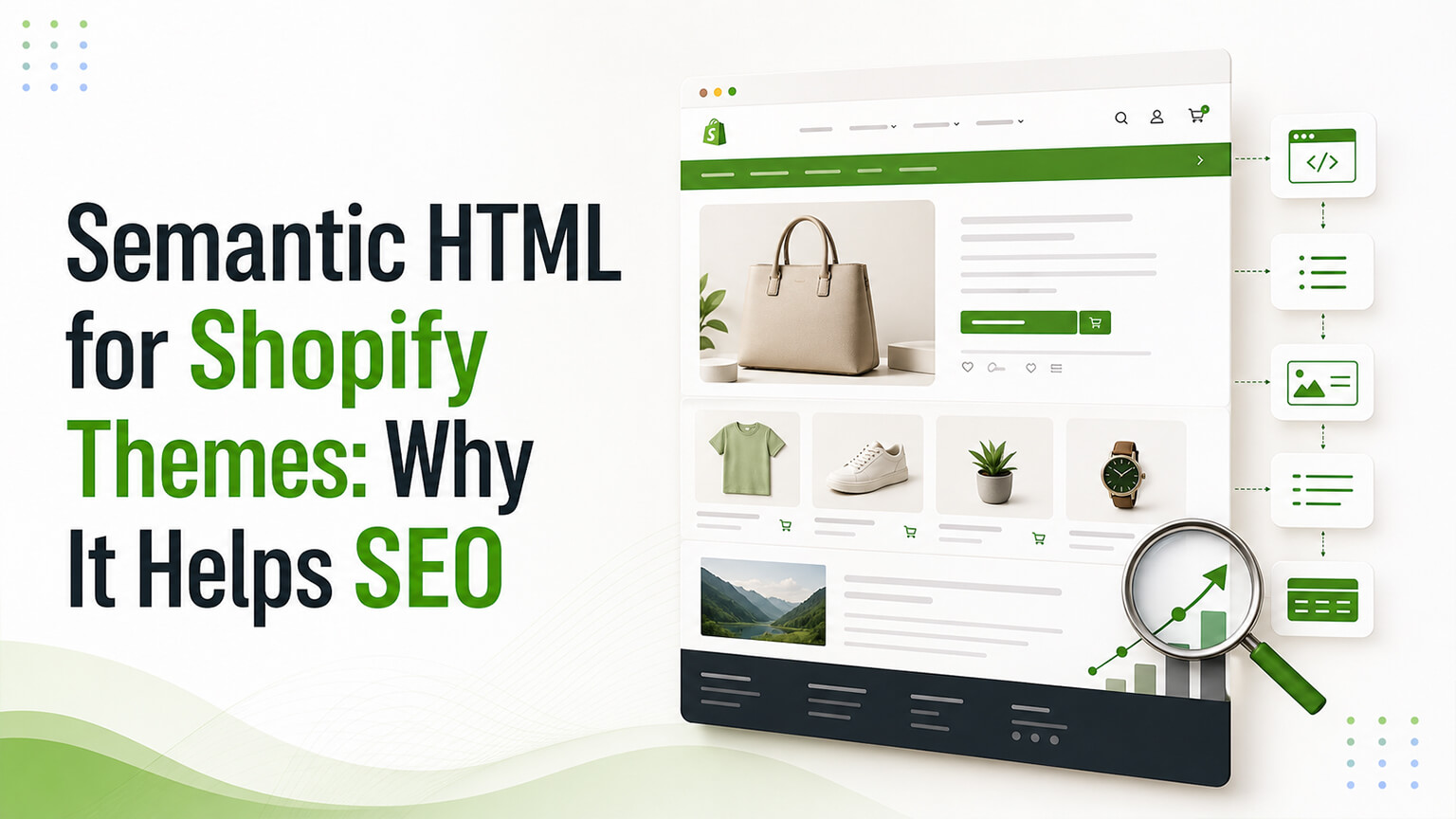
Semantic HTML is one of those foundational, unglamorous things that quietly matters more than it seems. It means using HTML elements according to their meaning — a heading tag for a heading, a `<nav>` for navigation, a `<button>` for a button, a `<main>` for the main content, and so on — rather than using generic `<div>` and `<span>` elements for everything and styling them to look right. For a Shopify theme, semantic HTML helps in several ways that compound: it helps SEO (search engines understand semantically-structured content better), it helps accessibility (assistive technologies rely on semantic structure, as the accessibility discussion covers), it helps maintainability (semantic code is clearer), and it’s simply good practice. It’s not a flashy “SEO hack” — it’s a foundational quality that supports SEO, accessibility, and code quality together. Because it’s largely invisible (it’s in the code, not the visible design), it’s often overlooked, but well-built themes use semantic HTML, and it’s worth understanding why it matters. This piece explains semantic HTML for Shopify themes and why it helps SEO. (This connects to the accessibility and technical-SEO discussions, which overlap heavily; this focuses on semantic HTML.)
This piece covers what semantic HTML is, why it helps SEO, how it helps accessibility and maintainability too, and how it applies to Shopify themes. Because it’s a foundational quality supporting SEO, accessibility, and code quality, worth understanding and ensuring in your theme. Let me walk through it.
What semantic HTML is
Let’s define it clearly. Using tags for their meaning — semantic HTML means using HTML elements according to their semantic meaning: a heading (`<h1>`–`<h6>`) for headings, `<nav>` for navigation, `<main>` for the main content, `<article>` for a self-contained piece of content, `<section>` for a section, `<button>` for a button, `<a>` for a link, `<ul>`/`<ol>`/`<li>` for lists, `<header>` and `<footer>` for those regions, and so on — each element used for the kind of content it’s meant for. Versus non-semantic — the non-semantic alternative is using generic `<div>` and `<span>` elements for everything (a “div soup”) and styling them to look right, without conveying meaning through the tags. For example, a non-semantic approach might use a styled `<div>` as a heading or a clickable `<div>` as a button, whereas the semantic approach uses an `<h2>` and a `<button>`. Meaning in the markup — semantic HTML puts meaning in the markup: the tags convey what the content is (this is a heading, this is navigation, this is a button), not just how it looks, so the structure is meaningful and machine-readable. The heading hierarchy — a key aspect is a proper heading hierarchy: one `<h1>` (the main page heading), then `<h2>`s for main sections, `<h3>`s for subsections, etc., in a logical order — conveying the content’s structure. So semantic HTML is using HTML elements according to their meaning (headings, nav, main, button, lists, etc.), putting meaning in the markup, versus a non-semantic “div soup” that only looks right — with a proper heading hierarchy being a key aspect. So understand semantic HTML as meaningful, correctly-tagged markup, which the next sections show helps SEO, accessibility, and maintainability. It’s a code-quality foundation, largely invisible in the rendered page but meaningful in the markup.
Why semantic HTML helps SEO
Semantic HTML helps SEO in several ways. Search engines understand structure — search engines parse your HTML to understand your content, and semantic HTML gives them clear structural signals (this is the main heading, these are sections, this is navigation, this is the main content), helping them understand your content’s structure and meaning better than a non-semantic div soup (where the structure is unclear). Heading hierarchy conveys content structure — a proper heading hierarchy (one `<h1>`, logical `<h2>`s and `<h3>`s) conveys your content’s structure and topical organisation to search engines (what the page is about, what the main sections are), which helps them understand and rank the content — headings are a real SEO signal, and a clear hierarchy helps. Main content identification — semantic elements like `<main>`, `<article>`, and `<nav>` help search engines identify the main content versus navigation, headers, and footers, so they focus on the important content — helping them understand what matters on the page. Better content understanding = better SEO — overall, when search engines understand your content’s structure and meaning better (via semantic HTML), they can index and rank it more effectively, so semantic HTML supports SEO by aiding content understanding. Supports rich results and features — clear, semantic structure can support search features (semantic structure, combined with structured data as the schema discussion covers, helps search engines extract and feature content). And it’s a quality signal — well-structured, semantic HTML is part of overall technical quality (as the technical-SEO discussion covers), which supports SEO. So semantic HTML helps SEO by giving search engines clear structural signals (helping them understand your content’s structure and meaning), with the heading hierarchy conveying content structure (a real SEO factor), semantic elements identifying the main content, and overall better content understanding supporting indexing and ranking. It’s not a dramatic ranking booster on its own, but it’s a foundational quality that helps search engines understand your content — which supports SEO. So ensure your theme uses semantic HTML (especially a proper heading hierarchy), supporting search engines’ understanding of your content. The SEO benefit is real, if foundational rather than flashy.
How it helps accessibility and maintainability too
Semantic HTML’s benefits extend beyond SEO to accessibility and maintainability, which is why it’s so worthwhile. Accessibility — semantic HTML is fundamental to accessibility (as the accessibility discussion covers): assistive technologies (screen readers) rely on semantic structure to convey the page to users with disabilities — headings for navigation, `<nav>` for navigation, `<button>` for buttons, proper structure — so semantic HTML makes your store accessible (and non-semantic div soup makes it inaccessible, since assistive tech can’t interpret it). For example, a screen reader user navigates by headings, so a proper heading hierarchy is essential; a `<button>` is operable and announced correctly, while a clickable `<div>` may not be. So semantic HTML is a foundation of accessibility (which matters for inclusion, for the significant population using assistive tech, and for legal compliance, as the accessibility discussion covers). Maintainability — semantic HTML is clearer and more maintainable code: developers reading semantic markup understand the structure and meaning (this is the nav, this is the main content) more easily than a div soup, making the code easier to work with, maintain, and modify (as the maintainability discussion covers). Robustness and future-proofing — semantic HTML is more robust and future-proof (it works well across browsers, devices, and future tools that rely on standard semantics). And it aligns SEO, accessibility, and quality — crucially, semantic HTML serves SEO, accessibility, and code quality together: the same semantic structure that helps search engines understand your content helps assistive technologies convey it and helps developers maintain it — so it’s a single foundational practice with multiple compounding benefits. So semantic HTML helps accessibility (fundamental for assistive technologies and inclusion/compliance), maintainability (clearer, easier-to-maintain code), and robustness/future-proofing — and crucially, it serves SEO, accessibility, and code quality together (one practice, multiple benefits). This alignment is why semantic HTML is so worthwhile: it’s not just an SEO thing, but a foundational quality benefiting SEO, accessibility, and maintainability simultaneously. So value semantic HTML for all these benefits, not just SEO — it’s a foundational practice with compounding returns.
How it applies to Shopify themes
For Shopify themes specifically, how does semantic HTML apply? It’s in the theme code — semantic HTML is a property of your theme’s code (the HTML/Liquid the theme generates), so whether your store uses semantic HTML depends on how the theme is built. Good themes use it — well-built themes (quality themes, well-built custom themes) generally use semantic HTML (proper headings, semantic elements, good structure), so choosing a quality theme (as the theme discussion covers) gives you semantic HTML. Poorly-built themes may not — poorly-built themes or careless customisations may use non-semantic markup (div soup, wrong heading hierarchy, non-semantic elements), undermining the benefits — a quality concern when choosing or customising themes. Customisation can help or hurt — theme customisation and development can maintain semantic HTML (good developers do) or introduce non-semantic markup (careless work), so ensure customisations preserve semantic structure. Heading hierarchy in content — beyond the theme’s structure, ensure the heading hierarchy in your content (pages, blog posts, product descriptions) is proper (one H1, logical H2s/H3s — often controllable via the content editor and theme), since content headings matter too. Check and improve it — you can check your theme’s semantic HTML (a developer can review it, or accessibility/SEO audits reveal issues) and improve it (fixing non-semantic markup, heading hierarchy) if needed. And it’s mostly developer territory — ensuring good semantic HTML is largely developer/theme territory (building or choosing a theme with good semantic markup, maintaining it in customisations), so it’s about theme quality and good development, plus attention to content heading hierarchy. So for Shopify themes, semantic HTML is a property of the theme’s code — good themes use it, poor ones may not, and customisation can help or hurt — so ensure your theme is well-built (semantic markup, proper heading hierarchy) and that customisations and content preserve it. So choose a quality theme, ensure good development practices (semantic markup), and mind your content’s heading hierarchy — getting the semantic-HTML benefits for SEO, accessibility, and maintainability. It’s mostly about theme quality and good development, worth ensuring for the compounding benefits.
A worked example: div soup vs. semantic markup
To make the difference concrete, picture the same product page built two ways. In the non-semantic version, nearly everything is a styled `<div>`: the product name is a `<div>` made to look big and bold, the “Add to cart” control is a clickable `<div>`, the navigation is a pile of `<div>`s, the reviews section is `<div>`s, and there’s no real heading hierarchy — just visually-styled text. It looks fine to a sighted shopper on a normal browser, because CSS makes it all appear correct. But under the surface it’s meaningless: a search engine crawling it sees no clear heading telling it what the page is about, no clear main content versus navigation, no structural signals — just a wall of undifferentiated divs. A screen reader user is worse off: they can’t navigate by headings (there aren’t real ones), the “Add to cart” div may not be announced or operable as a button, and the page is a confusing, hard-to-use blur.
In the semantic version, the same page uses the right elements: the product name is an `<h1>`, the page has a logical heading hierarchy (`<h2>`s for sections like description, reviews, related products), the navigation is a `<nav>`, the main content sits in `<main>`, the “Add to cart” control is a real `<button>`, reviews are structured appropriately, and lists are actual lists. It looks identical to the sighted shopper — but now the search engine can clearly read what the page is about and how it’s organised (aiding indexing and ranking), the screen reader user can navigate by headings and operate the real button (the page is accessible), and any developer reading the code immediately understands the structure (it’s maintainable). Same visual result, dramatically different quality underneath. That contrast is the whole point of semantic HTML: the benefits are invisible in the rendered design but very real for search engines, assistive technology, and developers — which is exactly why it’s easy to neglect and worth insisting on.
Semantic HTML as a shared foundation
The most useful way to think about semantic HTML is as a shared foundation that several things you care about all sit on top of — which is why it repays attention even though it’s invisible. Good SEO, good accessibility, and maintainable code are often treated as separate concerns handled by different people at different times, but semantic HTML is a single practice that serves all three at once. The proper heading hierarchy that helps search engines understand your content’s structure is the same hierarchy a screen reader user navigates by. The `<main>`, `<nav>`, and `<button>` elements that help search engines identify content and that make the page operable for assistive tech are the same clear markup that makes the code readable for developers. You don’t do semantic HTML three times for three reasons; you do it once and get three benefits.
This shared-foundation quality has a practical implication: it means semantic HTML is high-leverage and worth building in from the start rather than retrofitting. When a theme is built semantically from the beginning, SEO, accessibility, and maintainability are all supported as a matter of course; when it’s built as div soup, all three suffer, and fixing it later means reworking the markup (which can be substantial). It also means the people who care about SEO, the people who care about accessibility and compliance (as the accessibility discussion covers), and the developers who maintain the theme are all served by the same standard — so insisting on semantic HTML in your theme and its customisations is one decision that pays off across all of them. So rather than viewing semantic HTML as a narrow SEO detail, view it as a baseline quality standard for your theme’s code: get it right once, and it quietly supports your search visibility, your accessibility and legal standing, and your ability to maintain and evolve the store — all at the same time. That multiplier is what makes an unglamorous, invisible practice worth caring about.
The bottom line
Semantic HTML — using HTML elements according to their meaning (a heading tag for a heading, `<nav>` for navigation, `<button>` for a button, `<main>` for the main content, lists for lists, and so on, with a proper heading hierarchy) rather than a generic `<div>` “div soup” styled to look right — is a foundational, unglamorous quality that quietly matters more than it seems. It puts meaning in the markup, so the structure is meaningful and machine-readable. It helps SEO because search engines parse your HTML to understand your content, and semantic HTML gives them clear structural signals: the heading hierarchy conveys your content’s structure and topical organisation (a real SEO factor), semantic elements like `<main>`, `<article>`, and `<nav>` help identify the main content versus navigation and chrome, and overall better content understanding supports indexing and ranking. It’s not a flashy ranking hack, but a foundational quality that helps search engines understand your content. Crucially, its benefits extend beyond SEO: semantic HTML is fundamental to accessibility (assistive technologies like screen readers rely on semantic structure — headings for navigation, proper elements for buttons and links — so semantic HTML makes your store accessible, which matters for inclusion, the significant population using assistive tech, and legal compliance), and it aids maintainability (clearer, easier-to-maintain code) and robustness/future-proofing. The key point is that semantic HTML serves SEO, accessibility, and code quality together — one foundational practice with multiple compounding benefits. For Shopify themes, semantic HTML is a property of the theme’s code: well-built themes use it (proper headings, semantic elements, good structure), while poorly-built themes or careless customisations may not (div soup, wrong heading hierarchy), so ensuring good semantic HTML is about choosing a quality theme, ensuring good development practices (semantic markup maintained in customisations), and minding your content’s heading hierarchy (one H1, logical H2s/H3s). It’s largely developer and theme-quality territory. So value semantic HTML for all its benefits — SEO, accessibility, and maintainability together — and ensure your theme and its customisations use it well. It’s a foundational quality with compounding returns, worth getting right even though (or precisely because) it’s largely invisible in the rendered design.
Frequently asked questions
What is semantic HTML?
Semantic HTML means using HTML elements according to their meaning — a heading tag (`<h1>`–`<h6>`) for a heading, `<nav>` for navigation, `<main>` for the main content, `<article>` for a self-contained piece of content, `<button>` for a button, `<a>` for a link, `<ul>`/`<li>` for lists, and so on — so the tags convey what the content is, not just how it looks. The non-semantic alternative is using generic `<div>` and `<span>` elements for everything (a “div soup”) and styling them to look right, which conveys no meaning through the markup. A key aspect of semantic HTML is a proper heading hierarchy: one `<h1>` (the main page heading), then `<h2>`s for main sections, `<h3>`s for subsections, in logical order. Semantic HTML puts meaning in the markup, making the structure meaningful and machine-readable.
How does semantic HTML help SEO?
Search engines parse your HTML to understand your content, and semantic HTML gives them clear structural signals about what your content is and how it’s organised. A proper heading hierarchy conveys your content’s structure and topical organisation (what the page is about, what the main sections are), which is a real SEO factor. Semantic elements like `<main>`, `<article>`, and `<nav>` help search engines identify the main content versus navigation, headers, and footers, so they focus on what matters. Overall, when search engines understand your content’s structure and meaning better — which semantic HTML enables — they can index and rank it more effectively. It’s not a dramatic standalone ranking booster, but a foundational quality that aids content understanding and supports SEO as part of overall technical quality.
Does semantic HTML matter for more than SEO?
Yes — and this is why it’s so worthwhile. Semantic HTML is fundamental to accessibility: assistive technologies like screen readers rely on semantic structure to convey the page to users with disabilities (navigating by headings, operating proper `<button>` elements, understanding `<nav>` as navigation), so semantic HTML makes your store accessible while a non-semantic div soup makes it inaccessible — which matters for inclusion, the significant population using assistive technology, and legal compliance. It also aids maintainability (semantic code is clearer and easier for developers to work with and modify) and robustness/future-proofing. Crucially, the same semantic structure serves SEO, accessibility, and code quality together, so semantic HTML is one foundational practice with multiple compounding benefits — not just an SEO consideration.
How do I ensure my Shopify theme uses semantic HTML?
Since semantic HTML is a property of your theme’s code, it comes down to theme quality and good development. Choose a quality theme (well-built themes, especially good Online Store 2.0 themes, generally use semantic HTML — proper headings, semantic elements, good structure), since poorly-built themes may use non-semantic markup. Ensure any customisation or custom development preserves semantic structure (good developers do; careless work can introduce div soup or break the heading hierarchy). Mind your content’s heading hierarchy (one H1, logical H2s and H3s in pages, blog posts, and product descriptions), which you often control via the content editor. And you can have a developer review your theme’s semantic HTML, or use accessibility and SEO audits that reveal issues, then fix any problems. It’s largely developer and theme-quality territory, worth ensuring for the compounding SEO, accessibility, and maintainability benefits.