
Product Filtering and Search That Actually Helps People Buy
On this page
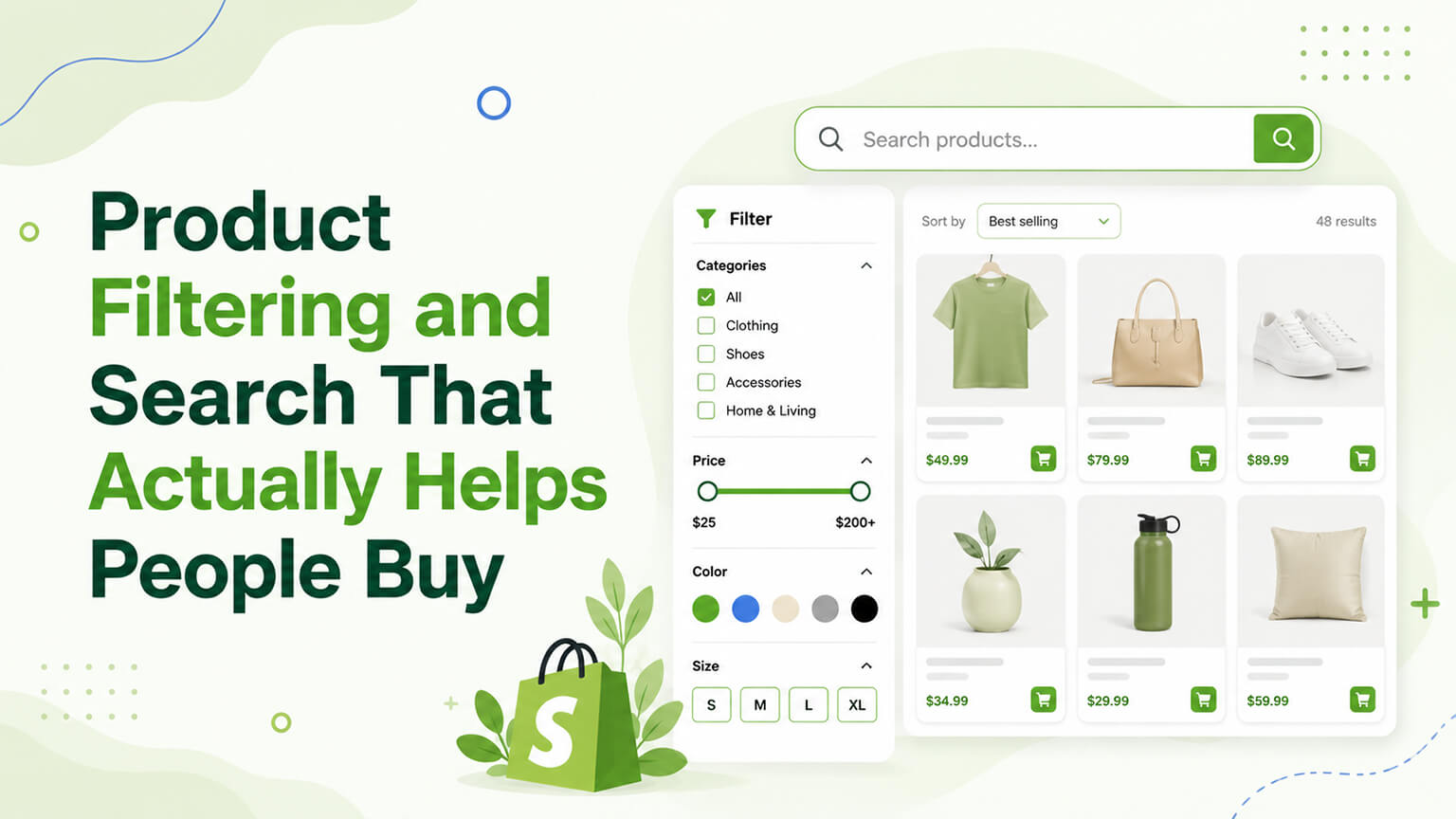
When a shopper can’t find what they want, they don’t buy — they leave. So the tools that help shoppers find products — on-site search and product filtering — are quietly among the most important conversion features on an ecommerce store, especially for stores with large catalogues. Good search (a shopper types what they want and finds it fast) and good filtering (a shopper narrows a category by the attributes that matter — size, colour, price, type) help shoppers find what they want quickly, supporting conversion. Poor search and filtering (search that returns nothing or irrelevant results, filtering that’s missing, clunky, or unhelpful) frustrate shoppers and lose sales. For stores with substantial catalogues especially, getting search and filtering right is a high-impact conversion lever, often underappreciated. So understanding what good search and filtering look like, and how to get them right on Shopify, helps you turn finding-products from a friction point into a conversion-supporting strength.
This piece covers why search and filtering matter for conversion, what good on-site search looks like, what good filtering looks like, and how to approach them on Shopify. Because helping shoppers find what they want is fundamental to conversion, and good search and filtering are how you do it — especially for larger catalogues. Let me walk through it.
Why search and filtering matter for conversion
Search and filtering matter for conversion because finding products is fundamental to buying. If they can’t find it, they don’t buy — a shopper who can’t find what they want (search fails, filtering is missing or unhelpful) leaves without buying, a direct conversion loss. High intent — shoppers who use search are often high-intent (they know what they want and are looking for it), so serving them well (good search results) converts high-intent shoppers, while failing them (bad results) loses high-value visitors. Large catalogues need it — for stores with large catalogues (many products), browsing alone isn’t enough; shoppers need search and filtering to navigate to what they want, so these tools are essential for larger catalogues. Reduces friction — good search and filtering reduce the friction of finding products (fast, easy navigation to relevant products), supporting conversion by making the path to purchase smooth. Supports discovery — good filtering helps shoppers discover relevant products (narrowing to what fits their needs), supporting both finding and discovery. And mobile matters — on mobile (much traffic), good search and filtering are especially important (browsing large catalogues on mobile is hard without them).
So search and filtering matter because finding products is fundamental to buying — failing to help shoppers find products loses sales (especially high-intent searchers and large-catalogue navigation), while good search and filtering reduce friction, serve high-intent shoppers, support discovery, and work on mobile. For stores with substantial catalogues especially, this is a high-impact, often-underappreciated conversion lever — many stores under-invest in search and filtering, losing sales to findability friction. So recognise search and filtering as important conversion features (not afterthoughts), especially for larger catalogues, and invest in getting them right — turning findability from a friction point into a conversion strength. The next sections cover what good search and filtering look like.
What good on-site search looks like
Good on-site search has several characteristics. Relevant results — search returns relevant results for what the shopper typed (the most important thing — search must actually find the right products), handling the query well. Handles real queries — it handles real-world queries: typos and misspellings (returning results despite typos), synonyms (understanding different words for the same thing), natural language (handling how people actually search), and partial queries — so it works for how people really search, not just exact matches. Fast and responsive — search is fast (quick results) and responsive (e.g., autocomplete/suggestions as they type), supporting a smooth experience. Good results presentation — search results are well-presented (relevant products, with images, prices, key info, and the ability to filter/sort results), helping the shopper choose. No dead ends — search handles no-results gracefully (suggestions, alternatives, popular products) rather than a dead-end “no results” page that loses the shopper. Autocomplete/suggestions — search suggestions and autocomplete (showing products/suggestions as they type) speed finding and guide shoppers. And search analytics — tracking what people search (and what returns no results) reveals demand, gaps, and search problems to fix (a valuable data source).
So good on-site search returns relevant results (the key thing), handles real-world queries (typos, synonyms, natural language), is fast and responsive (autocomplete), presents results well (with filtering/sorting), handles no-results gracefully (no dead ends), offers autocomplete/suggestions, and provides search analytics (revealing demand and problems). Good search serves high-intent searchers well (finding what they want fast), converting them, while bad search (irrelevant results, dead ends, no typo handling) loses them. So invest in good search — relevant, query-handling, fast, well-presented, no-dead-end, with analytics — especially for larger catalogues where search is essential. For Shopify, this often means a good search app/tool (since Shopify’s native search is basic), which the Shopify section covers. Good search is a high-impact conversion lever for stores where shoppers search.
What good filtering looks like
Good product filtering (faceted navigation) has several characteristics. Relevant filters — the filters offered match what shoppers care about for that category (size, colour, price, type, brand, material, features — the attributes relevant to choosing), so shoppers can narrow by what matters to them. Comprehensive but not overwhelming — enough filters to usefully narrow (covering the important attributes), but not so many or so granular that it’s overwhelming, balancing comprehensiveness and simplicity. Works well — filtering works smoothly (applying filters updates results quickly and correctly, combining filters works, clear what’s applied), without bugs or clunkiness. Good UX — filtering is easy to use (clear, accessible, easy to apply and remove filters, see what’s applied), on both desktop and mobile (mobile filtering UX is especially important and often poorly done). Accurate — filters accurately reflect the products (a filter for “red” shows red products, product attributes are correctly tagged), so filtering is reliable. Combines with sorting — filtering plus sorting (price, popularity, newness) lets shoppers narrow and order results, finding what they want. And mobile-friendly — filtering works well on mobile (a common weak point — mobile filtering is often clunky), with good mobile UX.
So good filtering offers relevant filters (matching what shoppers care about), is comprehensive but not overwhelming, works smoothly (applies correctly, combines, clear), has good UX (easy to use, desktop and mobile), is accurate (filters reflect products correctly — requires good product data/tagging), combines with sorting, and is mobile-friendly. Good filtering helps shoppers narrow large catalogues to relevant products (supporting finding and conversion), while poor filtering (missing, clunky, inaccurate, bad mobile) frustrates and loses shoppers. A foundation for good filtering is good product data (attributes correctly tagged via metafields/tags, as the metafields discussion covers), since filters rely on accurate product attributes. So invest in good filtering — relevant, balanced, smooth, well-UXed, accurate, mobile-friendly, built on good product data — especially for larger catalogues. Good filtering is a high-impact conversion lever for catalogue navigation.
How to approach search and filtering on Shopify
For Shopify, approaching search and filtering involves some specifics. Native limitations — Shopify’s native search and filtering are relatively basic (native search is limited; native filtering via Search & Discovery app or theme filtering is decent but may not be enough for large/complex catalogues), so many stores need more. Search & Discovery app — Shopify’s free Search & Discovery app adds search and filtering capabilities (filters, search improvements, recommendations), a good starting point for many stores. Dedicated search/filtering apps — for larger catalogues or more advanced needs, dedicated search and filtering apps (with better relevance, typo handling, faceted filtering, analytics) provide more capable search and filtering — weigh the app (cost, bloat, as the app-speed discussion covers) against the conversion benefit (often worth it for large catalogues where search/filtering is high-impact). Good product data — ensure good product data (attributes tagged correctly via metafields/tags, as the metafields discussion covers), since filtering relies on it. Theme integration — ensure search and filtering are well-integrated into the theme (good UX, mobile-friendly, well-presented). And test and analyse — use search analytics (what people search, no-results) and test/optimise search and filtering (as the A/B-testing discussion covers), continuously improving.
So approach search and filtering on Shopify by recognising native limitations, using the Search & Discovery app (a good start) or dedicated search/filtering apps (for larger/advanced needs, weighing the app trade-off against the high conversion benefit), ensuring good product data (filtering relies on it), integrating well into the theme (UX, mobile), and using analytics and testing to improve. For larger catalogues especially, investing in capable search and filtering (a good app, good product data, good UX) is often a high-ROI conversion improvement, since findability is so fundamental to conversion. So assess your needs (catalogue size, complexity) and invest accordingly — native/Search & Discovery for simpler stores, dedicated apps for larger/complex catalogues — getting search and filtering that helps shoppers find what they want and buy. Done well, search and filtering turn findability into a conversion strength, especially for catalogue-heavy stores.
A worked example: search analytics revealing hidden demand
One of the most underused assets in ecommerce is search analytics — the record of what shoppers type into your search box — and a quick worked example shows why it’s worth watching. Picture a home goods store that started reviewing its on-site search data and found three telling patterns. First, a surprising number of searches for “linen curtains” returned no results — the store sold linen curtains, but they were tagged and titled as “flax drapery,” so the search didn’t match the words customers actually used. That’s pure lost revenue from a vocabulary mismatch, fixed by adding synonyms and adjusting product titles and tags. Second, “blackout” was one of the most frequent search terms, revealing strong demand for a feature the store hadn’t merchandised prominently — so they created a “blackout curtains” collection and featured it in navigation. Third, a cluster of searches for a product type the store didn’t carry at all signalled a genuine assortment gap worth considering for buying.
None of this required guesswork — the shoppers told the store exactly what they wanted by typing it. The lesson is that search analytics is a direct line to customer intent and demand: the no-results searches reveal vocabulary mismatches and assortment gaps (both costing sales), the high-frequency searches reveal what to merchandise prominently, and the patterns over time reveal shifting demand. Acting on it — fixing no-results queries with synonyms and tagging, merchandising high-demand terms, and feeding assortment gaps into buying decisions — turns search from a passive feature into an active source of conversion gains and merchandising insight. So whatever search tool you use, make sure it captures search analytics, and review them regularly; the data is some of the highest-signal, lowest-cost insight an ecommerce store has access to.
Filtering, SEO, and the crawl trap to avoid
Filtering and SEO intersect in a way that’s worth understanding, because done carelessly, faceted filtering can quietly create SEO problems. Every filter combination can potentially generate a unique URL (a “filtered” version of a collection — say, blue + size medium + under $50), and if search engines crawl and index endless filter-combination URLs, you can end up with crawl-budget waste and thin, near-duplicate pages diluting your collection’s SEO. This is the classic faceted-navigation SEO trap. The general approach is to let filtering serve users freely (it’s a conversion tool) while controlling what search engines index — typically keeping your clean, canonical collection pages indexable and using canonical tags, robots directives, or parameter handling so that infinite filter-combination URLs don’t get indexed as separate thin pages.
The flip side is that some filtered views correspond to genuine, high-demand search terms (like “blackout curtains” or “men’s running shoes size 11”) and are worth turning into proper, indexable, optimised collection or landing pages — capturing that search demand deliberately, as the collection-page SEO discussion covers. So the nuanced approach is: serve all filtering to users for conversion, prevent infinite filter URLs from creating thin indexed pages, and selectively promote valuable filtered views into real optimised pages. On Shopify, the Search & Discovery app and well-built theme filtering handle much of the user-facing side, but the indexation control is something to get right (often with developer or SEO input) so that good filtering for shoppers doesn’t accidentally undermine your SEO. Getting this balance right means filtering helps both conversion (shoppers find products) and SEO (clean pages rank, valuable filtered views are captured) rather than helping one and hurting the other.
The bottom line
When shoppers can’t find what they want, they don’t buy — they leave — so on-site search and product filtering are quietly among the most important conversion features on an ecommerce store, especially for larger catalogues. They matter because finding products is fundamental to buying: failing to help shoppers find products loses sales (especially high-intent searchers and large-catalogue navigation), while good search and filtering reduce friction, serve high-intent shoppers, support discovery, and work on mobile. Good on-site search returns relevant results (the key thing), handles real-world queries (typos, synonyms, natural language), is fast and responsive (autocomplete), presents results well, handles no-results gracefully (no dead ends), and provides search analytics (revealing demand and problems). Good filtering offers relevant filters (matching what shoppers care about), is comprehensive but not overwhelming, works smoothly, has good UX (desktop and especially mobile, a common weak point), is accurate (built on good product data), and combines with sorting. On Shopify, native search and filtering are relatively basic, so approach this by using the free Search & Discovery app (a good start) or dedicated search/filtering apps (for larger or advanced needs, weighing the app trade-off against the high conversion benefit), ensuring good product data (filtering relies on accurate attributes), integrating well into the theme (UX, mobile), and using analytics and testing to improve. For larger catalogues especially, investing in capable search and filtering is often a high-ROI conversion improvement, since findability is so fundamental — yet it’s often underappreciated and under-invested. So treat search and filtering as the important conversion features they are, invest in getting them right for your catalogue, and turn findability from a friction point that loses sales into a conversion strength that helps shoppers find what they want and buy.
Frequently asked questions
How much do search and filtering affect conversion?
A lot, especially for stores with substantial catalogues — because finding products is fundamental to buying. Shoppers who can’t find what they want leave without buying, a direct conversion loss, and shoppers who use search are often high-intent (they know what they want), so serving them well converts high-value visitors while failing them loses them. For large catalogues, browsing alone isn’t enough — shoppers need search and filtering to navigate to what they want. Yet search and filtering are often underappreciated and under-invested, making them a high-ROI conversion opportunity for many stores, particularly catalogue-heavy ones where findability friction quietly costs significant sales.
Is Shopify’s built-in search good enough?
For smaller, simpler stores, Shopify’s native search plus the free Search & Discovery app (which adds filtering and search improvements) is often a decent starting point. But Shopify’s native search is relatively basic, and for larger catalogues or more advanced needs (better relevance, robust typo and synonym handling, sophisticated faceted filtering, search analytics), many stores benefit from a dedicated search and filtering app. Whether you need more depends on your catalogue size and complexity and how much shoppers rely on search — for catalogue-heavy stores where search and filtering are high-impact, investing in a capable dedicated tool is often worth the cost and weighs well against the conversion benefit.
What makes on-site search good?
Above all, relevant results — search must actually find the right products for what the shopper typed. Beyond that: handling real-world queries (typos, misspellings, synonyms, natural language, not just exact matches), being fast and responsive (with autocomplete and suggestions), presenting results well (relevant products with images, prices, and the ability to filter and sort), handling no-results gracefully (suggestions and alternatives, not a dead-end page), and providing search analytics (what people search and what returns nothing reveals demand, gaps, and problems to fix). Good search serves high-intent searchers by helping them find what they want fast, converting them; bad search loses them.
Why is mobile filtering so important?
Because much ecommerce traffic is on mobile, and browsing a large catalogue on a small screen is hard without good filtering — yet mobile filtering UX is a common weak point, often clunky or poorly implemented. On mobile, shoppers especially need to narrow a category to relevant products quickly (by size, colour, price, type), and if filtering is hard to use, missing, or clunky on mobile, they struggle to find what they want and leave. So good, easy-to-use mobile filtering (clear, accessible, easy to apply and remove filters, see what’s applied) is essential for mobile conversion, and it’s worth specifically checking and optimising your filtering on mobile, not just desktop.
Can product filtering hurt my SEO?
It can, if handled carelessly. Every filter combination can generate a unique URL, and if search engines crawl and index endless filter-combination pages (blue + medium + under $50, and so on), you get crawl-budget waste and thin, near-duplicate pages that dilute your collection’s SEO — the classic faceted-navigation trap. The approach is to let filtering serve users freely (it’s a conversion tool) while controlling indexation: keep clean canonical collection pages indexable and use canonical tags, robots directives, or parameter handling so infinite filter URLs aren’t indexed as separate thin pages. The nuance is that some filtered views match genuine high-demand searches (like “blackout curtains”) and are worth promoting into real, optimised, indexable collection pages — capturing that demand deliberately while suppressing the rest.