
Measuring Shopify SEO: GA4 and Search Console Setup
On this page
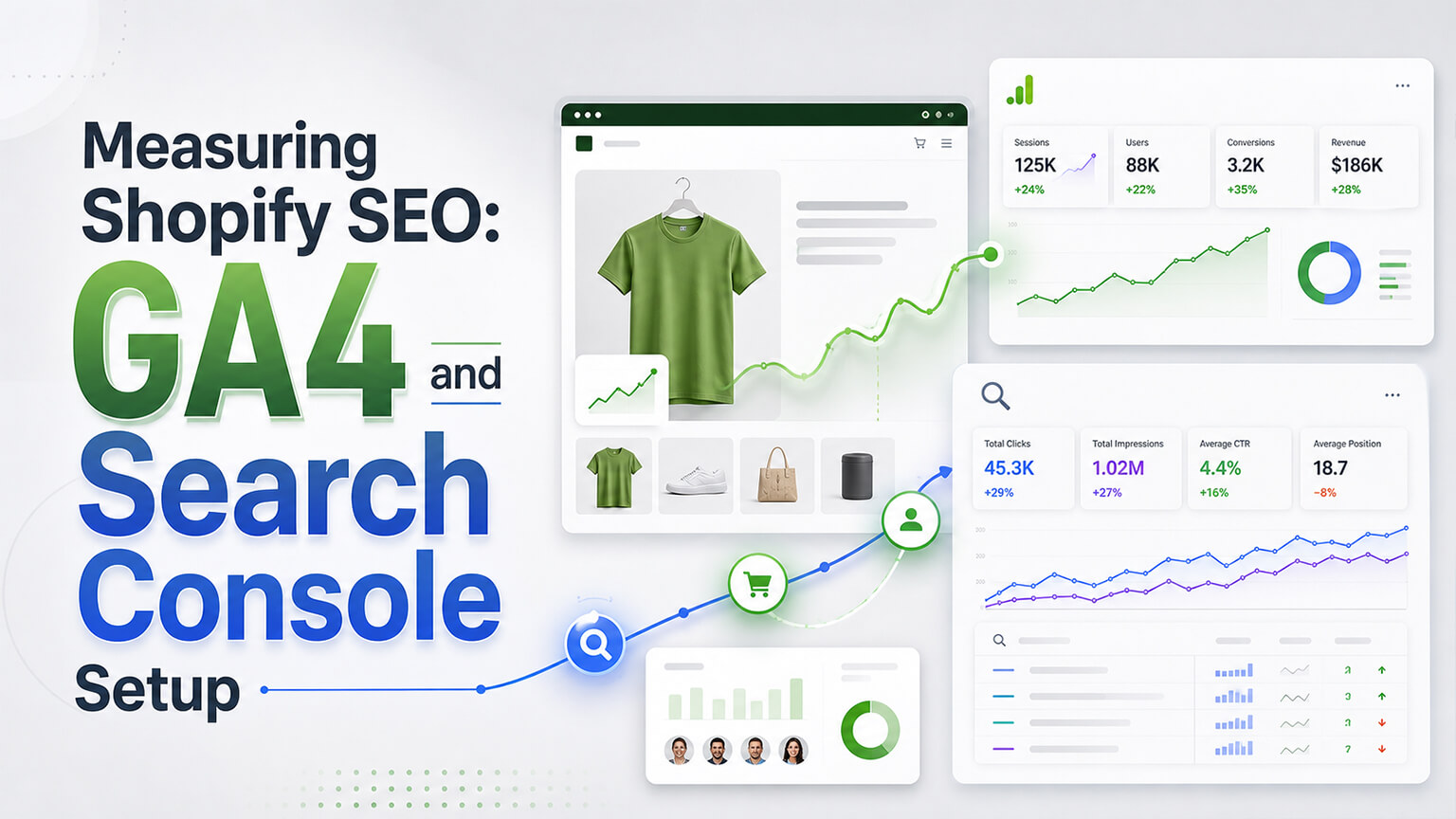
SEO without measurement is guesswork — you can’t know what’s working, what isn’t, or whether your efforts are paying off without tracking the right data. For Shopify SEO, two tools are essential: Google Search Console (which shows how your store performs in Google search — impressions, clicks, rankings, indexing, issues) and Google Analytics 4 (GA4, which shows what happens when visitors arrive — traffic, behavior, conversions, and attribution to SEO/organic). Together, Search Console (the search side — how you’re found) and GA4 (the behavior/conversion side — what visitors do) give you the picture you need to understand and improve your SEO. Setting them up correctly for your Shopify store, and knowing what to track, is foundational to doing SEO well (rather than flying blind). This piece covers setting up GA4 and Search Console for Shopify and what to track to actually understand your SEO. (This connects to the SEO-guide and metrics discussions; this focuses on measurement setup.)
This piece covers why measurement matters, setting up Google Search Console, setting up GA4 for Shopify, and what to track (the metrics that matter for SEO). Because you can’t improve SEO you don’t measure, and proper setup plus the right metrics gives you the understanding to improve. Let me walk through it.
Why measurement matters for SEO
Measurement matters for SEO because without it, you’re guessing. Know what’s working — measurement shows what’s working (which content ranks and drives traffic, which efforts pay off) and what isn’t, so you can do more of what works and fix what doesn’t — versus guessing. Understand performance — measurement gives you the picture of your SEO performance (traffic, rankings, visibility, conversions from organic), so you understand where you stand and how you’re trending. Catch problems — measurement catches problems (traffic drops, indexing issues, ranking losses, technical problems) so you can address them (as the traffic-drop discussion covers) — problems you’d miss without monitoring. Guide strategy — measurement data guides your SEO strategy (what to focus on, what’s working, opportunities), grounding decisions in data (not guesses). Prove ROI — measurement shows the results of SEO (traffic, conversions, revenue from organic), demonstrating the value/ROI of SEO efforts. And enable improvement — fundamentally, you can’t systematically improve what you don’t measure, so measurement enables the measure-improve cycle that drives SEO progress. So measurement matters because it shows what’s working, gives you the performance picture, catches problems, guides strategy, proves ROI, and enables improvement — without it, SEO is guesswork. So set up measurement (Search Console and GA4) as a foundation of doing SEO, enabling the understanding and improvement that measurement provides. The next sections cover setting them up and what to track.
Setting up Google Search Console
Google Search Console (GSC) is the essential tool for the search side of SEO. What it shows — GSC shows how your store performs in Google search: search impressions and clicks (how often you appear and are clicked), the queries you appear for, your rankings/positions, which pages get search traffic, indexing status (what’s indexed, indexing issues), Core Web Vitals (as that discussion covers), and technical issues (crawl errors, coverage problems, structured-data issues). It’s Google’s direct window into your search performance and health. Setting it up — set up GSC by adding your site (property), verifying ownership (Shopify makes verification straightforward — often via a meta tag or DNS, and Shopify has GSC integration), and submitting your sitemap (Shopify’s automatic sitemap at /sitemap.xml, as the sitemaps discussion covers), so Google knows your pages and you can monitor performance. Key reports — use the key reports: Performance (impressions, clicks, queries, pages, positions — your search performance), Index Coverage / Pages (what’s indexed and indexing issues), Core Web Vitals (page-experience metrics), Enhancements (structured-data status), and any manual actions or security issues. Monitor regularly — monitor GSC regularly (performance trends, new issues, indexing), catching problems and tracking performance. So set up Google Search Console (add and verify your site, submit your sitemap) and use its reports (Performance, Index Coverage, Core Web Vitals, Enhancements) to monitor how your store performs and its health in Google search. GSC is the essential search-side tool — showing how you’re found, your rankings and queries, and your indexing/technical health — so set it up and monitor it. It’s free, direct from Google, and foundational to understanding your SEO. So make GSC a cornerstone of your SEO measurement, monitoring your search performance and health.
Setting up GA4 for Shopify
Google Analytics 4 (GA4) is the essential tool for the behavior-and-conversion side. What it shows — GA4 shows what happens when visitors arrive: traffic (by source/channel, including organic search), user behavior (what they do, pages, engagement), conversions (purchases and other goals), ecommerce data (revenue, products, funnel), and attribution (which channels/sources drive traffic and conversions, including organic SEO). It shows the behavior and results side, complementing GSC’s search side. Setting it up for Shopify — set up GA4 for Shopify: create a GA4 property, and connect it to Shopify (Shopify has GA4 integration in the admin — connecting your GA4 property, often the simplest way, enabling ecommerce tracking), or via Google Tag / gtag, ensuring GA4 is tracking your store including ecommerce events. Ensure ecommerce tracking — ensure GA4 ecommerce tracking is working (tracking purchases, revenue, and the ecommerce funnel — view item, add to cart, begin checkout, purchase), so you can measure conversions and revenue (including from organic), as the GA4-for-conversion discussion covers. Set up conversions/key events — configure your key events/conversions (purchase, and any other goals) in GA4, so you track what matters. Verify it’s working — verify GA4 is tracking correctly (data flowing, ecommerce events firing, purchases tracked), since misconfigured analytics gives wrong data. Key views for SEO — for SEO, use GA4 to see organic-search traffic (the organic channel), its behavior and conversions (what organic visitors do and convert), and organic’s contribution to revenue — connecting SEO to business results. And link GSC and GA4 — link Search Console and GA4 (GA4 can integrate GSC data), so you can see search and behavior data together. So set up GA4 for Shopify (create the property, connect it via Shopify’s integration, ensure ecommerce tracking and key events, verify it’s working) and use it to measure organic traffic, behavior, conversions, and revenue — the behavior-and-results side of SEO. GA4 shows what visitors (including from organic) do and convert, connecting SEO to business results. So set up GA4 correctly (especially ecommerce tracking) as the other cornerstone of SEO measurement, complementing GSC. Together, GSC and GA4 give the full picture.
What to track (the metrics that matter for SEO)
With GSC and GA4 set up, track the metrics that matter for SEO (focusing on meaningful ones, as the metrics discussion covers, not vanity). From Search Console: Organic clicks and impressions — clicks (traffic from search) and impressions (visibility), and their trends (growing? declining?), showing your search traffic and visibility. Queries and rankings — the queries you appear/rank for and your positions, showing what you rank for and opportunities (queries with impressions but low clicks/positions to improve). Top pages — which pages get search traffic, showing what’s working. Indexing — indexing status and issues (are your important pages indexed? any coverage problems?), ensuring your content is indexed. Core Web Vitals and issues — page-experience and technical issues to address. From GA4: Organic traffic — organic-search traffic (volume, trend), your SEO-driven traffic. Organic behavior — how organic visitors behave (engagement, pages), indicating content quality/relevance. Organic conversions and revenue — conversions and revenue from organic search (the business result of SEO — the key metric connecting SEO to revenue), showing SEO’s ROI. Organic conversion rate — how well organic traffic converts, indicating traffic quality and site conversion. Landing pages — which pages organic visitors land on and how they perform. What matters most — the metrics that matter most are organic traffic and its trend (are you growing?), organic conversions and revenue (SEO’s business result), rankings/queries and opportunities (what to improve), and indexing/technical health (foundational) — focusing on these meaningful metrics over vanity ones. So track, from GSC, organic clicks/impressions, queries/rankings, top pages, and indexing/issues; from GA4, organic traffic, behavior, conversions/revenue, and landing pages — focusing on the meaningful metrics (organic traffic and trend, conversions and revenue, rankings and opportunities, indexing/health) that show your SEO performance and business results. So track these metrics to understand your SEO — what you rank for, your traffic and its trend, how it converts and the revenue it drives, and your indexing/technical health — grounding your SEO in data. So use GSC and GA4 to track these meaningful metrics, understanding and improving your SEO based on real data rather than guesswork.

A worked example: diagnosing a problem with both tools together
The real power of GSC and GA4 shows up when you use them together to diagnose something, so picture a store noticing its organic revenue has dipped over a couple of months. With only a vague sense that “SEO is down,” you’d be guessing. With both tools, you can actually diagnose it. You start in Search Console: has organic clicks or impressions dropped? Say impressions are steady but clicks have fallen — that points toward a click-through problem (maybe AI Overviews answering queries, or lost positions), not a visibility collapse. You drill into the Performance report by query and page and find that a cluster of informational pages lost clicks (consistent with overviews answering those queries) while your product and category pages held impressions but slipped a few positions. You check Index Coverage and Core Web Vitals to rule out a technical cause — indexing is fine, but Core Web Vitals recently degraded on mobile, which could be pushing rankings down.
Now you cross over to GA4 to see the business impact and behaviour. GA4 confirms organic sessions are down modestly but organic conversion rate is also softer — and segmenting by landing page shows the product/category pages that slipped in GSC are the ones losing sessions and revenue. GA4’s device breakdown corroborates the mobile angle from the Core Web Vitals degradation. Now you have a real, data-grounded diagnosis rather than a guess: informational click loss (partly overviews, adapt expectations there) plus a mobile performance regression dragging product-page rankings and conversions (a fixable technical issue). You fix the Core Web Vitals problem, monitor GSC for the product pages recovering positions and GA4 for organic revenue recovering, and confirm the fix worked. That’s the whole point of proper measurement: GSC told you how search visibility and rankings changed and hinted at causes, GA4 told you the behaviour and revenue impact and helped confirm the cause, and together they turned “our SEO feels off” into a specific, fixable problem with a verified resolution. Neither tool alone would have given the full picture; used together, they make SEO diagnosable and improvable rather than mysterious.
Building a simple SEO measurement habit
Setting up GSC and GA4 is the foundation, but the value comes from actually using them in a regular rhythm, so it helps to build a simple, sustainable measurement habit rather than only looking when something feels wrong. A light monthly cadence works well for most stores: check Search Console for your organic clicks and impressions trend (up or down, and why), scan for any new indexing issues or Core Web Vitals problems, and note queries with lots of impressions but low positions or click-through (your improvement opportunities). Then check GA4 for your organic traffic trend and, most importantly, organic conversions and revenue (the business result), plus how organic converts and which landing pages drive it. This half-hour habit catches problems early (a traffic dip, an indexing issue, a ranking slip) while they’re still fixable, surfaces opportunities (queries to target, pages to improve), and keeps you grounded in what’s actually happening rather than assumptions.
It also helps to anchor on a few key numbers you track over time rather than drowning in every available metric. Organic traffic and its trend, organic conversions and revenue, your rankings and top opportunities, and your indexing/technical health are the meaningful ones (as the metrics discussion covers); the vanity metrics can be ignored. Watching those key numbers month over month tells you the story that matters: is SEO growing, is it driving revenue, what should you work on next, and is anything broken. Over time, this habit turns measurement from a setup task into an ongoing feedback loop that guides your SEO — you see what your work produces, you catch problems, you spot opportunities, and you make decisions on evidence. That feedback loop is ultimately why measurement matters: not to collect data for its own sake, but to run the measure-improve cycle that steadily makes your SEO better. Set up GSC and GA4 correctly, track the meaningful metrics in a light regular rhythm, and you convert SEO from guesswork into a data-grounded discipline you can actually steer.
The bottom line
SEO without measurement is guesswork — you can’t know what’s working, what isn’t, or whether your efforts pay off without tracking the right data. Two tools are essential for Shopify SEO: Google Search Console (the search side — how your store performs in Google search: impressions, clicks, queries, rankings, indexing, Core Web Vitals, and technical issues) and Google Analytics 4 (the behavior-and-conversion side — what visitors do when they arrive: traffic by channel including organic, behavior, conversions, ecommerce revenue, and attribution). Together they give the picture you need to understand and improve your SEO. Set up Search Console by adding and verifying your site (Shopify makes verification straightforward), submitting your sitemap, and using its key reports (Performance for impressions/clicks/queries/positions, Index Coverage for indexing and issues, Core Web Vitals, and Enhancements for structured data), monitoring regularly to track performance and catch problems. Set up GA4 for Shopify by creating a property, connecting it via Shopify’s integration (enabling ecommerce tracking), ensuring ecommerce tracking and key events work (tracking purchases, revenue, and the funnel), verifying it’s tracking correctly, and using it to measure organic traffic, behavior, conversions, and revenue — ideally from the start (retrofitting loses early data). Then track the metrics that matter: from Search Console, organic clicks and impressions (and their trends), queries and rankings (and opportunities — queries with impressions but low positions), top pages, and indexing status/issues; from GA4, organic traffic and its trend, organic behavior, organic conversions and revenue (the key metric connecting SEO to business results and ROI), organic conversion rate, and landing pages — focusing on the meaningful metrics (organic traffic and trend, conversions and revenue, rankings and opportunities, indexing/technical health) rather than vanity metrics. Setting up GSC and GA4 correctly and tracking these metrics gives you the understanding to do SEO well — knowing what you rank for, your traffic and its trend, how it converts and the revenue it drives, and your indexing/technical health — grounding your SEO in real data and enabling the measure-improve cycle that drives progress. So make measurement (GSC and GA4) a foundation of your SEO, and you’ll understand and improve it based on data rather than flying blind.
Frequently asked questions
What’s the difference between Google Search Console and GA4 for SEO?
They cover different, complementary sides. Google Search Console (GSC) is the search side — it shows how your store performs in Google search: how often you appear (impressions) and are clicked, the queries you appear and rank for, your positions, which pages get search traffic, your indexing status and issues, Core Web Vitals, and technical/structured-data issues. It’s Google’s direct window into how you’re found and your search health. Google Analytics 4 (GA4) is the behavior-and-conversion side — it shows what happens when visitors arrive: traffic by channel (including organic), what visitors do, conversions, ecommerce revenue, and attribution. So GSC shows how you’re found in search, and GA4 shows what visitors do and convert once they arrive. You need both for the full SEO picture — GSC for search performance and health, GA4 for the behavior and business results.
How do I set up GA4 on Shopify?
Create a GA4 property in Google Analytics, then connect it to your Shopify store — Shopify has a GA4 integration in the admin that lets you connect your GA4 property, which is often the simplest way and enables ecommerce tracking. Ensure GA4 ecommerce tracking is working (tracking the ecommerce funnel and purchases — view item, add to cart, begin checkout, purchase — with revenue), and configure your key events/conversions (purchase and any other goals). Then verify GA4 is actually tracking correctly (data flowing, ecommerce events firing, purchases recorded), since misconfigured analytics gives you wrong data. Set this up ideally from the start (day one of your store), because if you delay, you permanently lose the early data. Once set up, GA4 lets you measure your organic-search traffic, its behavior, and — crucially — the conversions and revenue it drives, connecting SEO to business results.
What SEO metrics should I actually track?
Focus on meaningful metrics over vanity ones. From Search Console: organic clicks and impressions and their trends (your search traffic and visibility — are they growing?), the queries and rankings you have (what you rank for, and opportunities like queries with impressions but low positions to improve), your top pages (what’s working), and indexing status and issues (are your important pages indexed?). From GA4: organic-search traffic and its trend, how organic visitors behave, and most importantly organic conversions and revenue (the business result of SEO — what connects it to money and shows ROI), plus organic conversion rate and landing pages. The metrics that matter most are organic traffic and its trend, organic conversions and revenue, your rankings and improvement opportunities, and indexing/technical health — these show your real SEO performance and business impact.
Why is measuring SEO so important?
Because you can’t systematically improve what you don’t measure — without measurement, SEO is guesswork. Measurement shows you what’s working (which content ranks and drives traffic and revenue) and what isn’t, so you can do more of what works and fix what doesn’t. It gives you the picture of your performance and how you’re trending, catches problems (traffic drops, indexing issues, ranking losses) so you can address them before they cause lasting damage, guides your strategy with data rather than guesses, and proves the ROI of your SEO efforts (the traffic, conversions, and revenue from organic). Fundamentally, measurement enables the measure-improve cycle that drives SEO progress. Setting up Google Search Console and GA4 and tracking the right metrics is therefore foundational to doing SEO well — it turns SEO from guesswork into a data-grounded discipline you can understand and improve.