
Headless vs Liquid Theme: The Real Cost Difference
On this page
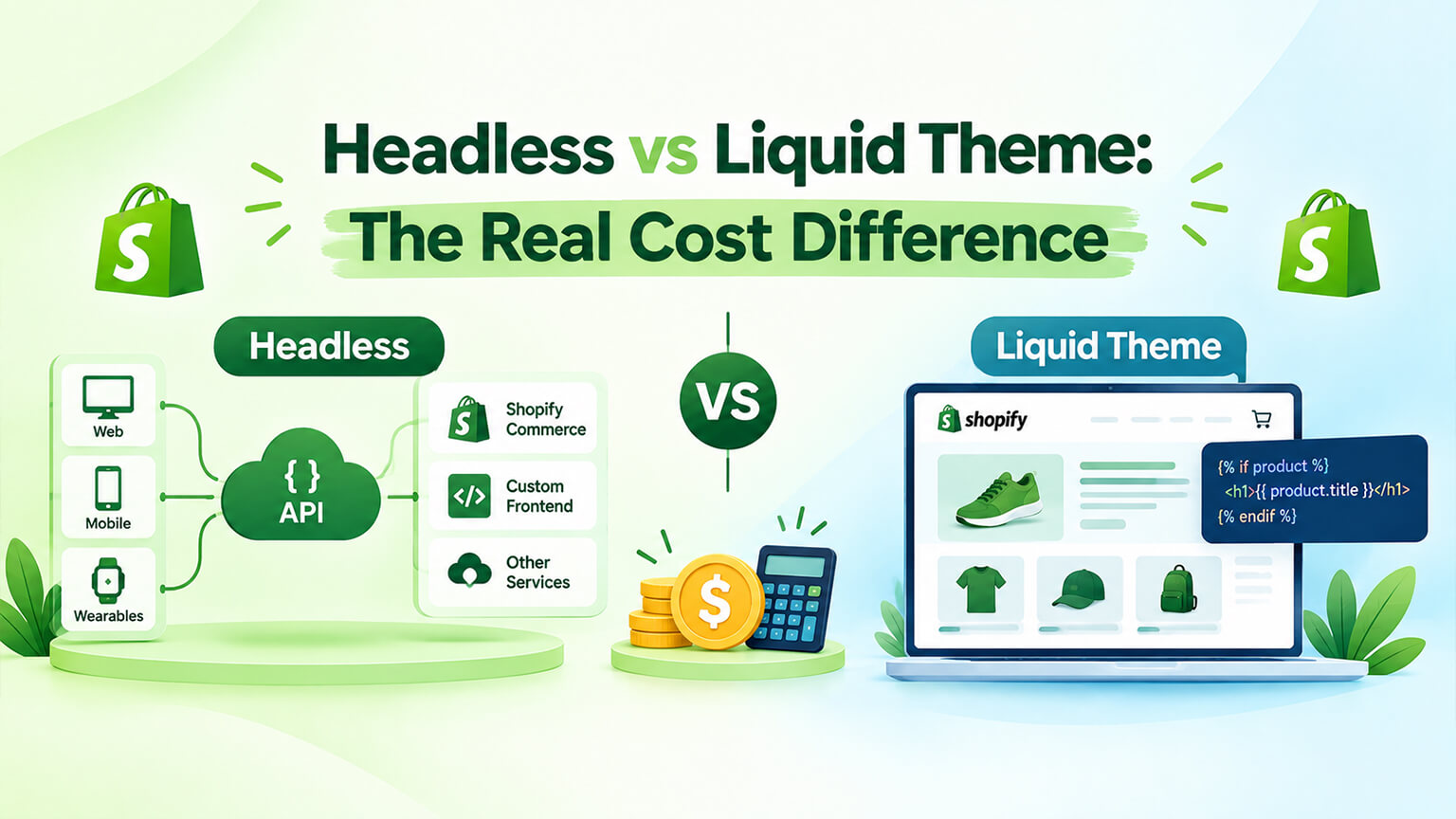
Most headless comparisons argue about capability. This one is about money, because in my experience that is what actually decides it and it is the part discussed least honestly.
The short version: a headless build costs several times what a Liquid theme costs to create, and — crucially — it carries an ongoing cost that a theme does not. Whether that is worth it depends on a narrow set of circumstances. Let me break down where the money actually goes.
What you are comparing
A Liquid theme is Shopify’s standard storefront model. Shopify renders your pages server-side using Liquid templates. Online Store 2.0 gives you a section-based architecture your marketing team can compose pages with. Shopify handles the rendering, the hosting, and the platform maintenance.
A headless build replaces the storefront layer entirely. You build a custom front end — typically Hydrogen or Next.js — that pulls data from Shopify through the Storefront API. Shopify still runs commerce, cart, and checkout underneath. You own the front end as a custom web application.
The commerce engine is identical. What differs is who builds and maintains the part customers look at.
Build cost: where it goes
A Liquid theme project spends money on design, then on implementing that design as sections and templates, then on any custom functionality, then QA. You are starting from a mature framework — themes, sections, the Liquid rendering model — and you are configuring and extending it. A serious custom theme build is a substantial project, but it is a known quantity delivered by a large pool of people.
A headless project spends money on all of the above plus a considerable amount more. You are building a web application, not configuring a storefront. That means front-end architecture decisions, routing, state management, data fetching strategy, caching, image handling, SEO implementation, preview environments, deployment pipelines, and hosting configuration — none of which exist as problems in a Liquid build because the platform solved them already.
You are also rebuilding things a theme gives you free. Cart behaviour. Search and filtering. Customer accounts. Collection pagination. Every one is a component someone has to design, build, and test.
As a rough shape rather than a quote: expect a headless build to cost somewhere between two and four times a comparable Liquid build, with the multiplier rising the more of the storefront you rebuild.
The ongoing cost nobody budgets
This is the part that catches people, and it is the more important number.
A Liquid theme’s maintenance is modest. Shopify updates the platform beneath you. Your theme keeps working. You will want ongoing improvement work, but the store does not degrade if you leave it alone for six months.
A headless storefront is a custom application, and custom applications need continuous care. Framework versions move. Dependencies need updating, some with breaking changes. Security advisories arrive against packages you depend on. Shopify’s APIs evolve and deprecate. Your hosting platform changes its runtime. None of this produces anything a customer notices, and all of it is mandatory.
Realistically, a headless storefront needs either ongoing agency capacity or in-house engineering time indefinitely. Budget for it as a standing line item rather than an occasional project. Brands that skip this end up with a storefront that quietly rots — dependencies stale, small breakages accumulating, performance drifting — until a rescue project costs more than the original build.
This single factor sinks more headless projects than anything technical.
The costs people forget entirely
Content management. Your theme gave marketers a visual editor. Headless does not, so you either build editing tooling or add a headless CMS — which is another subscription, another integration, and another system to learn. Skip this and your marketing team files a developer ticket for every copy change, which is a productivity cost that compounds weekly.
Apps that no longer work. Many Shopify apps inject their functionality into the Liquid theme. In headless, that theme does not exist. Apps with proper APIs and headless support integrate; theme-dependent ones need replacing or rebuilding. Audit your app stack before committing, because rebuilding reviews, upsells, or search is real budget nobody included.
SEO implementation. A Liquid theme handles rendering, metadata, canonicals, and structured data by default. Headless means building all of it deliberately, and getting rendering wrong is the classic way to make a beautiful storefront invisible to search engines.
Hosting. Oxygen if you are on Hydrogen and Plus, or Vercel or similar otherwise. Another line item, small relative to engineering but real.
Hiring risk. Liquid developers are abundant. Developers who can maintain a bespoke React storefront are more expensive and harder to replace. If your team changes, your costs change.
What you actually get for the money
Being fair, because there are real benefits.
A higher performance ceiling. Fine-grained control over what loads and when, edge rendering, and lean payloads can deliver Core Web Vitals a theme struggles to match. The caveat is that this is a ceiling, not a guarantee — a careless headless build can be slower than a well-tuned theme, and most of the speed complaints we see on themes are fixable with proper optimisation at a fraction of the cost.
Experiences a theme cannot do. App-like interactions, unusual navigation, complex configurators, heavy animation, novel interfaces.
Composable architecture. Pairing Shopify commerce with a best-of-breed CMS, search provider, or personalisation engine, each chosen on merit.
Multiple front ends from one backend. Web, native app, kiosk, all served from the same commerce engine.
If your requirements sit in that list and you have the budget and the ongoing capacity, headless is a legitimate choice and our headless team builds these. If they do not, you are buying a much larger bill for capability you will not use.
A worked example: the comparison that changed a decision
A fashion brand came to us wanting headless. Their reasoning was performance — their site was slow, and they had read that headless was faster.
We priced both options honestly. The headless build was several times the cost of a comprehensive theme rebuild, plus an ongoing maintenance retainer they had not budgeted for, plus a headless CMS subscription, plus rebuilding two apps that would not survive the move.
Then we looked at why their current site was slow. A heavy multipurpose theme, fourteen apps of which five were unused, hero images served at full resolution, and render-blocking scripts. Nothing about that required a new architecture.
They did a theme rebuild with performance treated as a deliverable. Their Core Web Vitals went from failing to comfortably passing, their mobile load time more than halved, and conversion improved. Total cost was a fraction of the headless quote, with no ongoing engineering obligation.
Two years on they have not needed headless. That is the outcome in most cases where performance is the stated reason — the problem is usually an under-invested theme rather than the theme model itself.
When headless is worth the money
Be honest against these. All of them should be true, not one.
You have ongoing engineering capacity, in-house or a committed agency relationship, and you intend to keep it for years.
You have hit a specific ceiling on a well-built theme — not a neglected one. If you have never properly optimised your current theme, you have not found the ceiling.
You have a concrete requirement headless solves that you can state in a sentence: a content architecture demanding a dedicated CMS, an interface a theme cannot produce, multiple front ends from one backend.
Your budget covers the build and the years after it, on top of what you need for marketing and inventory.
Your marketing team’s autonomy is solved, through a CMS or custom tooling, so you are not trading a flexible theme editor for a developer bottleneck.
If two or more of those are missing, a strong Liquid theme is the better investment and the money saved will do more elsewhere.
Side by side
| Cost area | Liquid theme | Headless |
|---|---|---|
| Design | Comparable | Comparable |
| Front-end build | Configure and extend a framework | Build an application |
| Cart, search, accounts | Provided | Build them |
| Hosting | Included | Separate (Oxygen, Vercel, etc.) |
| Content editing | Section editor included | CMS or custom tooling |
| SEO fundamentals | Handled by default | Implement deliberately |
| App compatibility | Everything works | Audit required, some rebuilt |
| Platform maintenance | Shopify’s | Shopify’s |
| Storefront maintenance | Minimal | Permanent and ongoing |
| Developer availability | Very deep | Narrower, more expensive |
| Performance ceiling | High with optimisation | Higher |
| Typical build multiple | 1× | 2–4× |
The three-year model
Build cost is the wrong comparison. Run it over three years and the picture changes.
On the theme side: design and build in year one, then periodic improvement work — new sections, campaign pages, a refresh — plus performance maintenance. No standing engineering obligation. Nothing breaks if you pause for two quarters.
On the headless side: a larger build in year one, then a continuous maintenance allocation covering framework upgrades, dependency updates, security patches, and API changes. Add a CMS subscription, hosting, and the cost of rebuilding any apps that did not survive. Add the hiring premium if you need a specialist.
Then add the risk line most models omit: what happens if the people who built it leave? On a theme, you hire from an enormous pool of Liquid developers. On a bespoke React storefront, you are looking for someone willing to inherit an unfamiliar codebase, which takes longer and costs more.
Run that model and headless needs to deliver something substantial to justify itself — not “faster in principle,” but a concrete capability you can point at and value.
The middle ground people miss
The debate is usually framed as a binary, and most brands tempted by headless would be better served somewhere in between.
Push the theme properly first. Online Store 2.0 with a well-architected section library, disciplined app usage, proper image handling, and deliberate performance work produces stores far better than most people assume. A large share of brands considering headless have never actually seen what a good theme build can do, because they are comparing against their current neglected one.
Add selective interactivity. You can build rich, app-like components inside a theme where they matter — a configurator, an interactive size guide, a sophisticated filter — without rebuilding the entire storefront. You get the experience benefit on the pages that need it and keep the platform doing everything else.
Use a CMS alongside a theme. If content management is your real constraint, you can integrate a headless CMS with a Liquid storefront. That solves the editorial problem without taking on a custom application.
Go headless on one surface. Some brands build a headless experience for a specific journey — a campaign microsite, a configurator, a members area — while the main store stays on a theme. More complexity, but far less than a full rebuild.
The question worth asking is not “theme or headless” but “what specifically do we need that our theme cannot do?” Write it down. If the list is short and specific, there is usually a targeted answer that costs a fraction of a replatform.
What a headless project actually involves
If you are seriously considering it, here is the shape of the work, because the estimate is usually built around the visible parts and blown up by the invisible ones.
Architecture decisions come first and they are consequential. Which framework, which rendering strategy, how data is fetched and cached, how preview environments work, how deployments run. Getting these wrong is expensive to unwind later, which is why the experience of whoever builds it matters more here than on a theme project.
Rendering strategy is the one that decides your SEO. Pages must arrive at a crawler already populated with content, which means server-side rendering or static generation rather than leaving it to the browser. This is the single most common way headless builds quietly destroy search visibility, and it is entirely avoidable if it is treated as a requirement from day one.
Every storefront component gets built. Product pages, collection pages with filtering and pagination, cart, search, customer accounts, and the connection to Shopify’s checkout. Each is a small project. Together they are most of the build.
Content architecture needs designing. What lives in Shopify, what lives in the CMS, and how the two combine on a page. Get this wrong and your team ends up editing content in two places.
Integrations get rebuilt. Analytics, reviews, email capture, personalisation — anything that previously worked by dropping a script into the theme now needs a deliberate implementation.
Then testing, across everything. Devices, browsers, the full purchase journey, the handoff to checkout, and every edge case in between.
A realistic timeline for a serious headless storefront is months, not weeks, and the parts that overrun are almost always the components people assumed came free because a theme provided them.
The bottom line
Headless costs several times a Liquid theme to build and carries a permanent engineering obligation a theme does not. In exchange you get a higher performance ceiling, total experience freedom, and a composable architecture.
For brands with the engineering capacity, a specific unmet requirement, and the budget for the long run, that is a reasonable trade and headless delivers impressive storefronts.
For everyone else — and it is most brands asking the question — a properly built, properly optimised Liquid theme delivers the performance and the experience they actually wanted, at a fraction of the cost, with no ongoing obligation and a talent pool deep enough that you can always find someone to work on it.
The most expensive mistake in this category is going headless to fix a slow store, when the store was slow because nobody had optimised the theme. If speed is your motivation, get the current theme assessed properly before you commission an architecture change — it is a cheaper question to answer and the answer is usually good news.
Frequently asked questions
Does Hydrogen make headless cheaper than using Next.js?
Somewhat, and mostly through what you do not have to build. Hydrogen ships with commerce-aware components and utilities — cart handling, product data fetching, and other primitives — so you start further along than with a general-purpose framework, and Oxygen hosting is designed for it, which removes some infrastructure decisions. Next.js gives you no commerce head start, so you build that integration against the Storefront API yourself. The offsetting factor is people: Next.js developers are far more common and often cheaper, so if your team already knows it, the productivity gain usually outweighs Hydrogen’s built-in conveniences. Neither choice changes the ongoing maintenance obligation, which is the cost that actually decides whether headless was worth it.
Can I move back to a Liquid theme if headless does not work out?
Yes, and it is worth knowing because it lowers the stakes of the decision. Your commerce data never left Shopify — products, customers, orders, and checkout were always on the platform — so reverting means building a theme and pointing your domain back at Shopify’s storefront rather than migrating anything. What you lose is the investment in the headless front end, plus any custom components you built. You would also need to re-examine content that lived in an external CMS. The practical cost is rebuilding the storefront rather than untangling a platform, which is why headless is far less of a one-way door than replatforming to a different commerce system.
How much more does headless cost than a Liquid theme?
As a rough shape rather than a quote, expect two to four times a comparable Liquid build, with the multiplier rising the more of the storefront you rebuild. But the build cost is the smaller issue. The one that matters is ongoing: a headless storefront is a custom application needing continuous maintenance — framework updates, dependency upgrades, security patches, and adapting to Shopify API changes — none of which produces anything customers notice. Budget for that as a permanent line item. A Liquid theme keeps working without attention because Shopify maintains the platform beneath it.
Is headless actually faster than a Liquid theme?
It raises the ceiling; it does not guarantee the result. A well-built headless storefront with disciplined payloads, edge rendering, and careful image handling can achieve Core Web Vitals a theme struggles to match. A careless one can be slower than a well-tuned theme. In practice most speed problems we see on Shopify are a heavy multipurpose theme, accumulated apps, and unoptimised images — all fixable through optimisation at a fraction of headless cost. If speed is your motivation, get your existing theme assessed before commissioning an architecture change.
Will my marketing team still be able to edit pages?
Not by default, and this is the cost most often forgotten. Online Store 2.0’s section-based editor lets marketers compose and edit pages without a developer. Headless removes that, so you either build custom editing tooling or add a headless CMS — another subscription, another integration, and another system for your team to learn. Done well, a proper CMS ends up more powerful than the theme editor. Skipped, every copy change becomes a developer ticket, which is a weekly productivity cost that compounds and frustrates the people who need to move fastest.
Do my Shopify apps still work if I go headless?
Some do, some do not, and this catches people mid-project. Many apps work by injecting functionality into the Liquid theme — and in a headless build that theme no longer exists. Apps with proper APIs and explicit headless support integrate fine; theme-dependent ones need replacing or rebuilding from scratch. Reviews, upsells, search, and page builders are the common casualties. Audit your entire app stack before committing, because rebuilding that functionality is real budget that rarely appears in the original estimate.