
Building a Headless-Friendly App and Tech Stack
On this page
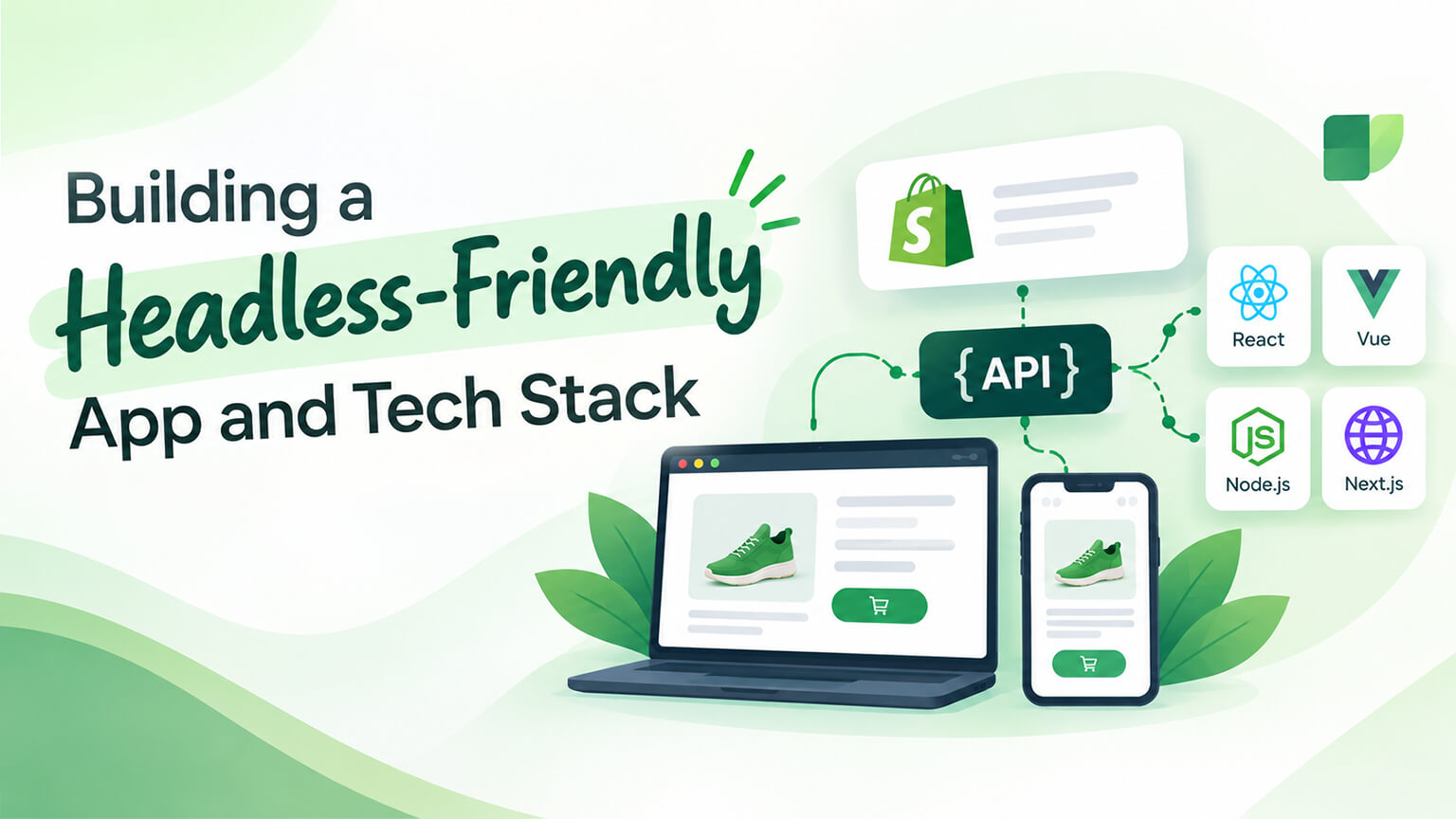
In a headless Shopify build (a custom storefront using the Storefront API, as the headless discussions cover), your tech stack and apps must be headless-friendly: not everything that works on a traditional Shopify theme works in a headless setup, so building a headless-friendly tech stack and choosing headless-compatible apps is important. Many Shopify apps assume a traditional theme (they inject scripts, add theme content, or work via the theme, which doesn’t apply in headless), so they may not work headless — you need apps and tools that work with a headless architecture (via APIs, headless-friendly integration). Getting the stack right matters (a mismatched stack causes problems — apps that don’t work, integration difficulties, extra effort). Understanding how to build a headless-friendly stack helps you build headless well. This piece covers building a headless-friendly app and tech stack: what “headless-friendly” means, what the stack involves, how to choose apps and tools, and pitfalls. (This connects to the headless, Hydrogen/Oxygen, and apps discussions; this focuses on the headless stack.)
This piece covers what “headless-friendly” means (why it matters), what a headless tech stack involves (the components), how to choose headless-friendly apps and tools, and the pitfalls to avoid. Because a headless build needs a headless-friendly stack, and understanding this helps you build it well. Let me walk through it.
What “headless-friendly” means (and why it matters)
Let’s clarify what “headless-friendly” means and why it matters. Works without a traditional theme — headless-friendly means working without a traditional Shopify theme (since headless has a custom storefront, not the standard theme): headless-friendly apps and tools work via APIs and headless integration, not by relying on the theme — the core meaning (works without the theme). Why many apps aren’t headless-friendly — many Shopify apps assume a traditional theme (they add content or scripts to the theme, use theme app extensions, or work through the theme’s Liquid), so they don’t work in headless (where there’s no traditional theme to inject into) — the issue (theme-dependence). API/headless integration — headless-friendly apps and tools integrate via APIs (Storefront/Admin APIs, webhooks, headless-friendly methods) rather than the theme, so they work with a headless architecture — how they work (via APIs). Why it matters — it matters because using non-headless-friendly apps/tools causes problems (they don’t work, or require workarounds), so you need headless-friendly ones (to avoid broken functionality and extra effort) — why it matters (avoiding problems). Front-end and back-end considerations — headless-friendly spans the front end (the storefront framework and stack) and back end (Shopify, apps, integrations that work headlessly), so the whole stack must fit headless — scope (front and back). Not all functionality transfers — not all traditional-theme functionality transfers to headless (some apps/features that work on a theme won’t work or need rebuilding headlessly), so you must plan for what works and what doesn’t — a key point (plan for it). So “headless-friendly” means working without a traditional Shopify theme — via APIs and headless integration rather than theme injection — which matters because many apps assume a theme and won’t work headless, so you need headless-friendly apps and tools (and a stack that fits headless, front and back) to avoid broken functionality and extra effort. Understanding this is key to building a headless stack that works. The next section covers the stack’s components. So headless-friendly means working without a traditional theme (via APIs), which matters because many theme-dependent apps won’t work headless — so you need headless-friendly apps and a fitting stack.
What a headless tech stack involves (the components)
A headless Shopify tech stack involves several components. Shopify as the commerce backend — Shopify remains the commerce backend (products, cart, orders, checkout, and the Storefront/Admin APIs, as the headless discussions cover), providing commerce functionality and data via APIs — Shopify (the backend). The Storefront API — the Storefront API provides commerce data and functionality to the storefront (products, cart, etc.), the key API for a headless storefront — Storefront API (core). A front-end framework — a front-end framework builds the storefront (Hydrogen — Shopify’s React framework, as the Hydrogen discussion covers; or another framework like Next.js, Nuxt, etc.), the storefront’s foundation — framework (the front end). Hosting — hosting for the storefront (Oxygen — Shopify’s hosting for Hydrogen, as the Oxygen discussion covers; or another host like Vercel, Netlify), where the storefront runs — hosting. A CMS (often) — often a headless CMS (for content beyond products — pages, blogs, marketing content — since headless storefronts often use a separate CMS, as content isn’t managed via a Shopify theme), managing content — CMS (often). Headless-friendly apps — headless-friendly apps and integrations (for functionality — reviews, search, personalisation, etc. — that work headlessly via APIs), providing added functionality — apps (headless-friendly). Integrations — integrations to other systems (ERP, CRM, etc., via APIs), connecting the stack — integrations. Development tooling — development tooling (the tools, libraries, and infrastructure for building and running the headless storefront — build tools, CI/CD, etc.), supporting development — tooling. And the checkout on Shopify — the checkout on Shopify (kept on Shopify, as the headless-checkout discussion covers), part of the stack (the checkout component) — checkout (Shopify). So a headless tech stack involves Shopify as the commerce backend (with the Storefront/Admin APIs), the Storefront API (core for the storefront), a front-end framework (Hydrogen or another), hosting (Oxygen or another), often a headless CMS (for content), headless-friendly apps and integrations, integrations to other systems, development tooling, and the checkout on Shopify. The core components are Shopify + the Storefront API + a front-end framework + hosting + (often) a CMS + headless-friendly apps — the pieces of a headless build. The next section covers choosing apps and tools. So a headless stack involves Shopify (backend + APIs), the Storefront API, a front-end framework, hosting, often a CMS, headless-friendly apps, integrations, tooling, and the Shopify checkout.
How to choose headless-friendly apps and tools
Choosing the right apps and tools for a headless stack is important. Check headless compatibility — check whether apps and tools are headless-compatible (do they work without a traditional theme? do they offer API/headless integration?), the key check (only use headless-friendly ones) — compatibility (check it). Prefer API-based apps — prefer apps that work via APIs (Storefront/Admin APIs, headless integration) rather than theme injection, since these work headlessly — API-based (prefer). Look for headless support — look for apps and tools that explicitly support headless (many now advertise headless support, headless SDKs, or Hydrogen integration), which are safer choices — headless support (look for it). Choose a good framework — choose a good front-end framework (Hydrogen for tight Shopify integration, or another framework you have expertise in), fitting your needs and skills — framework (choose well). Choose appropriate hosting — choose appropriate hosting (Oxygen for Hydrogen, or another host), fitting your framework and needs — hosting (choose well). Choose a headless CMS if needed — choose a headless CMS if you need one (for content), picking one that fits (integrates well, meets content needs) — CMS (if needed). Consider integration effort — consider the integration effort for each app/tool (how much work to integrate it headlessly), factoring effort into choices — integration effort. Vet quality and fit — vet apps/tools for quality and fit (as the choosing-apps discussions cover — quality, support, reviews, fit), applying normal app-vetting plus headless-compatibility — vetting (quality + headless). Get expert input — get expert input (a headless developer/agency can advise on the right stack and apps, as the headless discussions cover), since choosing a headless stack is technical — expert input. And plan the stack holistically — plan the stack holistically (how the components fit together — framework, hosting, CMS, apps, integrations — as a coherent stack), avoiding a mismatched patchwork — holistic planning. So choose headless-friendly apps and tools by checking headless compatibility (the key check), preferring API-based apps, looking for explicit headless support, choosing a good framework and appropriate hosting, choosing a headless CMS if needed, considering integration effort, vetting for quality and fit (plus headless-compatibility), getting expert input, and planning the stack holistically. The keys are checking headless compatibility, preferring API-based/headless-supporting tools, and planning holistically with expert input. So choose by checking headless compatibility, preferring API-based tools with headless support, and planning the stack holistically with expert input. The next section covers pitfalls. So choose headless-friendly apps and tools by checking compatibility, preferring API-based/headless-supporting ones, and planning holistically with expert input.
The pitfalls to avoid
Building a headless stack has pitfalls — knowing them helps you avoid them. Assuming apps will work — assuming Shopify apps will work headlessly (many won’t — they assume a theme), a common pitfall (leading to broken functionality); so check compatibility first — assuming apps work (avoid it). Choosing theme-dependent apps — choosing apps that depend on the theme (won’t work headless), a pitfall; so choose headless-friendly apps — theme-dependent apps (avoid). Underestimating rebuilding functionality — underestimating the effort to rebuild functionality headlessly (things that were easy via theme apps may need custom building headlessly), a pitfall (unexpected effort); so plan for it — underestimating effort (avoid). A mismatched stack — building a mismatched, incoherent stack (components that don’t fit together well), a pitfall (integration problems); so plan holistically — mismatched stack (avoid). Ignoring the CMS need — ignoring the need for a CMS (for content — headless storefronts often need one, and not planning for it is a pitfall); so plan content/CMS — ignoring CMS (avoid). Not planning integrations — not planning integrations (ERP, CRM, etc. — assuming they’ll just work), a pitfall; so plan integrations — not planning integrations (avoid). Underestimating complexity — underestimating headless complexity overall (headless is complex — stack, apps, integrations, development, as the headless discussions cover), a pitfall (headless is a big undertaking); so weigh it (headless isn’t for everyone) — underestimating complexity (avoid). Going headless without need — going headless (and building this stack) without a real need (headless is complex and costly, worth it for specific needs, as the headless discussions cover), a pitfall (unnecessary complexity); so ensure headless is right first — going headless without need (avoid). And not getting expertise — not getting expert help for a complex headless stack (going it alone when it’s technically demanding), a pitfall; so get expertise — no expertise (avoid). So the pitfalls to avoid are assuming apps will work headlessly (check first), choosing theme-dependent apps, underestimating the effort to rebuild functionality, building a mismatched stack (plan holistically), ignoring the CMS need, not planning integrations, underestimating headless complexity, going headless without a real need, and not getting expertise. The key pitfalls: assuming apps work, underestimating effort/complexity, and going headless without need or expertise. So avoid these pitfalls by checking app compatibility, planning holistically, respecting the complexity, ensuring headless is right, and getting expertise. So avoid the pitfalls — assuming apps work, underestimating effort, mismatched stacks, and going headless without need/expertise — by checking compatibility, planning holistically, and getting expert help.
The bottom line
In a headless Shopify build (a custom storefront using the Storefront API), your tech stack and apps must be headless-friendly, because not everything that works on a traditional Shopify theme works in a headless setup. “Headless-friendly” means working without a traditional Shopify theme — integrating via APIs (the Storefront and Admin APIs, webhooks, and headless-friendly methods) rather than by injecting scripts or content into the theme. This matters because many Shopify apps assume a traditional theme (they add content or scripts to it, use theme app extensions, or work through Liquid), so they simply won’t work headless, and using non-headless-friendly apps and tools causes broken functionality and extra effort. A headless tech stack involves Shopify as the commerce backend (with its APIs), the Storefront API (core for the storefront), a front-end framework (Hydrogen — Shopify’s React framework — or another like Next.js), hosting (Oxygen or another host like Vercel), often a headless CMS (for content beyond products, since content isn’t managed via a Shopify theme), headless-friendly apps and integrations, integrations to other systems (ERP, CRM), development tooling, and the checkout kept on Shopify. To choose headless-friendly apps and tools: check headless compatibility (the key check — only use ones that work without a traditional theme), prefer apps that work via APIs, look for explicit headless support (headless SDKs or Hydrogen integration), choose a good front-end framework and appropriate hosting, choose a headless CMS if you need one, consider the integration effort for each tool, vet apps for quality and fit (plus headless-compatibility), get expert input (choosing a headless stack is technical), and plan the stack holistically as a coherent whole. Avoid the pitfalls: assuming Shopify apps will work headlessly (many won’t — check first), choosing theme-dependent apps, underestimating the effort to rebuild functionality headlessly (things that were easy via theme apps may need custom building), building a mismatched and incoherent stack, ignoring the need for a CMS, not planning integrations, underestimating headless complexity overall, going headless (and building this stack) without a real need (headless is complex and costly, worth it only for specific needs), and not getting expertise for a technically demanding build. So build your headless stack deliberately: choose headless-friendly, API-based apps and tools; assemble a coherent stack of Shopify, the Storefront API, a front-end framework, hosting, a CMS, and headless-friendly apps; plan holistically; respect the complexity; ensure headless is right for you; and get expert help. Done well, a headless-friendly stack supports a fast, flexible custom storefront; done poorly (with incompatible apps and a mismatched stack), it causes broken functionality and endless friction — so get the stack right as a foundation of a successful headless build.
Frequently asked questions
What does “headless-friendly” mean for apps and tools?
It means working without a traditional Shopify theme — integrating via APIs and headless-compatible methods rather than by relying on the theme. On a traditional Shopify store, many apps work by injecting scripts or content into the theme, using theme app extensions, or working through the theme’s Liquid code. In a headless build, there’s no traditional theme (the storefront is custom, built on the Storefront API), so those theme-dependent apps have nothing to inject into and won’t work. Headless-friendly apps and tools instead integrate via APIs (the Storefront and Admin APIs, webhooks, and headless SDKs), so they function with a headless architecture. This matters because using non-headless-friendly apps causes broken functionality or forces awkward workarounds, and it spans both the front end (your storefront framework and stack) and the back end (Shopify, apps, and integrations that must work headlessly). So when building headless, you need apps and tools that explicitly work without a traditional theme — which is what “headless-friendly” means.
What does a headless Shopify tech stack include?
Several components working together. Shopify remains the commerce backend, providing products, cart, orders, checkout, and data through its Storefront and Admin APIs, with the Storefront API being core for feeding your storefront. On top of that sits a front-end framework that builds the storefront — Hydrogen (Shopify’s React framework, tightly integrated with Shopify) or another framework like Next.js or Nuxt — and hosting for that storefront (Oxygen, Shopify’s hosting for Hydrogen, or another host such as Vercel or Netlify). Headless storefronts often also include a headless CMS for content beyond products (pages, blogs, and marketing content), since that content isn’t managed through a Shopify theme. Then there are headless-friendly apps and integrations for added functionality (reviews, search, personalisation, and more, working via APIs), integrations to other systems (ERP, CRM), development tooling (build tools, CI/CD), and the checkout kept on Shopify. The core pieces are Shopify plus the Storefront API, a front-end framework, hosting, often a CMS, and headless-friendly apps — assembled as a coherent whole.
How do I choose headless-friendly apps and tools?
Start by checking headless compatibility for everything — the key question is whether an app or tool works without a traditional theme and offers API or headless integration, and you should only use ones that do. Prefer apps that work via APIs (the Storefront and Admin APIs) rather than theme injection, and look for tools that explicitly advertise headless support, headless SDKs, or Hydrogen integration, as those are safer choices. Choose a front-end framework that fits your needs and skills (Hydrogen for tight Shopify integration, or another framework your team knows well) and appropriate hosting to match, plus a headless CMS if you need one for content. Consider the integration effort for each tool (some are more work to wire up headlessly than others), and apply normal app-vetting — quality, support, reviews, and fit — on top of the headless-compatibility check. Because choosing a headless stack is technical, get expert input from a headless developer or agency, and plan the stack holistically so the components (framework, hosting, CMS, apps, integrations) fit together coherently rather than as a mismatched patchwork.
What are the biggest pitfalls when building a headless stack?
The most common is assuming your existing Shopify apps will just work headlessly — many won’t, because they depend on a traditional theme, so check compatibility before relying on any of them. Closely related is choosing theme-dependent apps and then discovering they don’t function headless, and underestimating the effort to rebuild functionality that was easy via theme apps but needs custom building in a headless setup. Other pitfalls include building a mismatched, incoherent stack whose components don’t fit together well (plan holistically instead), ignoring the need for a CMS to manage content, and not planning your integrations (ERP, CRM, and others) rather than assuming they’ll work automatically. Bigger picture, people often underestimate headless complexity overall — it’s a substantial undertaking across the stack, apps, integrations, and development — and, most fundamentally, go headless and build this whole stack without a real need, when headless is complex and costly and only worth it for specific requirements. Finally, not getting expertise for a technically demanding build is a pitfall in itself. Avoid all of these by checking app compatibility, planning holistically, respecting the complexity, confirming headless is right for you, and getting expert help.