
The Shopify App Stack We Recommend (and What We Remove First)
On this page
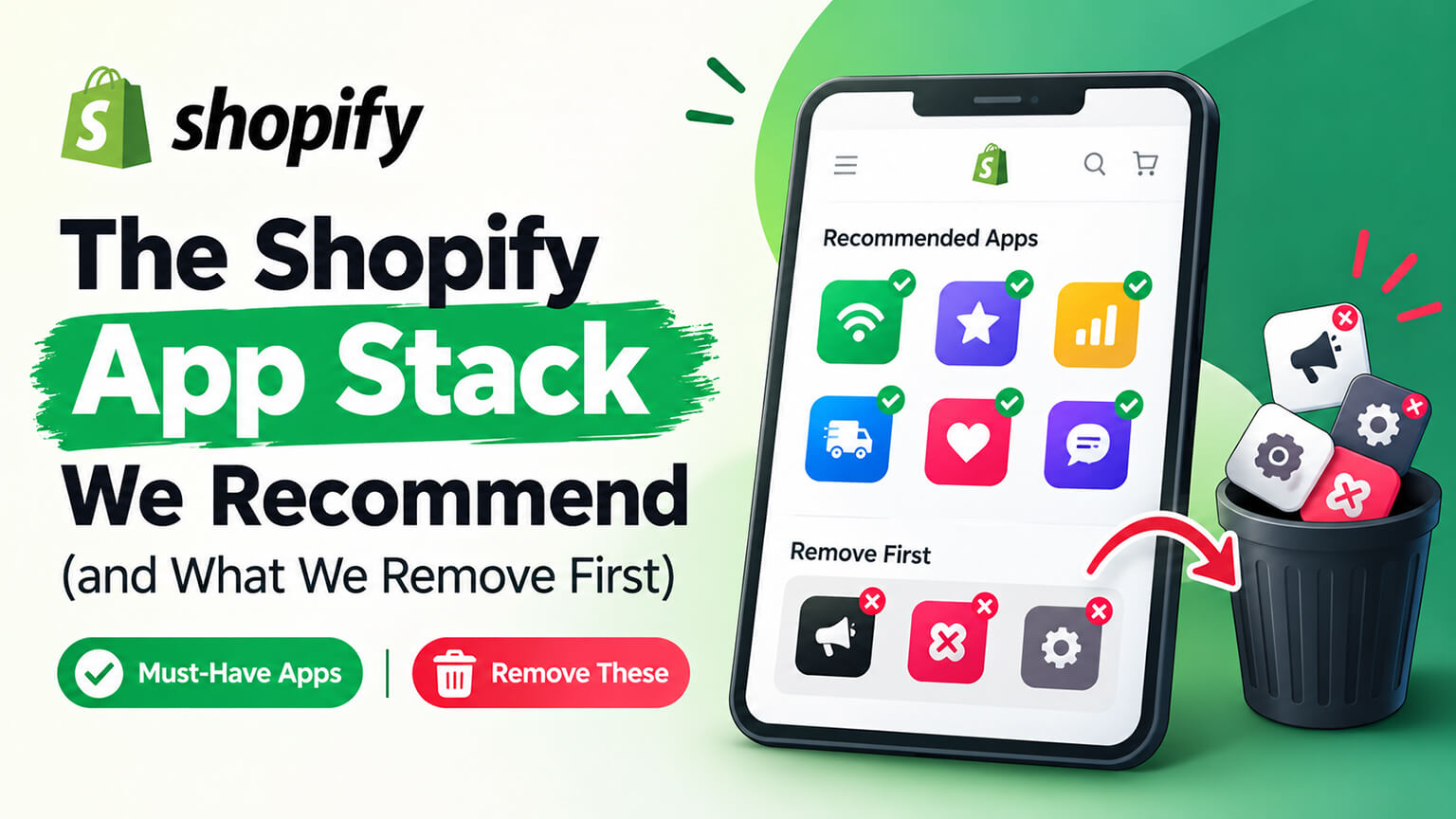
Most Shopify stores we inherit are running between fifteen and thirty apps. Nearly all of them could operate on six to ten, perform better, load faster, and spend less.
This is not a complaint about apps. Some are excellent and do things Shopify does not. But app stacks accumulate rather than get designed — installed during a campaign, kept after the campaign, forgotten after the person who wanted it left — and the result is a store carrying monthly fees and page weight for functionality nobody uses.
So this is the stack we actually recommend, organised by how confidently we recommend it, plus an honest account of what we remove first and how to decide for yourself.
The stack, in order of confidence
Tier one: almost always worth it
Reviews. Social proof affects conversion more reliably than almost anything else you can add, and Shopify’s native review functionality has historically been limited. Worth paying for, and worth using diligently — the app matters far less than whether you actually collect reviews consistently and display them where hesitation happens.
Email and SMS marketing. The highest-return channel most stores have. This is not optional for any store intending to build repeat business, and it is the one category where paying for more capability usually returns the difference.
Search and filtering, past a certain catalogue size. Below roughly 150 products, native search is usually adequate. Above it, and particularly with any real attribute complexity, good search and filtering pays for itself quickly, because people who search convert at multiples of people who browse.
Tier two: worth it for the right store
Subscriptions, if you sell consumables or anything with predictable replenishment. Not optional if subscription is your model, pointless if it is not.
Loyalty, for consumables and replenishables with decent margins and enough repeat volume for a programme to act on. Frequently installed by stores with none of those characteristics, where it does nothing.
Bundles, if bundling is core to how you sell rather than an occasional promotion.
Returns portal, once return volume makes manual handling expensive. Pays back in support time and customer experience simultaneously.
Helpdesk, once ticket volume or channel spread outgrows a shared inbox.
Inventory or operations tooling, once native tracking runs out — multi-location complexity, purchase orders, forecasting, or assembled products.
B2B or wholesale, if you have a real wholesale operation and are not on a plan with native support.
Tier three: be honest with yourself
Upsell and cross-sell. Can work well, frequently does not, and is the category most likely to be installed in multiples. One well-placed, relevant suggestion beats four generic ones on every page.
Page builders. Useful for teams who need to ship landing pages without developer time. The cost is page weight and a layer of abstraction over your theme that complicates future work. Worth it when the team really uses it weekly; expensive when one person made three pages in 2023.
Wishlists. Real value for considered-purchase and high-consideration categories. Near-zero value for impulse and low-price ones, where they are installed most often.
SEO apps. Some do useful narrow jobs. Most cannot do the work that actually moves rankings, which is content, information architecture, and technical fixes.
What we remove first
The pattern is consistent enough to be predictable.
Anything with zero usage in ninety days. The single largest category. Apps installed for a campaign, a test, or a nice idea, still billing and still loading scripts. Check your app list against what your team actually opens.
Duplicates. Two review apps because someone migrated and never uninstalled the old one. Three upsell tools. Two analytics platforms nobody reads. This is extremely common and always pure waste.
Orphaned code from apps already uninstalled. Not an app removal as such, but the highest-value cleanup available. Uninstalling an app does not reliably remove the snippets it added to your theme, and stores routinely load scripts for tools abandoned years ago. Finding these requires someone comfortable reading theme files, and it is one of the most reliable wins in any performance audit.
Apps replicating native functionality. Shopify’s feature set has expanded considerably, and stores keep paying for things the platform now does. Discounts, basic bundles, some inventory functions, markets and currency handling, and elements of checkout customisation are all worth re-checking against what your plan includes.
Popups you forgot about. Often more than one, sometimes competing, occasionally still promoting a campaign that ended eighteen months ago. Worth loading your own site in an incognito window and simply watching what appears.
Trust badges and urgency widgets. Small conversion effects at best, sometimes negative, always page weight. Invented urgency in particular — countdown timers that reset, “12 people viewing” counters that are invented — costs credibility with exactly the customers you most want.
Heatmap and session recording tools past their research window. Valuable for a defined period of investigation. Pure overhead when left running indefinitely with nobody watching the recordings.
Anything whose owner has left. If nobody currently at the company knows why an app is installed, that is the answer.
How to audit your own stack
An afternoon’s work, and usually the highest-return afternoon available.
List every installed app with its monthly cost. Total it. The number is often larger than people expect, because individual charges are small and the aggregate is not.
For each one, name the person who uses it and what for. Not what it could do — what it does, this month, for someone specific. Anything without an answer is a candidate for removal.
Identify which apps inject storefront code. Those carry a performance cost on top of the fee. Back-office tools that never touch the storefront cost money but not speed, which changes the calculation.
Check what your Shopify plan now includes. Then check your app list against it.
Look for duplicates and overlaps. Group apps by job rather than name. Any group with more than one member needs a decision.
Rank by cost-to-value. Then remove from the bottom, a few at a time, watching for anything that breaks.
Clean up afterwards. Removal is only half the job if the code stays behind. Have someone check the theme files after each round of uninstalls.
Repeat quarterly. This is the part that matters, because accumulation is continuous and a one-off cleanup degrades within a year.
A worked example: thirty-one apps down to nine
A home fragrance brand doing solid revenue came to us about site speed. Their product pages took over six seconds to become usable on mobile and conversion on mobile was roughly half their desktop rate.
They were running thirty-one apps.
The audit found: two review apps, one unused since a migration two years earlier. Three upsell tools, all active, two doing nearly identical jobs. Four separate popup or notification widgets, one still promoting a discontinued Christmas range. A heatmap tool installed for a two-week research project in 2022. Two analytics platforms in addition to GA4, neither opened in six months. A currency converter that duplicated what Shopify Markets already handled on their plan. A wishlist nobody had ever used, on a product range with an average price under thirty pounds. Trust badges. A countdown timer. And orphaned code from seven apps they had already uninstalled.
We removed twenty-two apps over three weeks, in batches, cleaning theme code after each round and watching conversion and support tickets for anything that broke. Two things did break, both small, both fixed within a day.
The result: mobile time-to-interactive fell from over six seconds to just under two. Monthly app spend dropped by a little over £600. Mobile conversion rose 31% over the following two months. Nobody on their team noticed the absence of a single removed app.
That last detail is the one worth sitting with. Twenty-two paid tools, loading on every page view, and their removal went unnoticed by the people running the business.
The question to ask before installing anything
One question, asked honestly, prevents most of this.
What specific decision or behaviour will change because of this, and how will I know?
An app that answers clearly is probably worth installing. “Customers will be able to filter by scent family, and I will know it worked because search-to-purchase rate and filter usage will tell me” — that is a real case with a verification method.
An app that answers vaguely is how stacks grow. “It should help conversion” is not a case. “Everyone seems to use one” is not a case. “It is only $19 a month” is the most dangerous non-case of all, because thirty of those is a serious line item and page weight nobody chose.
Two supporting habits make a large difference. Set a review date when you install — ninety days, in a calendar, with a decision to keep or remove. And prefer building narrow functionality into your theme over installing an app for it, where the requirement is narrow. A small amount of custom work often replaces a recurring fee with a one-off cost, loads faster because it does only what you need, and cannot be discontinued by a vendor.
What a good stack looks like
To make it concrete, a healthy mid-sized Shopify store might run:
Reviews. Email and SMS on one platform. Search and filtering. A returns portal. A helpdesk. Subscriptions, if the model calls for it. Loyalty, if the category suits it. One well-configured upsell mechanism. Something for accounting sync.
That is around nine, several of which are back-office tools with no storefront cost. It covers what actually drives revenue and retention, and it leaves the store itself — pages, content, speed, merchandising — as the thing your attention and budget go toward.
Stores at thirty apps are not doing more than that. They are doing the same things through more layers, paying more for it, and loading slower while they do.
How app stacks actually grow
Understanding the mechanism helps, because nobody sets out to run thirty apps and the decisions that get you there are individually reasonable.
The campaign install. Marketing needs a countdown timer for a Black Friday push. It works fine. Black Friday ends. The app stays, because uninstalling it is nobody’s job and it might be useful next year. Multiply by several campaigns a year over several years.
The migration remnant. You switch review platforms. The new one goes in, the data gets imported, everyone moves on. The old one is still installed, still billing, and still loading its script — because the migration checklist ended at “new app working” rather than “old app removed”.
The trial that became permanent. Someone tries a tool during a free period, it does not get properly evaluated, the trial converts, and now it is a line item nobody questions because it has always been there.
The departed champion. An app was installed by someone who understood exactly why. They left. The app remains, unexamined, because removing something you do not understand feels riskier than keeping it.
The small-amount trap. Individual app fees are small enough not to require approval or much thought. Nineteen dollars is nothing. Thirty apps at an average of thirty dollars is eleven thousand a year, plus the page weight, and no single decision in that chain felt significant.
The feature-gap reflex. A customer asks for something, or a competitor has something, and installing an app is the fastest path to parity. Sometimes right. Often the requirement was narrower than the app, and a small theme change would have covered it.
The platform catching up. Shopify adds functionality natively that your app was providing. Nobody notices, because nobody re-checks the plan’s feature list against the app list. This one is worth deliberately reviewing once a year.
None of these are failures of judgement. They are failures of process — specifically, the absence of anyone whose job includes removal. Installation has an owner every time. Removal usually has none, which is why stacks only ever grow.
What to watch when you remove apps
Removal carries a little risk, and a small amount of care eliminates most of it.
Go in batches, not all at once. Three to five apps, then wait a few days. If something breaks you know where to look. Removing twenty simultaneously and then discovering a problem is a bad afternoon.
Check the theme after each batch. This is where the real benefit lands, and also where problems hide. Some apps leave snippets that error once the app is gone, which can break things in ways that are not obvious on the pages you happen to check.
Test the paths that matter. Product page, add to cart, cart, checkout, and account pages, on mobile as well as desktop. Then place a real test order.
Watch support tickets for a fortnight. If a removed app was quietly doing something useful, customers will tell you before your analytics do.
Know what happens to the data. Some apps take their data with them — reviews being the most painful example. Export before you uninstall, always, even when you are confident you will not need it.
Check for hard dependencies. Occasionally one app relies on another, and removing the first breaks the second in a non-obvious way. Worth a quick look at anything sharing a vendor.
Cancel the billing properly. Uninstalling usually stops charges, but not invariably, particularly for apps billed outside Shopify. Check your next statement rather than assuming.
The bottom line
Fewer apps, chosen deliberately, reviewed regularly. Reviews, email and SMS, and search are worth paying for in almost every case. Subscriptions, loyalty, bundles, returns, helpdesk, and operations tooling are worth it when your specific situation calls for them. Upsells, page builders, wishlists, and SEO apps deserve real scrutiny before and after installing.
Remove anything unused in ninety days, any duplicate, anything replicating what Shopify now does natively, and any orphaned code from apps already gone. Set a review date on every new install and hold a quarterly audit, because accumulation is continuous and discipline is the only thing that counters it.
The stores that perform best are not the ones with the most capable stack. They are the ones running a small, understood set of tools they actually use — and spending the attention they save on the product pages, content, and merchandising that customers actually experience.
Frequently asked questions
How many apps is too many for a Shopify store?
There is no universal number, but the useful test is not the count — it is whether you can name, for each app, the person who uses it and what they use it for this month. Most stores we audit are running fifteen to thirty and could operate comfortably on six to ten. What matters more than the total is how many inject code into your storefront, since back-office tools cost money but not speed while storefront apps cost both. If you cannot justify each one in a sentence, you have too many, whether that is eight or thirty.
Which Shopify apps should I remove first?
In this order: anything with no usage in the last ninety days, duplicates where two tools do the same job, apps that replicate functionality your Shopify plan now includes natively, popups and notification widgets you have forgotten about, trust badges and urgency timers, and research tools like heatmaps left running long past their investigation window. Then, separately, have someone clean out orphaned code left behind in your theme by apps you already uninstalled — that is not an app removal but it is frequently the largest single performance win available.
Do apps really slow down a Shopify store?
Storefront-facing ones do, and cumulatively more than people expect, because each loads its own JavaScript and CSS rather than sharing anything. A store running fifteen storefront apps loads fifteen sets of third-party code on every page view. Back-office apps that never touch your storefront — accounting sync, inventory tools, fulfilment systems — cost you money but not speed, which is worth distinguishing when you audit. If speed is your concern, sort your app list by whether each one renders something a customer sees, and start there.
Should I build custom functionality instead of installing an app?
Often yes, when the requirement is narrow and stable. Custom work replaces a recurring fee with a one-off cost, loads faster because it does only what you need rather than everything the vendor’s other customers need, and cannot be discontinued or repriced by a third party. It is the wrong choice for anything complex, anything requiring ongoing maintenance against changing external services, or anything where an established app’s depth exceeds what you would build. The rule of thumb: narrow and stable, build it; broad or evolving, buy it.
How often should I audit my app stack?
Quarterly, and it takes an afternoon. List every app with its cost, name who uses each and for what, check for duplicates, check what your Shopify plan now covers natively, and remove from the bottom of that ranking. The reason for the cadence is that app stacks grow through ordinary decisions — a campaign tool here, a research tool there — and nobody is tracking the aggregate. A quarterly review catches that drift while it is still small, rather than leaving you with a thirty-app remediation project every couple of years.