
Structuring Content With Shopify Metaobjects
On this page
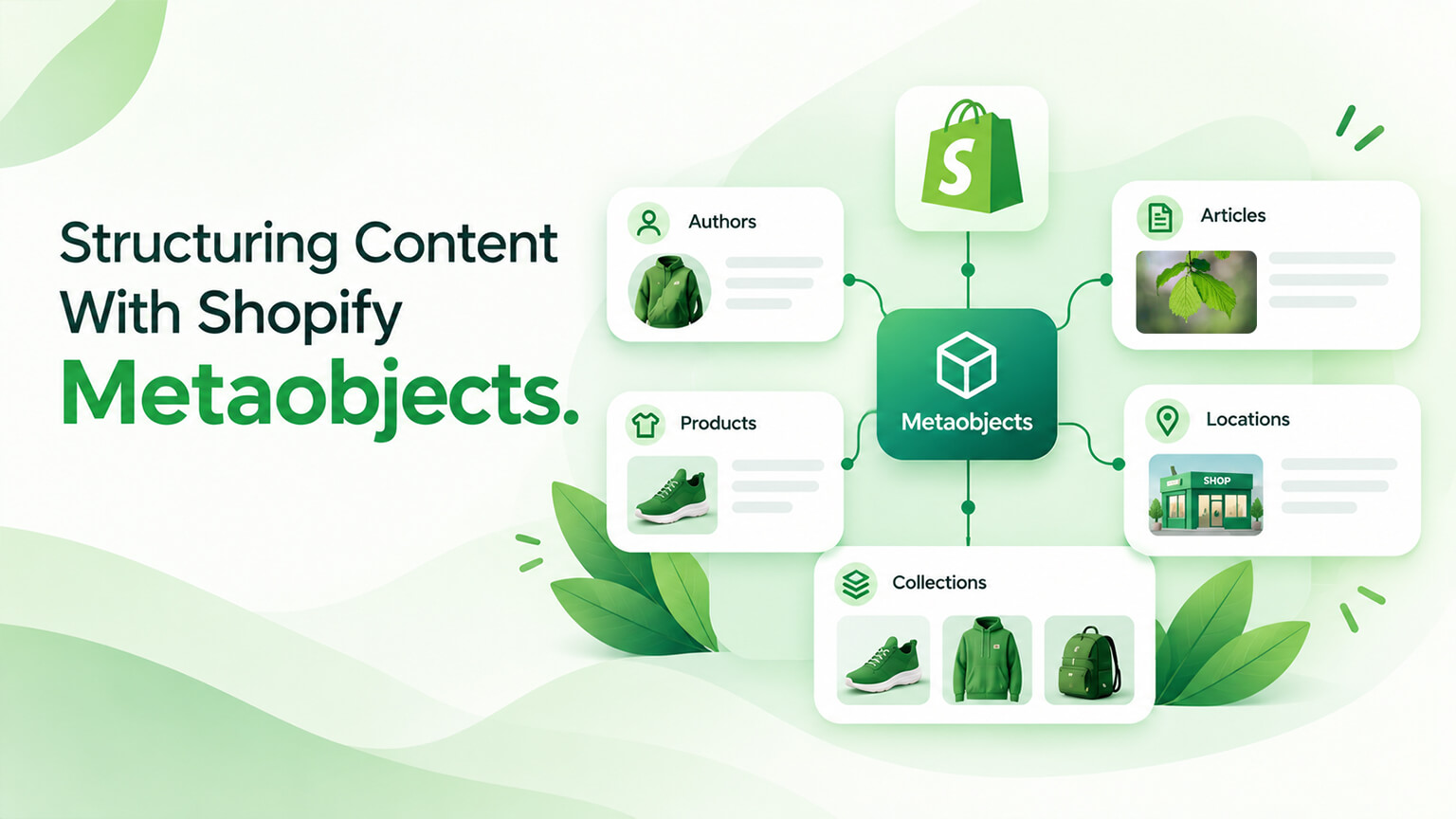
Shopify metaobjects are a feature for creating structured, reusable custom content — you define a metaobject type (a structure with fields, like a template for a kind of content — e.g., a “brand,” “size guide,” “feature,” or “FAQ”) and create entries (instances of that structure), which you can then use across your store. Metaobjects extend Shopify’s built-in data (products, collections) by letting you define your own structured content types, so you can model and manage custom content that doesn’t fit the built-in objects (custom content structures specific to your store). They relate to metafields (which add custom fields to existing objects) but go further — metaobjects are standalone custom content types, not just fields on existing objects. Metaobjects enable richer, more structured, more maintainable content, so understanding them helps you structure content well. This piece covers structuring content with Shopify metaobjects: what they are, how they work, what they’re used for, and how to use them well. (This connects to the metafields and Online Store 2.0 discussions; this focuses on metaobjects.)
This piece covers what metaobjects are (and how they differ from metafields), how they work, what they’re used for, and how to use them well. Because metaobjects enable structured, reusable custom content, and understanding them helps you structure content well. Let me walk through it.
What metaobjects are (and vs. metafields)
Let’s clarify what metaobjects are and how they differ from metafields. Custom content types — metaobjects let you define custom content types (structures with fields — a “template” for a kind of content, like a “brand,” “size guide,” “ingredient,” “feature,” “FAQ,” “testimonial”), so you can model custom content structures — custom types (the core idea). Definitions and entries — you define a metaobject type (its structure/fields — the definition) and create entries (instances of that type — actual content matching the structure), so you have a reusable structure and content in it — definitions/entries (structure and instances). Standalone content — metaobjects are standalone content (custom content objects in their own right — a “brand” or “size guide” as an entity), not tied to a specific product/collection (though they can be linked), so they’re independent, reusable content — standalone (independent). Reusable — metaobject entries are reusable (a metaobject — e.g., a “size guide” or “brand” — can be used across multiple products/pages, defined once and reused), reducing duplication — reusable (a key benefit). Structured — metaobjects are structured (defined fields, consistent structure), so content is consistent and structured (versus unstructured), enabling better management and use — structured. Vs. metafields — metafields add custom fields to existing objects (a custom field on a product, e.g., “material”), whereas metaobjects are standalone custom content types (a “brand” entity, not a field on something), so metafields extend existing objects and metaobjects create new content types — the distinction (fields on objects vs. standalone types). Related and complementary — metaobjects and metafields are related and complementary (metaobjects for standalone structured content, metafields for custom fields on objects — and you can reference metaobjects from metafields, linking them), used together for custom data — related (complementary). And part of Shopify’s data model — metaobjects (with metafields) extend Shopify’s data model (beyond built-in products/collections), enabling custom data modelling — data model (extending it). So metaobjects are custom, standalone, structured, reusable content types (you define a type with fields and create entries), differing from metafields (which add custom fields to existing objects) in being standalone content types rather than fields on objects — though the two are related and complementary (used together, and metafields can reference metaobjects). The key: metaobjects are standalone custom content types (structured, reusable), extending Shopify’s data model. The next section covers how they work. So metaobjects are standalone, structured, reusable custom content types (definitions and entries), differing from metafields (fields on existing objects) but complementary — extending Shopify’s data model.
How metaobjects work
Let’s cover how metaobjects work in practice. Define the type — you define a metaobject type/definition (in Shopify admin — Settings > Custom data > Metaobjects, or via the API), specifying its fields (the structure — e.g., a “size guide” with fields for name, content, image), creating the template — defining the type (the structure). Create entries — you create entries of that type (actual metaobjects matching the structure — e.g., specific size guides), populating content — creating entries (the content). Store structured content — the entries store structured content (in the defined fields), holding your custom content in a structured way — storage (structured). Use in themes (Liquid) — you use metaobjects in themes via Liquid (accessing metaobject data to display it — e.g., showing a size guide’s content on a product page), rendering the content in the storefront — themes/Liquid (display). Reference from products/pages — you can reference metaobjects from products, pages, or other objects (via metafields that reference metaobjects — e.g., a product references its “brand” metaobject), linking content to where it’s used — references (linking). Use with Online Store 2.0 — metaobjects work with Online Store 2.0 (sections and the theme editor can use metaobject data, and metaobjects can have their own pages), integrating with the modern theme architecture (as the OS 2.0 discussion covers) — OS 2.0 (integration). Access via APIs — you can access metaobjects via the APIs (Storefront/Admin APIs — for headless or app use), enabling programmatic use (including headless, as the headless discussions cover) — APIs (access). Manage in admin — you manage metaobjects in the Shopify admin (creating, editing entries — a content-management interface), so content is manageable (by the merchant) — management (admin). So metaobjects work by: defining the type (its fields/structure), creating entries (the content), which store structured content, then using them in themes via Liquid (to display), referencing them from products/pages (via metafields), integrating with Online Store 2.0 (sections, pages), accessing them via APIs (for headless/apps), and managing them in the admin. The flow: define type → create entries → use/display (in themes, via references, in OS 2.0, or via APIs) → manage in admin. This lets you model, store, use, and manage custom structured content. The next section covers uses. So metaobjects work by defining a type, creating entries, and using them (in themes via Liquid, via references, in OS 2.0, or via APIs), managed in the admin.
What metaobjects are used for
Let’s cover common uses of metaobjects (what you’d structure with them). Reusable content blocks — reusable content (size guides, shipping info, care instructions, FAQs — content used across products/pages, defined once as metaobjects and reused), avoiding duplication — reusable content (a common use). Brands/manufacturers — brand or manufacturer info (a “brand” metaobject with name, logo, description — referenced by products of that brand), structuring brand content — brands (a use). Structured product info — structured product-related content (features, specifications, ingredients, materials — as structured metaobjects, richer than plain text), enriching product info — product content (a use). Custom page content — custom content for pages (structured content for landing pages, about pages, or custom pages — modelled as metaobjects), structuring page content — page content (a use). Lookbooks/collections content — editorial content (lookbooks, stories, curated content — structured as metaobjects), enabling rich content — editorial (a use). Store locations — store locations (a “location” metaobject with address, hours, etc. — for a store locator), structuring location data — locations (a use). Testimonials/reviews content — testimonials or featured reviews (structured testimonial metaobjects, reused across the store), managing social proof content — testimonials (a use). Any custom structured content — really, any custom structured content your store needs (metaobjects are flexible — model whatever structured content fits your store), the general use — custom content (the flexible, general use). And headless content — content for headless storefronts (metaobjects, accessed via the API, providing structured content to a headless front end, as the headless discussions cover), supporting headless content — headless (a use). So metaobjects are used for reusable content blocks (size guides, FAQs), brands/manufacturers, structured product info (features, specs, ingredients), custom page content, editorial content (lookbooks), store locations, testimonials, any custom structured content, and headless content. The general use: modelling and managing custom, structured, reusable content that doesn’t fit Shopify’s built-in objects. The next section covers using them well. So metaobjects are used for reusable content, brands, structured product info, page/editorial content, locations, testimonials, and any custom structured content — including for headless.
How to use metaobjects well
To use metaobjects effectively, use them well. Model content thoughtfully — model your content types thoughtfully (design the metaobject types/structures well — the right fields, sensible structure, reflecting your content needs), since good modelling makes content manageable and useful — modelling (do it well). Use for structured, reusable content — use metaobjects where they fit (structured, reusable custom content — the cases above), rather than forcing them where simpler options suffice (use them for what they’re good at) — appropriate use (where they fit). Combine with metafields — use metaobjects with metafields appropriately (metaobjects for standalone structured content, metafields for fields on objects, and metafields to reference metaobjects — linking them), leveraging both — combine (with metafields). Keep it maintainable — structure metaobjects to be maintainable (sensible types and fields, so merchants can manage content easily), so content stays manageable — maintainability. Use in themes/OS 2.0 well — use metaobjects in themes and Online Store 2.0 well (displaying the content effectively, integrating with sections, as the OS 2.0 discussion covers), so the structured content is used well — theme use (do it well). Consider headless/API use — consider API/headless use if relevant (metaobjects work headlessly via the API, so leverage them for headless content, as the headless discussions cover) — headless (if relevant). Don’t over-engineer — don’t over-engineer (creating overly complex metaobject structures when simpler content or metafields would do), keeping it as simple as fits the need — simplicity (don’t over-engineer). Get expert help for complex modelling — get expert help for complex content modelling (a developer/agency can design metaobject structures well, as the dev discussions cover), since good data modelling is a skill — expert help (for complex cases). Plan the content structure — plan your content structure (what content types you need, how they relate — a coherent content model), avoiding an ad hoc mess — planning (structure). And leverage the benefits — leverage metaobjects’ benefits (structured, reusable, maintainable content), using them to improve content management and richness — benefits (leverage them). So use metaobjects well by modelling content thoughtfully, using them where they fit (structured, reusable content), combining them with metafields appropriately, keeping them maintainable, using them well in themes/OS 2.0, considering headless/API use, not over-engineering, getting expert help for complex modelling, planning the content structure, and leveraging their benefits. The keys are thoughtful modelling, appropriate use, maintainability, and not over-engineering. So use metaobjects well via thoughtful modelling, appropriate use, maintainability, and planning — leveraging their structured, reusable benefits. So use metaobjects well through thoughtful modelling, appropriate use where they fit, maintainability, and planning — with expert help for complex content models.
The bottom line
Shopify metaobjects are a feature for creating structured, reusable custom content: you define a metaobject type (a structure with fields — a “template” for a kind of content, like a brand, size guide, feature, FAQ, or testimonial) and create entries (instances of that structure), which you can then use across your store. They extend Shopify’s built-in data (products and collections) by letting you define your own structured content types, so you can model and manage custom content that doesn’t fit the built-in objects. Metaobjects relate to metafields but go further: metafields add custom fields to existing objects (like a “material” field on a product), whereas metaobjects are standalone custom content types (a “brand” or “size guide” as an entity in its own right) — the two are complementary (used together, and metafields can reference metaobjects to link them), and together they extend Shopify’s data model. Metaobjects work by defining the type and its fields, creating entries that store structured content, and then using that content — in themes via Liquid (to display it), by referencing metaobjects from products or pages (via metafields), by integrating with Online Store 2.0 (sections and metaobject pages), and by accessing metaobjects via the APIs (for headless storefronts or apps) — all managed in the Shopify admin. They’re used for reusable content blocks (size guides, shipping info, FAQs), brand and manufacturer info, structured product content (features, specifications, ingredients, materials), custom page content, editorial content (lookbooks and stories), store locations, testimonials, headless content, and really any custom structured content your store needs that doesn’t fit the built-in objects. To use metaobjects well: model your content types thoughtfully (the right fields and sensible structure), use them where they fit (structured, reusable custom content — not forcing them where simpler options suffice), combine them with metafields appropriately (metaobjects for standalone content, metafields for fields on objects and to reference metaobjects), keep them maintainable (so merchants can manage the content), use them well in themes and Online Store 2.0, consider headless and API use where relevant, don’t over-engineer (keep it as simple as the need allows), get expert help for complex content modelling, plan a coherent content structure rather than an ad hoc mess, and leverage their benefits of structured, reusable, maintainable content. So use Shopify metaobjects to structure your custom content — modelling reusable, structured content types thoughtfully, using them where they add value, and managing them well — to make your store’s content richer, more consistent, and more maintainable. Done well, metaobjects give you a clean, reusable content model that reduces duplication and enables rich content; done poorly (over-engineered or ad hoc), they become a confusing mess — so model your content thoughtfully and use metaobjects for the structured, reusable custom content they’re built for.
Frequently asked questions
What are Shopify metaobjects?
Metaobjects are a Shopify feature for creating structured, reusable custom content. You define a metaobject type — a structure with fields that acts like a template for a kind of content, such as a “brand,” “size guide,” “feature,” “FAQ,” or “testimonial” — and then create entries, which are actual instances of that structure (specific brands, specific size guides, and so on). Those entries store your content in a consistent, structured way, and you can use them across your store: displaying them in themes, referencing them from products or pages, integrating them with Online Store 2.0, or accessing them via Shopify’s APIs. The key idea is that metaobjects are standalone custom content types that extend Shopify’s built-in data model beyond products and collections, letting you model and manage custom, structured content that doesn’t fit the built-in objects. So instead of cramming custom content into plain text fields or duplicating it, you define a proper structure once and reuse it — which makes your content richer, more consistent, and easier to manage.
How are metaobjects different from metafields?
They’re related and complementary, but they do different jobs. Metafields add custom fields to existing objects — for example, a “material” field on a product, or a custom field on a collection or customer — so they extend objects that already exist in Shopify. Metaobjects, by contrast, are standalone custom content types: a “brand” or “size guide” isn’t a field on a product, it’s its own content entity with its own structure and fields, and it can be reused across many products or pages. So metafields are fields on things, while metaobjects are new kinds of things. The two work together: you might create a “brand” metaobject and then use a metafield on each product to reference the relevant brand metaobject, linking the standalone content to where it’s used. Together, metafields and metaobjects extend Shopify’s data model — metafields for custom fields on existing objects, metaobjects for standalone structured content — and you’ll often use both in the same store.
What can I use metaobjects for?
A wide range of custom, structured, reusable content. Common uses include reusable content blocks like size guides, shipping and returns info, care instructions, and FAQs (defined once and reused across many products or pages, avoiding duplication); brand or manufacturer information (a “brand” metaobject with a name, logo, and description, referenced by that brand’s products); and structured product content like features, specifications, ingredients, or materials, which is richer and more consistent than plain text. You can also use them for custom page content (structured content for landing or about pages), editorial content like lookbooks and stories, store locations for a store locator (with address and hours), and testimonials or featured reviews reused across the store. They’re also valuable for headless storefronts, since you can access metaobject content via Shopify’s API. Really, metaobjects suit any custom structured content your store needs that doesn’t fit the built-in products and collections — the general principle is to reach for them when you have content that is structured and reused.
How do I use metaobjects well?
Model your content thoughtfully and use them where they fit. Design your metaobject types with the right fields and a sensible structure that reflects your actual content needs, since good modelling is what makes the content manageable and useful. Use metaobjects for what they’re good at — structured, reusable custom content — rather than forcing them where a simpler option or a plain metafield would do, and combine them with metafields appropriately (metaobjects for standalone content, metafields for fields on objects and for referencing metaobjects to link them). Keep your structures maintainable so merchants can manage the content easily, use metaobjects effectively in your themes and Online Store 2.0 (and via the API if you’re headless), and don’t over-engineer — keep structures as simple as the need allows rather than building elaborate models for their own sake. Plan a coherent content structure up front (what content types you need and how they relate) instead of adding metaobjects ad hoc, and get expert help for complex content modelling, since designing a good data model is a real skill. Done thoughtfully, metaobjects give you clean, reusable, maintainable content.