
Choosing and Evaluating Shopify Apps: A Practical Framework
On this page
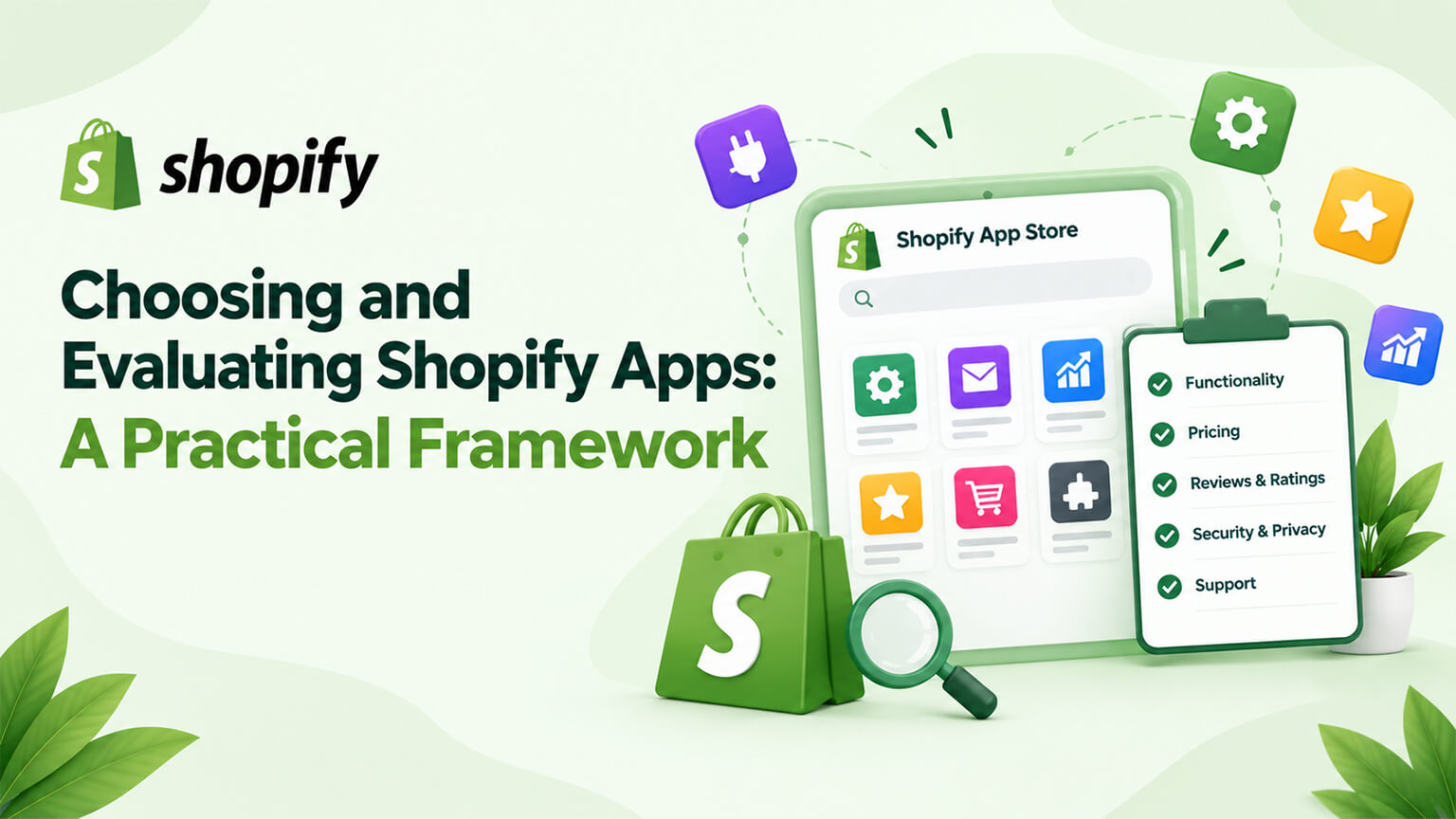
Apps are a big part of the Shopify ecosystem, adding functionality your store needs — but with thousands of apps available, and each one carrying costs (fees, performance, complexity, risk, as the app-sprawl, app-speed, and app-security discussions cover), choosing and evaluating apps well matters. Adding apps carelessly leads to app sprawl, bloat, cost, and problems (as those discussions cover); choosing them thoughtfully — evaluating whether you need an app, and which app, against sensible criteria — gets you the functionality you need without the downsides. This piece provides a practical framework for choosing and evaluating Shopify apps: how to decide whether you need an app at all, how to evaluate and compare apps, the criteria to weigh, and how to choose well — consolidating the app-decision guidance into an actionable framework. (This connects to the app-sprawl, custom-vs-public-app, build-vs-buy, and app-security discussions; this provides the choosing/evaluating framework.)
This piece covers deciding whether you need an app (the first question), how to evaluate and compare apps, the criteria to weigh, and how to choose well. Because choosing apps well matters (value without the downsides), and a practical framework helps you do it. Let me walk through it.
First: do you need an app at all?
Before choosing which app, the first question is whether you need an app at all — since not every need requires an app. Consider whether it’s a genuine need — first, is the functionality a genuine need (something your store actually benefits from), not just a nice-to-have or reflexive addition? — so add apps for genuine needs (not reflexively) — the first filter. Check if it’s built in — check whether Shopify’s native features already provide it (much is built in, as the SEO-apps and store-setup discussions cover — basic SEO, sitemaps, etc.), so you don’t add an app for something Shopify already does — native-first (avoid apps for built-in functionality). Check if your theme provides it — check whether your theme already provides the functionality (themes include features, sections, as the theme discussions cover), avoiding an app for what the theme does — theme-first. Consider native/theme/custom alternatives — consider whether native functionality, the theme, or custom code (build vs. buy, as that discussion covers) could serve the need better than an app (for core needs, custom might be better; for simple needs, native/theme might suffice) — considering alternatives to an app. Weigh the app’s costs — weigh an app’s costs (fees, performance/bloat, complexity, risk, as the app-sprawl, app-speed, and app-security discussions cover) against the benefit, so you add an app only when the benefit justifies the costs — cost-benefit. Avoid reflexive app addition — avoid reflexively adding an app for every need (the habit that causes app sprawl, as that discussion covers), instead considering whether you need an app (versus alternatives or nothing) — deliberate, not reflexive. And add apps for genuine needs alternatives don’t serve — conclude: add an app when there’s a genuine need that native functionality, the theme, or custom code don’t serve better, and the app’s benefit justifies its costs — the criterion for needing an app. So first, decide whether you need an app at all: is it a genuine need? is it built into Shopify or your theme (native/theme-first)? would native, theme, or custom serve better (build vs. buy)? does the benefit justify the app’s costs? — adding an app only for a genuine need that alternatives don’t serve better and where the benefit justifies the costs, avoiding reflexive addition (which causes sprawl). So the first step is deciding whether you need an app (versus native, theme, custom, or nothing), adding one only when warranted. The next section covers evaluating and comparing apps (once you’ve decided you need one). So first determine whether you need an app (versus alternatives), adding one only when warranted.
How to evaluate and compare apps
Once you’ve decided you need an app, evaluate and compare the options to choose the right one. Identify candidate apps — identify the candidate apps for your need (searching the App Store, recommendations, research), getting the options to evaluate — the candidates. Check reviews and ratings — check the apps’ reviews and ratings (App Store reviews, ratings, and what reviewers say about quality, reliability, support, issues), since reviews indicate quality and reliability (a key evaluation signal) — reviews/ratings. Assess the developer’s reputation and support — assess the developer (reputable, established, well-supported?), since a reputable developer with good support means a better-maintained, supported app (versus an abandoned or poorly-supported one, as the app-maintenance and app-security discussions cover) — developer quality. Check functionality fit — check whether the app’s functionality fits your need well (does what you need, well), so you get an app that serves your need (versus a poor fit) — functionality fit. Assess performance impact — assess the app’s performance impact (bloat, as the app-speed and app-audit discussions cover — a heavy app hurts performance), preferring lighter apps (versus heavy ones), since performance matters — performance. Consider the cost — consider the app’s cost (fees, pricing model), weighing it against the value (and your budget), so the cost is justified (as the app-cost discussions cover) — cost. Check compatibility — check compatibility (with your theme, other apps, your setup, especially avoiding conflicts, as the staging discussion covers), so the app works with your store — compatibility. Consider permissions and security — consider the app’s permissions and security (what data it accesses, its security, as the app-security discussion covers), preferring reputable, secure apps with appropriate permissions — security. Trial it — trial the app (many offer trials, and test on staging, as the staging discussion covers) to evaluate it in practice (functionality, fit, performance, compatibility) before committing — trialing. And compare the candidates — compare the candidate apps against these criteria (reviews, developer, functionality, performance, cost, compatibility, security), choosing the best fit — the comparison. So evaluate and compare apps by identifying candidates, checking reviews and ratings, assessing the developer’s reputation and support, checking functionality fit, assessing performance impact (preferring lighter), considering cost, checking compatibility, considering permissions and security, trialing the app, and comparing the candidates against these criteria. So evaluate candidate apps against these criteria (reviews, developer, fit, performance, cost, compatibility, security, trialing), comparing to choose the best. The next section covers the criteria to weigh. So evaluate and compare candidate apps against key criteria (reviews, developer, fit, performance, cost, compatibility, security) via research and trialing.
The criteria to weigh
Let’s consolidate the key criteria for evaluating an app (weighing them together). Functionality fit — does the app do what you need, well (fitting your need)? — the primary criterion (it must serve the need). Quality and reliability — is the app quality and reliable (indicated by reviews, ratings, the developer’s reputation)? — you want a quality, reliable app (not a buggy, unreliable one). Developer reputation and support — is the developer reputable and supportive (established, good support, maintained, as the app-maintenance discussion covers)? — for a well-supported, maintained app. Performance impact — how much does the app impact performance (bloat, as the app-speed discussion covers)? — prefer lighter apps (performance matters). Cost — what does it cost (fees, model), and is that justified by the value (and within budget)? — cost-value. Compatibility — is it compatible with your theme, apps, and setup (no conflicts)? — it must work with your store. Security and permissions — is it secure, with appropriate permissions (as the app-security discussion covers)? — security. Maintenance and longevity — is it well-maintained and likely to be maintained (versus at risk of abandonment, as the app-maintenance discussion covers)? — for longevity. Reviews and reputation — what do reviews and its reputation say (quality, reliability, support, issues)? — a key signal. And overall value — does the app deliver overall value (functionality, quality, fit) worth its costs (fees, performance, complexity, risk)? — the bottom-line criterion (value justifying costs). Weigh these together — weigh these criteria together for your situation (the app that best fits your need, is quality and reliable, from a reputable supported developer, with acceptable performance, cost, compatibility, and security, delivering value worth its costs) — the balanced evaluation. Prioritise by importance — prioritise the criteria by importance for your case (functionality fit and quality/reliability are usually primary; performance, cost, security matter; weigh them for your situation) — prioritising sensibly. So the criteria to weigh are functionality fit (primary), quality and reliability, developer reputation and support, performance impact (prefer lighter), cost (vs. value), compatibility, security and permissions, maintenance and longevity, reviews and reputation, and overall value (worth the costs) — weighed together, prioritised for your situation, to choose the app that best fits your need and delivers value worth its costs. So weigh these criteria together (functionality, quality, developer, performance, cost, compatibility, security, value) to evaluate apps. The next section covers choosing well overall. So weigh functionality fit, quality, developer, performance, cost, compatibility, security, and overall value together to evaluate an app.
How to choose well
Choosing apps well overall means applying the framework and good judgment. Apply the framework — apply the framework: first decide whether you need an app (versus native, theme, custom, or nothing), then evaluate and compare candidates against the criteria (functionality, quality, developer, performance, cost, compatibility, security, value), choosing the best fit — the framework in action. Prioritise genuine need and value — prioritise adding apps for genuine needs where the value justifies the costs (avoiding reflexive addition and low-value apps, as the app-sprawl discussion covers), so each app adds real value — value-focused. Choose quality, reputable, well-supported apps — choose quality, reputable, well-maintained, well-supported apps (versus low-quality, abandoned, or risky ones), for reliability and longevity — quality apps. Weigh performance and cost — weigh performance (prefer lighter apps, as the app-speed discussion covers) and cost (justified by value), avoiding heavy or costly apps that aren’t worth it — performance and cost discipline. Trial before committing — trial apps (and test on staging, as the staging discussion covers) before committing, evaluating them in practice — trialing. Consider build vs. buy for core needs — for core, long-term needs, consider build vs. buy (custom vs. app, as that discussion covers), choosing custom where it’s better (not defaulting to apps for everything) — build-vs-buy consideration. Practice app discipline — apply this within overall app discipline (as the app-sprawl discussion covers): thoughtful addition, avoiding sprawl, removing unused apps — so choosing apps well is part of managing a lean, valuable app stack — app discipline. Get advice for significant choices — for significant app choices (core functionality, important decisions), get advice (a developer/agency, as the choosing-an-agency discussion covers) if helpful, ensuring a good choice — advice where useful. And review your apps over time — review your apps over time (are they still serving you, worth their costs?), as part of app auditing (as those discussions cover), keeping the app stack valuable — ongoing review. So choose apps well by applying the framework (need first, then evaluate candidates against criteria), prioritising genuine need and value, choosing quality reputable well-supported apps, weighing performance and cost, trialing before committing, considering build vs. buy for core needs, practicing app discipline (thoughtful addition, avoiding sprawl), getting advice for significant choices, and reviewing your apps over time. The keys are deciding whether you need an app first, evaluating candidates against the criteria (choosing quality, well-fitting, value-delivering apps), and doing so within app discipline (avoiding sprawl). So use this framework — need first, then evaluate against the criteria, within app discipline — to choose apps well (value without the downsides). So choosing apps well means applying the framework (need, then evaluation) within app discipline, getting functionality that adds value without the cost, bloat, and risk of careless app addition.
The bottom line
Apps are a big part of the Shopify ecosystem, adding functionality your store needs — but with thousands available, and each carrying costs (fees, performance, complexity, risk), choosing and evaluating them well matters: adding apps carelessly leads to app sprawl, bloat, cost, and problems, while choosing them thoughtfully gets you the functionality you need without the downsides. The first question, before choosing which app, is whether you need an app at all: is the functionality a genuine need (not a reflexive addition)? is it already built into Shopify (native-first — much is, like basic SEO and sitemaps) or provided by your theme (theme-first)? would native functionality, the theme, or custom code (build vs. buy) serve the need better than an app? and does the app’s benefit justify its costs? — so you add an app only for a genuine need that alternatives don’t serve better and where the benefit justifies the costs, avoiding the reflexive addition that causes sprawl. Once you’ve decided you need an app, evaluate and compare the candidates: identify the options, check their reviews and ratings (indicating quality and reliability), assess the developer’s reputation and support (for a well-maintained, supported app), check functionality fit (does it do what you need, well), assess performance impact (preferring lighter apps), consider the cost (justified by value), check compatibility (with your theme and other apps, avoiding conflicts), consider security and permissions (preferring reputable, secure apps), trial the app (testing it in practice, on staging), and compare the candidates. The criteria to weigh together are functionality fit (primary), quality and reliability, developer reputation and support, performance impact, cost versus value, compatibility, security and permissions, maintenance and longevity, reviews and reputation, and overall value (delivering value worth its costs) — weighed and prioritised for your situation to choose the app that best fits your need and delivers value worth its costs. Choose well overall by applying the framework (need first, then evaluate candidates against the criteria), prioritising genuine need and value (avoiding reflexive addition and low-value apps), choosing quality, reputable, well-supported apps (for reliability and longevity), weighing performance and cost (avoiding heavy or costly apps not worth it), trialing before committing, considering build vs. buy for core needs, practicing overall app discipline (thoughtful addition, avoiding sprawl, removing unused apps), getting advice for significant choices, and reviewing your apps over time. The keys are deciding whether you need an app first (versus native, theme, custom, or nothing), evaluating candidates against the criteria (choosing quality, well-fitting, value-delivering apps), and doing so within app discipline (keeping a lean, valuable app stack). So use this practical framework — need first, then careful evaluation against sensible criteria, within app discipline — to choose and evaluate Shopify apps well: adding apps that add value without the cost, bloat, and risk that careless app addition causes, keeping your app stack lean, valuable, and serving your store rather than burdening it.
Frequently asked questions
How do I decide whether I need a Shopify app?
Before choosing which app, ask whether you need an app at all — since not every need requires one, and reflexive app addition causes sprawl. First, is the functionality a genuine need your store actually benefits from, not just a nice-to-have? Then check whether Shopify’s native features already provide it (much is built in — basic SEO, sitemaps, and more), so you don’t add an app for something Shopify already does, and whether your theme already provides it. Consider whether native functionality, your theme, or custom code (a build-vs-buy decision) would serve the need better than an app — for core long-term needs, custom might be better; for simple needs, native or the theme might suffice. And weigh the app’s costs (fees, performance impact, complexity, and risk) against its benefit. Add an app only when there’s a genuine need that these alternatives don’t serve better and where the benefit justifies the costs. This first filter — deciding whether you need an app versus native, theme, custom, or nothing — prevents the reflexive app addition that leads to app sprawl.
How do I evaluate and compare Shopify apps?
Once you’ve decided you need an app, identify the candidate apps and evaluate them against key criteria. Check their reviews and ratings (which indicate quality, reliability, and support, and reveal issues), and assess the developer’s reputation and support (a reputable, established developer with good support means a better-maintained app, versus an abandoned or poorly-supported one). Check functionality fit (does the app do what you need, and do it well?). Assess the performance impact (bloat — prefer lighter apps, since heavy ones hurt performance). Consider the cost (fees and pricing model, weighed against the value and your budget). Check compatibility (with your theme, your other apps, and your setup, avoiding conflicts). Consider the app’s permissions and security (what data it accesses and its security, preferring reputable, secure apps with appropriate permissions). Then trial the app where possible (many offer trials, and test on a staging store) to evaluate it in practice before committing. Compare the candidates against these criteria and choose the best fit — the app that serves your need well, is quality and reliable, and delivers value worth its costs.
What criteria matter most when choosing an app?
Functionality fit is usually primary — the app must do what you need, and do it well. Then quality and reliability (indicated by reviews, ratings, and the developer’s reputation — you want a quality, reliable app, not a buggy one), and the developer’s reputation and support (for a well-maintained, supported app with longevity, not one at risk of abandonment). Performance impact matters (prefer lighter apps, since bloat hurts your store’s speed, SEO, and conversion), as does cost (justified by the value and within your budget). Compatibility is essential (it must work with your theme and other apps without conflicts), and security and permissions matter (a reputable, secure app with appropriate data access). Maintenance and longevity (is it well-maintained and likely to stay so?) and reviews and reputation round it out. The bottom-line criterion is overall value — does the app deliver functionality, quality, and fit worth its total costs (fees, performance, complexity, and risk)? Weigh these together and prioritise them for your situation, with functionality fit and quality/reliability usually leading, to choose the app that best serves your need and delivers value worth its costs.
How do I choose apps well without creating problems?
Apply a clear framework within overall app discipline. First decide whether you need an app at all (versus native functionality, your theme, custom code, or nothing), adding one only for a genuine need that alternatives don’t serve better and where the benefit justifies the costs — avoiding the reflexive addition that causes sprawl. Then evaluate and compare candidates against the criteria (functionality fit, quality and reliability, developer reputation and support, performance, cost, compatibility, security, and overall value), trialing before committing. Prioritise genuine need and value (avoiding low-value apps), choose quality, reputable, well-supported apps (for reliability and longevity), weigh performance and cost (avoiding heavy or costly apps that aren’t worth it), and consider build-vs-buy for core long-term needs. Crucially, do all this within app discipline — thoughtful addition, avoiding sprawl, and periodically reviewing and removing unused apps — so you keep a lean, valuable app stack rather than an accumulating burden. Get advice for significant app choices if helpful. This framework — need first, then careful evaluation, within app discipline — gets you apps that add real value without the cost, bloat, and risk of careless app addition.