
Previewing Content in a Headless Setup
On this page
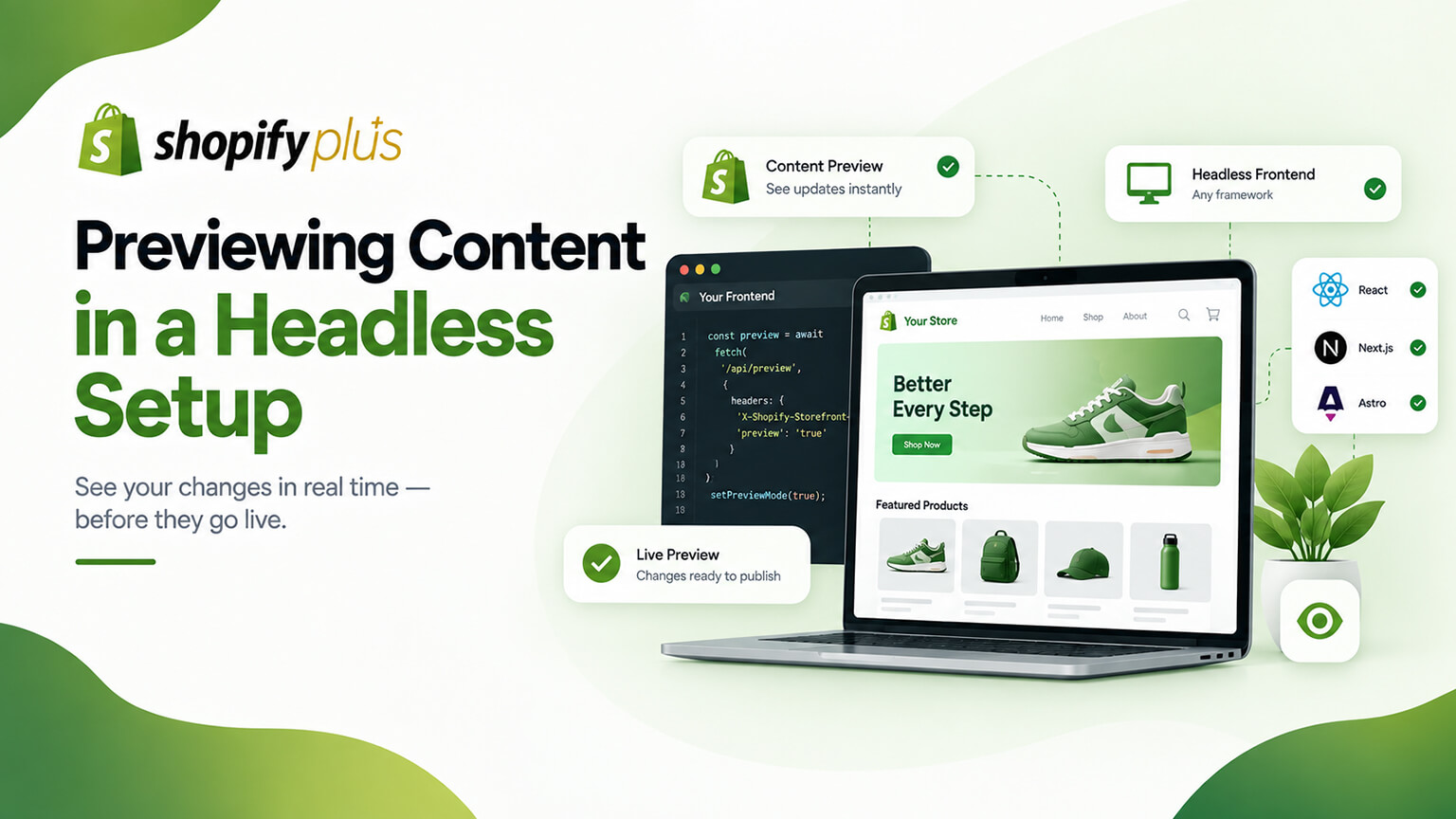
On a standard Shopify theme, previewing content and changes is straightforward — the theme editor lets you preview edits, and Shopify’s admin shows how things will look before publishing. But on a headless storefront (a custom front-end, often with content managed in Shopify and/or a headless CMS, as the headless-CMS discussion covers), previewing content becomes trickier: the custom front-end renders the content (often with caching and static generation, as the caching/ISR discussion covers), so seeing how unpublished or draft content will look before it goes live isn’t automatic — it requires deliberate setup. This matters because content teams need to preview content (to review and approve changes before publishing, as they can on a theme), and if headless makes previewing hard or is overlooked, content workflows suffer (teams can’t easily preview, slowing content work and risking publishing unreviewed content). So headless setups need to enable good content preview. This is a practical, sometimes-overlooked aspect of headless that affects content teams’ day-to-day workflow. This piece covers previewing content in a headless setup: why it’s trickier, why it matters, how to enable preview, and how to support content workflows. (This connects to the headless-CMS and caching/ISR discussions; this focuses on content preview in headless.)
This piece covers why previewing content is trickier on headless, why it matters for content teams, how to enable content preview, and how to support content workflows. Because content preview is straightforward on themes but needs deliberate setup on headless, and it matters for content workflows. Let me walk through it.
Why previewing content is trickier on headless
Previewing content is trickier on headless because of how headless renders content. Content rendered by the custom front-end — on headless, the custom front-end renders the content (pulling it from Shopify and/or a headless CMS, as those discussions cover, and rendering it), so seeing how content will look means the front-end rendering it — versus a theme where the theme editor previews it directly. Caching and static generation — headless often uses caching and static generation (SSG, ISR, as the caching/ISR discussion covers), so the front-end serves cached/pre-rendered content — which means unpublished/draft content isn’t automatically rendered and served (the cached/published version is), making previewing draft content non-automatic (it’s not just served). No built-in preview like the theme editor — headless doesn’t have the theme editor’s built-in preview (which previews theme content changes directly), so the easy, built-in preview of a theme isn’t there — previewing requires setting it up in the headless front-end. Content from CMS and Shopify — content may come from a headless CMS and/or Shopify (as the headless-CMS discussion covers), and previewing draft content from these sources (before publishing) requires the front-end to fetch and render the draft/preview content (not just the published), which needs setup — so previewing draft content across the sources takes deliberate handling. Draft vs. published content — the core issue: previewing means seeing draft/unpublished content rendered by the front-end (as it will look when published), but the front-end normally serves published (and cached) content — so a preview mechanism (rendering draft content) must be set up. Requires deliberate setup — so content preview on headless requires deliberate setup (a preview mode/mechanism in the front-end that fetches and renders draft content, bypassing the cache) — not automatic like a theme. And it’s often overlooked — headless setups often overlook content preview (focusing on the live site), then content teams find they can’t easily preview — a practical gap. So previewing content is trickier on headless because the custom front-end renders content (not the theme editor), caching/static generation means draft content isn’t automatically served, there’s no built-in theme-editor preview, content from CMS/Shopify needs draft-preview fetching, the draft-vs-published distinction requires a preview mechanism, it requires deliberate setup, and it’s often overlooked. So previewing content on headless needs deliberate setup (a preview mechanism), versus a theme’s built-in preview. So plan for content preview on headless (it’s not automatic). The next section covers why it matters.
Why it matters for content teams
Content preview matters because content teams need it for their workflow. Reviewing before publishing — content teams need to preview content (see how it will look) before publishing, to review and approve it (checking it looks right, catching errors, as any content workflow requires) — a core content-workflow need (preview to review). On a theme, this is easy (theme editor preview); on headless, it needs the preview setup. Content workflow depends on it — content teams’ workflow (creating, reviewing, approving, publishing content) depends on being able to preview (to review before publishing), so without good preview, the workflow suffers (teams can’t easily review, or publish blind) — so preview supports the content workflow. Catching errors before they’re live — previewing lets teams catch errors, issues, or things that don’t look right before publishing (versus publishing and finding problems live) — quality control (preview catches issues pre-publish). Confidence in publishing — preview gives content teams confidence in publishing (they’ve seen it, it looks right), versus publishing uncertainly (not having previewed) — supporting confident content work. Enabling non-technical content management — if content teams (non-technical) manage content (in a CMS or Shopify), they need preview to work with content effectively (reviewing their changes) without needing developers — so preview enables non-technical content workflows (as the headless-CMS discussion touches on). Avoiding publishing problems — without preview, teams might publish content with errors or that looks wrong (not having previewed), causing problems live (poor content going live) — so preview avoids publishing problems. And it affects day-to-day work — content preview affects content teams’ day-to-day work (frequent content creation, review, publishing), so poor preview is a recurring friction, while good preview supports smooth content work — a practical daily impact. So content preview matters because content teams need it to review content before publishing (a core workflow need), the content workflow depends on it, it catches errors pre-publish (quality control), it gives confidence in publishing, it enables non-technical content management, it avoids publishing problems, and it affects day-to-day content work. So good content preview supports content teams’ workflow and quality, while poor preview causes friction and risks — making it worth enabling on headless. So enabling good content preview matters for content teams’ workflow, which the next section covers how to do. So content preview is important for content teams, making it worth setting up well on headless.
How to enable content preview
Enabling content preview on a headless setup involves setting up a preview mechanism (developer work, at an overview level). Set up a preview mode/mechanism — set up a preview mode or mechanism in the headless front-end: a way for the front-end to fetch and render draft/unpublished content (from the CMS and/or Shopify) and display it as it will look when published, bypassing the cache — the core of enabling preview (a preview mode rendering draft content). Fetch draft/preview content — the preview mechanism fetches the draft/preview content (from the headless CMS’s preview API/mode, and/or Shopify’s draft content, as the headless-CMS discussion covers), so the front-end can render the unpublished content — fetching draft content for preview. Bypass caching for preview — the preview must bypass the caching/static generation (which serves published content, as the caching/ISR discussion covers), rendering the draft content fresh (not the cached published version) — so preview shows the draft (handling the caching challenge). CMS preview features — headless CMSs often provide preview features/APIs (a preview mode, draft content access, as the headless-CMS discussion covers) designed for this, so leverage the CMS’s preview capabilities (integrating them with your front-end) — using the CMS’s preview support. Preview integration in the front-end — the front-end integrates the preview (a preview mode/route that fetches and renders draft content, often triggered from the CMS or a preview link), so content teams can preview (via a preview URL or the CMS’s preview button) — the front-end preview integration. Preview for content teams — set up the preview so content teams can use it easily (a preview button in the CMS, a preview link, or a preview environment showing draft content as it will look) — making preview accessible to the (often non-technical) content teams. Developer setup — enabling preview is developer work (setting up the preview mode, fetching draft content, bypassing cache, integrating with the CMS and front-end, as the team discussion covers), so it’s implemented by your developers — a technical setup. And test the preview — test that the preview works (shows draft content accurately as it will look, accessible to content teams), ensuring it’s reliable — verifying the preview. So enable content preview by setting up a preview mode/mechanism in the front-end (fetching and rendering draft content, bypassing cache), fetching draft/preview content (from the CMS and/or Shopify), leveraging the CMS’s preview features, integrating preview in the front-end (a preview mode/route accessible to content teams), making it easy for content teams to use (preview button/link/environment), implementing it via developers, and testing it. The keys are setting up a preview mechanism that fetches and renders draft content (bypassing cache), leveraging the CMS’s preview features, and making it accessible to content teams. So set up a content-preview mechanism (developer-implemented, leveraging CMS preview features) that lets content teams preview draft content on headless. The next section covers supporting content workflows overall. So enabling content preview on headless means setting up a preview mechanism (draft content, cache-bypassing, accessible to content teams), developer-implemented.
How to support content workflows
Beyond preview, supporting content workflows on headless ensures content teams can work effectively. Enable good preview — enable good content preview (as covered), the foundation of a good content workflow (teams can review before publishing) — the key enabler. Use a good headless CMS — use a good headless CMS (as that discussion covers) with strong content management and preview features, giving content teams a good content-management experience (creating, managing, previewing, publishing content) — the CMS supporting the workflow. Support the content team’s needs — support what the content team needs to work effectively: preview (reviewing), a good content-editing experience, the ability to manage content without developers (for routine content), and a smooth workflow (create, review, publish) — so the content workflow works well (versus friction). Enable non-technical content management — enable non-technical content management (content teams managing content via the CMS, with preview, without needing developers for routine content, as the headless-CMS discussion covers), so the content team is self-sufficient for content — an important workflow consideration (versus needing developers for content). Handle publishing and updates — set up how content publishing and updates work (content published in the CMS/Shopify, then reflected on the front-end — considering the caching/regeneration, as the caching/ISR discussion covers, so published content appears appropriately), so publishing works smoothly — handling the publish-to-live flow. Consider the caching/regeneration for content updates — since headless caches content (as the caching/ISR discussion covers), consider how content updates propagate (regeneration, revalidation, so updated content appears), ensuring published content updates appear on the live site appropriately — handling content freshness (as the caching discussion covers). Plan the content workflow in the build — plan the content workflow (CMS, preview, publishing, the team’s needs) when building the headless setup (not as an afterthought), so the content workflow is designed in — avoiding overlooking it. And test and refine the workflow — test and refine the content workflow (does it work for the content team — creating, previewing, publishing smoothly?), ensuring it supports the team — verifying the workflow. So support content workflows on headless by enabling good preview (the foundation), using a good headless CMS (strong content management and preview), supporting the content team’s needs (preview, good editing, non-technical management, smooth workflow), enabling non-technical content management (self-sufficiency), handling publishing and updates (the publish-to-live flow, considering caching/regeneration), planning the content workflow in the build, and testing and refining it. The keys are enabling good preview, using a good CMS, supporting the team’s needs (including non-technical management), and planning the content workflow in the build. So support the content workflow on headless — good preview, good CMS, the team’s needs, smooth publishing — so content teams can work effectively (versus headless hindering content work). So supporting content workflows on headless means enabling good preview and a good CMS-based workflow that lets content teams work effectively, planned into the build.
The bottom line
On a standard Shopify theme, previewing content and changes is straightforward (the theme editor previews edits before publishing), but on a headless storefront (a custom front-end, often with content in Shopify and/or a headless CMS), previewing content becomes trickier: the custom front-end renders content (often with caching and static generation), so seeing how unpublished or draft content will look before it goes live isn’t automatic — it requires deliberate setup. This is trickier because the front-end (not the theme editor) renders content, caching and static generation mean draft content isn’t automatically served, there’s no built-in theme-editor preview, content from a CMS and/or Shopify needs draft-preview fetching, the draft-versus-published distinction requires a preview mechanism, and it’s often overlooked in headless builds. It matters because content teams need to preview content before publishing — to review and approve it, catch errors, and publish with confidence — so their workflow depends on it; without good preview, content workflows suffer (teams can’t easily review, or publish blind, risking errors going live), and it particularly affects non-technical content teams and day-to-day content work. Enable content preview by setting up a preview mode or mechanism in the headless front-end that fetches and renders draft/unpublished content (from the CMS and/or Shopify) and displays it as it will look when published, bypassing the caching (which serves published content) — leveraging the headless CMS’s preview features and APIs (which are designed for this), integrating the preview in the front-end (a preview mode or route accessible to content teams via a preview button or link), making it easy for the often-non-technical content teams to use, implementing it via developers, and testing that it works accurately. Beyond preview, support content workflows by using a good headless CMS with strong content management and preview features, supporting the content team’s needs (preview, a good editing experience, the ability to manage content without developers for routine work, a smooth create-review-publish workflow), enabling non-technical content management (so the team is self-sufficient for content), handling how content publishing and updates propagate to the live site (considering the caching and regeneration so published and updated content appears appropriately), planning the content workflow when building the headless setup (not as an afterthought), and testing and refining it. The keys are enabling good preview (a mechanism rendering draft content, bypassing cache, accessible to content teams), using a good CMS, supporting the team’s needs including non-technical content management, and planning the content workflow in the build. So if you go headless, plan for and set up content preview and a good content workflow as part of the project — enabling content teams to preview draft content and work effectively (create, review, publish smoothly) — rather than overlooking it and leaving content teams unable to preview, which hinders their work and risks publishing problems. Good content preview and workflow support are a practical but important part of a headless setup that serves content teams well.
Frequently asked questions
Why is previewing content harder on a headless storefront?
Because of how headless renders and serves content. On a standard theme, the theme editor lets you preview edits directly before publishing. On headless, your custom front-end renders the content (pulling it from Shopify and/or a headless CMS), and it often uses caching and static generation, so it serves cached, published content — which means unpublished or draft content isn’t automatically rendered and served. There’s no built-in theme-editor preview, so seeing how draft content will look requires a deliberate preview mechanism in the front-end: one that fetches the draft/preview content (from the CMS’s preview mode and/or Shopify’s draft content) and renders it fresh, bypassing the cache that would otherwise serve the published version. The draft-versus-published distinction is the core issue — the front-end normally serves published content, so previewing draft content needs a dedicated mechanism. This requires setup rather than being automatic, and it’s frequently overlooked in headless builds, leaving content teams unable to preview easily.
Why does content preview matter?
Because content teams need it for their workflow. They need to preview content — see how it will look — before publishing, so they can review and approve it, check it looks right, and catch errors, just as they can easily do with a theme’s editor. Their whole content workflow (creating, reviewing, approving, publishing) depends on being able to preview; without it, they either can’t easily review or they publish blind, risking errors and poor content going live. Preview provides quality control (catching issues before they’re live) and confidence in publishing, and it’s especially important for non-technical content teams who need to work with content effectively without relying on developers for routine changes. It affects day-to-day content work — frequent creation, review, and publishing — so poor preview is a recurring friction while good preview supports smooth, confident content work. That’s why enabling good content preview is worth the deliberate setup a headless build requires, rather than overlooking it.
How do I enable content preview on headless?
Set up a preview mechanism in your headless front-end (developer work). The core is a preview mode that fetches and renders draft/unpublished content — from your headless CMS’s preview API or mode, and/or Shopify’s draft content — and displays it as it will look when published, crucially bypassing the caching and static generation that would otherwise serve the published version. Leverage your headless CMS’s preview features and APIs, which are typically designed for exactly this (a preview mode and draft-content access), and integrate them with your front-end (a preview route or mode, often triggered from a preview button in the CMS or a preview link). Make the preview easy for your content team to use — a preview button in the CMS, a preview link, or a preview environment showing draft content — since the content team (often non-technical) needs to use it in their workflow. Your developers implement this, and you should test that the preview works accurately (showing draft content as it will actually look) and is reliably accessible to the content team.
How do I support content teams’ workflow on headless?
Enable good preview (the foundation) and build a good content workflow around it. Use a good headless CMS with strong content-management and preview features, giving content teams a good experience for creating, managing, previewing, and publishing content. Support what the team needs to work effectively: reliable preview for reviewing, a good content-editing experience, and — importantly — the ability to manage routine content themselves without needing developers (enabling non-technical content management so the team is self-sufficient). Handle how content publishing and updates propagate to the live site, considering the caching and regeneration headless uses (so published and updated content appears appropriately and promptly). Plan the whole content workflow — CMS, preview, publishing, the team’s needs — when building the headless setup rather than as an afterthought, and test and refine it to make sure content teams can create, preview, and publish smoothly. The keys are good preview, a good CMS, supporting non-technical content management, and planning the content workflow into the build, so headless supports rather than hinders your content team’s day-to-day work.