
Choosing a Headless CMS for Your Shopify Storefront
On this page
For a lot of brands that go headless, the real driver isn’t performance — it’s content. Shopify is excellent at commerce and merely adequate at content management, and for content-heavy brands (editorial, storytelling, education, rich campaigns) that limitation chafes. A headless setup lets you pair Shopify’s commerce engine with a dedicated headless CMS that’s solid at content, which is often the whole point of going headless in the first place. So if content is part of why you’re considering or building headless, choosing the right headless CMS is one of the most consequential decisions you’ll make — your team will live in it daily, and it’ll shape what your content operation can do.
This piece covers what a headless CMS actually is, why headless Shopify so often pairs with one, what to look for when choosing, and how to make a good decision. I’ll keep the framing practical and avoid pretending there’s one universally-correct CMS, because the right choice depends on your needs and especially your team.
What a headless CMS is
A headless CMS is a content management system decoupled from any particular front end — it manages your content (articles, pages, rich media, structured content of all kinds) and delivers it via an API to wherever you want to display it, rather than being tied to rendering a specific website the way a traditional CMS is. “Headless” here means the same thing it means for commerce: the content management (the body) is separated from the presentation (the head), and the front end pulls content through an API.
This decoupling is what makes a headless CMS suit a headless storefront: your custom storefront (built with Hydrogen or Next.js) pulls commerce data from Shopify’s Storefront API and content from your headless CMS’s API, combining them into the experience customers see. The CMS handles content; Shopify handles commerce; your storefront combines them. A headless CMS is purpose-built for this API-driven, multi-front-end world, which is exactly why it fits the composable, headless approach — it’s content management designed to feed any front end through an API, rather than to be a website itself.
Why headless Shopify pairs with a headless CMS
To understand why this matters, you have to understand Shopify’s content limitation. Shopify is built around commerce, and its content management capabilities — the blog, basic pages, metafields and metaobjects for structured content — are functional but limited compared to a dedicated CMS. For a store whose content needs are modest, Shopify’s native content tools are fine. But for a content-heavy brand — one running serious editorial, rich storytelling, educational content, complex campaigns, or a content operation that’s central to the brand — Shopify’s content management starts to feel constraining: limited structured content modeling, a basic editing experience, and not enough flexibility for ambitious content.
This is where a headless CMS comes in, and it’s frequently the core reason a content-led brand goes headless at all. By pairing Shopify (commerce) with a dedicated headless CMS (content), you get a best-of-breed setup: Shopify’s excellent, reliable commerce and checkout, plus a powerful, flexible content management system built for exactly the kind of ambitious content your brand produces. The division of labor is clean — Shopify for commerce, the headless CMS for content, your storefront combining them. So if content is central to your brand and Shopify’s native content tools are holding you back, a headless CMS (and the headless architecture that enables it) is often the answer. The CMS choice, then, is really about your content operation, which is why getting it right matters so much for content-led brands.
What to look for when choosing
Choosing a headless CMS comes down to several factors, and their relative importance depends on your needs. Here’s what to weigh.
The editing experience — this matters most. Your content team will use the CMS daily, so how good the editing and authoring experience is — how intuitive, how pleasant, how efficient for your team’s actual workflow — is arguably the single most important factor, and the one most often underweighted in favor of technical features. A CMS your team finds clunky or frustrating will hamper your content operation regardless of how powerful it is on paper. Evaluate the editing experience with the people who’ll actually use it, because their daily productivity and satisfaction depend on it.
Structured content modeling. A key strength of headless CMSes is letting you model content as structured data — defining content types with fields, relationships, and reusable components, rather than just rich-text blobs. How flexibly and powerfully a CMS lets you model your content (and how well that matches your content’s structure) matters for what you can build and how maintainable it is. Content-rich brands especially benefit from strong, flexible content modeling.
API and integration. Since the CMS delivers content via API to your storefront, the quality and developer experience of its API, and how well it integrates with your framework (Hydrogen, Next.js) and your stack, matter for the build and ongoing development. Your developers will care about this a lot.
Performance and scalability. The CMS’s content delivery performance (often via a CDN) and its ability to scale with your content volume and traffic matter, especially since performance is often part of why you went headless.
Localization. If you’re international or multilingual, how well the CMS handles localization and translation workflows is important.
Cost. Headless CMSes have varying pricing models (often scaling with usage, users, or API calls), and cost is a real factor, especially as you grow.
The right CMS balances these for your situation — but lead with the editing experience for your team and the content modeling for your needs, because those shape your day-to-day content operation most, while the technical factors (API, performance, integration) ensure it works well in your build.
The options landscape
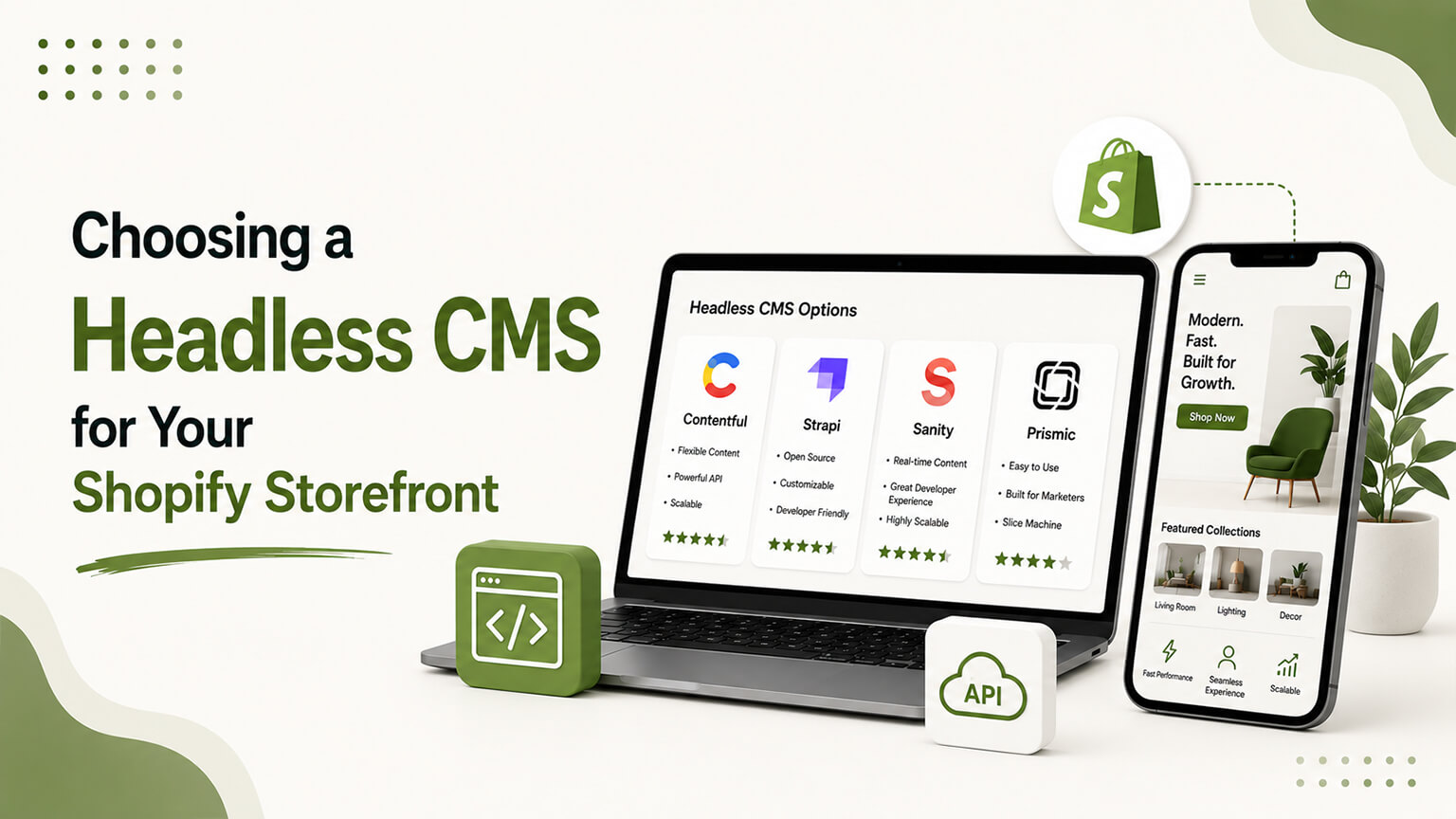
There’s a healthy market of headless CMS options — names you’ll encounter include Contentful, Sanity, Storyblok, Prismic, and others, each with different strengths, editing experiences, content-modeling approaches, and pricing. I’m deliberately not declaring a single winner, because the best choice depends on your needs, your team’s preferences, your developers’ framework, and your budget — a CMS that’s perfect for one brand’s content operation and team might be a poor fit for another’s. The right approach is to evaluate the leading options against your specific requirements (especially the editing experience for your team and the content modeling for your content) rather than picking based on popularity or a feature checklist. Many offer trials or free tiers, so you can actually test the editing experience and content modeling with your team before committing, which is the best way to evaluate the factor that matters most.
What I’d steer you away from is choosing a headless CMS purely on technical specs or because it’s the most-discussed option, while neglecting whether your content team will actually enjoy and be productive using it. The technical capabilities matter, but the daily editing experience is what your content operation lives or dies by, so weight it heavily and test it directly.
The build implications
Choosing a headless CMS has build implications worth understanding. Your developers will integrate the CMS with your headless storefront — pulling content from the CMS’s API and combining it with Shopify commerce data — and set up the content models, the preview experience (so editors can see content before publishing), and the workflows. This is real development work, part of the headless build, and the CMS choice affects how that work goes (its API quality and framework integration matter here).
There’s also the content modeling and setup — defining your content types and structure in the CMS, which is a thoughtful exercise that shapes how your content operation works. Done well, your content team gets a powerful, well-structured system that fits how they work; done poorly, even a great CMS can be set up in a confusing or limiting way. So the CMS implementation, not just the choice, matters — getting the content models and editing experience set up well for your team is part of realizing the value. This is where development and content strategy meet, and it’s worth getting right, because your content operation will live with the result.
Do you even need a headless CMS?
A grounding question, because not every headless build needs a separate CMS. If your content needs are modest — you’re going headless primarily for performance or flexibility, not because Shopify’s content management is holding you back — you might not need a dedicated headless CMS at all, and could use Shopify’s native content tools (metafields, metaobjects, the blog) even in a headless build, avoiding the added cost and complexity of another system. A headless CMS adds value specifically when your content needs exceed what Shopify’s native tools handle well, which is the content-heavy-brand scenario.
So before adding a headless CMS, confirm your content needs warrant it. If content is central to your brand and Shopify’s tools constrain you, a headless CMS is likely worth it and may be the core reason you’re going headless. If your content needs are modest, adding a headless CMS may be unnecessary complexity and cost, and Shopify’s native content management might suffice even in your headless setup. Match the content tooling to your actual content ambitions — don’t add a powerful headless CMS you won’t fully use, and don’t try to run a serious content operation on Shopify’s limited native tools. The decision to add a headless CMS should follow from genuine content needs, just as the decision to go headless at all should follow from genuine needs.
Common mistakes
A few traps in choosing a headless CMS. Choosing on technical features while neglecting the editing experience your team uses daily — the most common and consequential mistake. Picking the most popular or most-discussed option without evaluating it against your specific needs. Over-engineering — adding a powerful, expensive CMS when your content needs are modest and Shopify’s tools would do. Under-engineering — trying to run an ambitious content operation on tools (Shopify native or a too-basic CMS) that can’t support it. Neglecting the implementation — choosing a good CMS but setting up the content models and editing experience poorly. And not testing with your actual content team before committing. Avoid these by leading with the editing experience and content modeling, matching the choice to your real content needs, testing with your team, and implementing it thoughtfully.
A worked example: hitting Shopify’s content ceiling
To make the “do you need one” question concrete, consider the kind of brand that does. Picture a brand whose content is central — they publish rich editorial, guides, lookbooks, interactive stories, and campaign content, and content is a real part of how they attract and engage customers. On Shopify’s native tools, they’re constantly fighting the limits: the blog is basic, modeling their varied content types into metafields and metaobjects gets awkward at their scale and complexity, the editing experience frustrates their content team, and building the ambitious content experiences they want is a struggle. They’re spending effort working around Shopify’s content limitations instead of producing great content.
For this brand, a headless CMS is transformative, and likely the core reason to go headless. They move to a setup where Shopify handles commerce (which it does excellently) and a dedicated headless CMS handles content (which it does far better than Shopify’s native tools), with their custom storefront combining both. Suddenly their content team has a powerful, flexible system built for exactly the kind of structured, ambitious content they produce, and they can build content experiences that were impractical before. The constraint that was holding back a content-central brand is gone.
Now contrast that with a brand whose content is a modest blog and some standard pages. For them, Shopify’s native content tools are perfectly adequate, and adding a headless CMS would be expensive complexity solving a problem they don’t have. The worked example cuts both ways: a headless CMS is valuable, even transformative, for a content-heavy brand hitting Shopify’s content ceiling, and unnecessary overhead for a brand whose content needs Shopify already handles. Recognizing which you are — by honestly assessing whether Shopify’s content tools constrain you — is the whole decision. The brands that benefit can clearly articulate how Shopify’s content limitations hold them back; the brands that don’t struggle to name a real content constraint, which is the signal they don’t need the added system.
The preview problem and other practicalities
A practical wrinkle worth flagging, because it surprises teams new to headless content: in a headless setup, content lives in the CMS but is rendered by your separate storefront, so “previewing” content before publishing — seeing how it’ll actually look on the live site — requires deliberate setup, since the CMS doesn’t render your storefront itself. A good headless implementation builds a preview experience so your content team can see their content in context before it goes live, but this is something that has to be set up rather than working automatically the way a traditional CMS’s preview does. When evaluating CMSes and planning the implementation, the quality of the preview experience (and the effort to set it up) is worth considering, because your content team will care a lot about being able to see their work before publishing.
More broadly, the headless content workflow has practicalities the traditional all-in-one experience handles for you: preview, the publishing flow, how content updates propagate to the live storefront (caching considerations), and the editorial workflow across the CMS and storefront. None of these is a dealbreaker, and a good implementation handles them well, but they’re part of what “implementing a headless CMS thoughtfully” means, and they’re easy to underestimate if you’re picturing the seamless experience of a traditional CMS. So when you plan your headless CMS adoption, account for these workflow practicalities — preview especially — as part of the implementation, so your content team gets a smooth experience rather than a powerful CMS hampered by an awkward publishing-and-preview workflow. Getting these right is part of making the headless content operation actually pleasant to work in day to day.
The bottom line
A headless CMS is often the real reason content-led brands go headless: Shopify is excellent at commerce but only adequate at content management, so pairing Shopify (commerce) with a dedicated headless CMS (content) gives content-heavy brands the best of both — reliable commerce plus powerful, flexible content management feeding a custom storefront. A headless CMS manages content and delivers it via API to your storefront, which combines it with Shopify commerce data. When choosing, weigh the editing experience (most important — your team uses it daily, so test it with them), structured content modeling (for your content’s needs), API and framework integration (for the build), performance, localization, and cost — but lead with the editing experience and content modeling, since those shape your day-to-day content operation most. Evaluate the leading options (Contentful, Sanity, Storyblok, Prismic, and others) against your specific requirements rather than picking on popularity or a feature checklist, and test the editing experience directly. Confirm you need a headless CMS — it adds value when your content needs exceed Shopify’s native tools, and is unnecessary complexity when they don’t. And implement it thoughtfully, because setting up the content models and editing experience well is part of realizing the value. Choose the CMS your content team will be productive and happy in, that fits your content’s structure and your build, and your content operation gets the powerful foundation that often justified going headless in the first place.
Frequently asked questions
What is a headless CMS and why use one with Shopify?
A headless CMS is a content management system decoupled from any particular front end — it manages content and delivers it via API to wherever you display it. With Shopify, it’s used because Shopify is excellent at commerce but only adequate at content management; pairing Shopify (commerce) with a dedicated headless CMS (content) gives content-heavy brands powerful, flexible content management alongside reliable commerce, with your headless storefront combining both. It’s frequently the core reason content-led brands go headless.
What’s the most important factor in choosing a headless CMS?
The editing experience for your content team, who’ll use it daily — how intuitive, pleasant, and efficient it is for their actual workflow. This is the most consequential factor and the most often underweighted in favor of technical specs. A CMS your team finds clunky hampers your content operation regardless of its power. Evaluate it with the people who’ll use it, and weight it heavily, alongside how well it models your content’s structure.
Do I always need a headless CMS if I go headless?
No. If your content needs are modest and you’re going headless mainly for performance or flexibility (not because Shopify’s content management constrains you), you might use Shopify’s native tools (metafields, metaobjects, the blog) even in a headless build, avoiding the added cost and complexity. A headless CMS adds value specifically when your content needs exceed what Shopify’s native tools handle well — the content-heavy-brand scenario. Match the tooling to your actual content ambitions.
Which headless CMS is best for Shopify?
There’s no universal winner — names like Contentful, Sanity, Storyblok, and Prismic each have different strengths, editing experiences, content-modeling approaches, and pricing, and the best choice depends on your needs, your team’s preferences, your framework, and your budget. Evaluate the leading options against your specific requirements (especially the editing experience for your team and content modeling for your content), test them directly with trials or free tiers, and choose the one your content team will be most productive and happy in.