
Migrating Off checkout.liquid: A Practical Guide to Checkout Extensibility
On this page
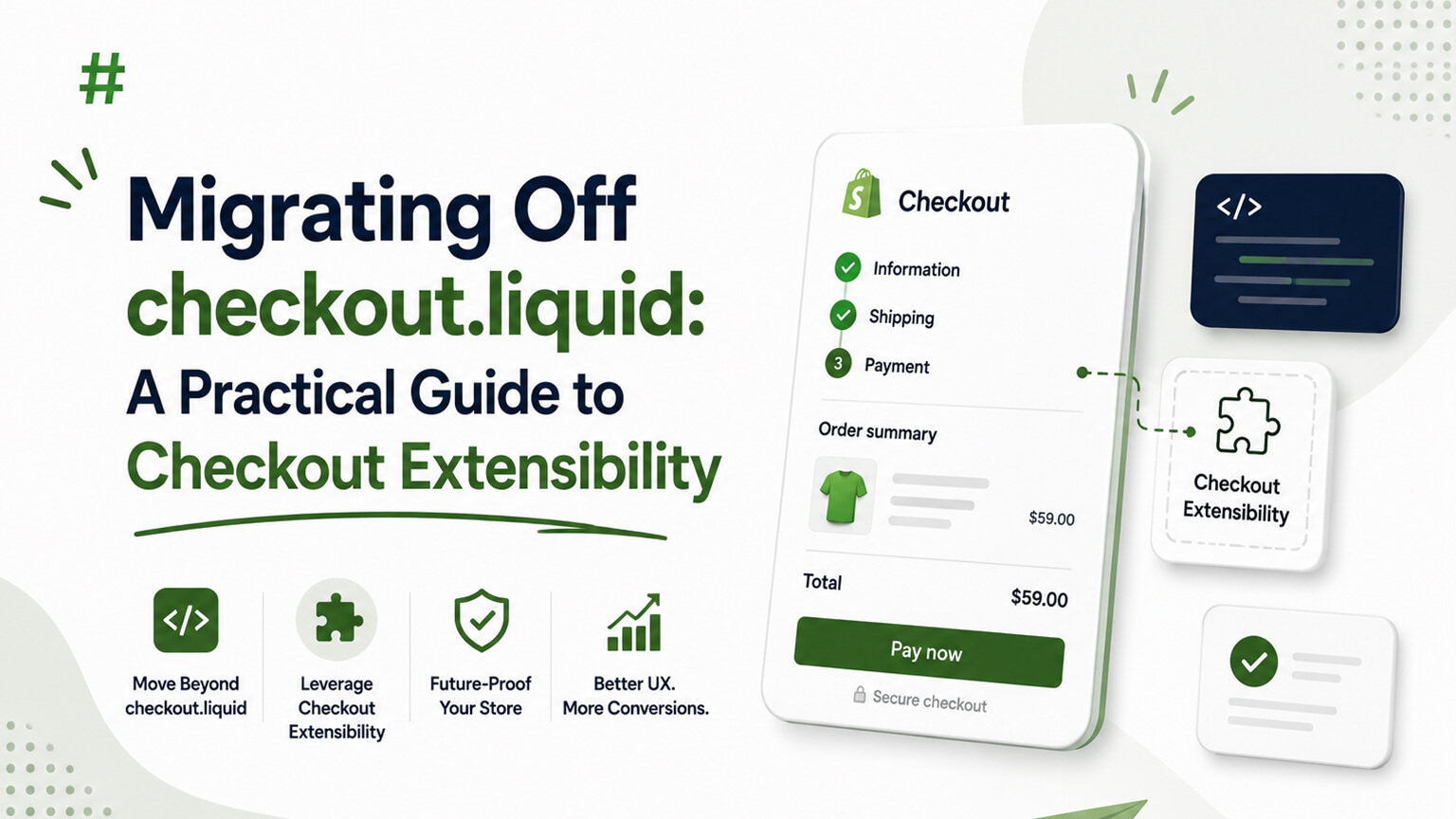
For years, the way Shopify Plus merchants customized their checkout was a file called checkout.liquid — and a related set of additional scripts. If you wanted custom fields, branding beyond the basics, upsells, or special logic in the checkout, that’s where it lived. Shopify has now retired that approach in favor of a newer system called Checkout Extensibility. If your store still relies on the old method, or if you’re hearing about this for the first time and feeling a jolt of panic, this guide explains what changed, why it matters, and how to handle the transition sensibly.
One caveat up front: Shopify has set and adjusted specific deadlines for this transition over time, so verify the current dates and requirements in Shopify’s own documentation rather than trusting any single date you read in an article. What follows is the durable shape of the change and how to approach it, not a countdown clock.
What actually changed, in plain terms
The old model let developers edit checkout by writing Liquid in the checkout.liquid file and bolting on additional scripts. It was flexible, but it had a serious downside: those customizations were essentially custom code grafted onto Shopify’s checkout, which made the checkout harder for Shopify to update, secure, and improve. Every merchant’s checkout was a little different and a little fragile, and that held the whole platform back.
Checkout Extensibility replaces that with a structured, supported way to customize checkout. Instead of editing a Liquid file, you build customizations as defined extensions — checkout UI extensions for adding content and fields, Shopify Functions for custom logic like discounts and validation, and branding settings for appearance. The customizations plug into defined points rather than rewriting the checkout wholesale.
The trade-off is real and worth understanding rather than resenting. You give up the “edit anything” freedom of raw Liquid in exchange for customizations that are upgrade-safe, more secure, faster, and that won’t break when Shopify improves the checkout. In practice, for the vast majority of merchants, that’s a good deal — the old freedom mostly created fragility, and the new model covers the customizations that actually matter while staying robust.
Why Shopify pushed this through
It’s tempting to view a forced migration as Shopify making your life harder, so it’s worth understanding the genuine reasoning, because it changes how you feel about the work.
A checkout built from each merchant’s custom Liquid was a maintenance and security burden that made it hard for Shopify to evolve the checkout safely. By moving everyone to a structured extensibility model, Shopify can keep improving the checkout — performance, conversion features, new capabilities — without every update risking someone’s custom code. The checkout is the most conversion-critical, security-sensitive part of any store; standardizing how it’s customized lets Shopify treat it with the care it deserves while still allowing the customizations merchants need.
So while the migration is work you didn’t ask for, the destination is better: a more secure, faster, continuously improving checkout where your customizations ride along safely instead of holding you on an old version. It’s less “Shopify making you jump through hoops” and more “Shopify moving everyone off a foundation that had quietly become a liability.”
What you need to migrate
The scope of your migration depends entirely on how much you customized your checkout in the first place, and the honest first step is to find out — many merchants are carrying customizations they’ve half-forgotten.
If your checkout is essentially standard with light branding, your migration is small — largely reconfiguring branding and confirming everything works in the new system. If you have a heavily customized checkout — custom fields, upsells, special discount or shipping logic, third-party integrations hooked into checkout, custom content on the thank-you or order-status pages — there’s more to do, because each of those customizations needs to be rebuilt in the new model.
The common pieces to account for: custom fields you collect at checkout (gift messages, delivery instructions, and the like) rebuilt as checkout UI extensions; custom discount, shipping, or payment logic rebuilt as Shopify Functions; checkout branding reconfigured in the new branding settings; and any post-purchase or order-status page customizations rebuilt with the appropriate extensions. Integrations that injected scripts into the old checkout need to be reconnected the supported way — and some older apps had to release updated versions to work with the new system, so check that the apps you rely on at checkout are current.
How to approach it without breaking your checkout
Your checkout is the last place you want to wing it, so treat this with appropriate caution. A sensible sequence looks like this.
Start with an inventory. Document every customization currently in your checkout — the forgotten ones especially, because those are what surprise you mid-migration. Walk through your actual checkout, list every non-standard element, and trace each back to whether it’s theme code, an app, or custom script. You can’t migrate what you haven’t found, and an incomplete inventory is the main reason these projects go wrong.
Then map each customization to its new home: this field becomes a checkout UI extension, that discount logic becomes a Function, this branding moves to settings, that app needs its updated version. Some things may not map one-to-one, and you might find a customization that’s no longer needed or that’s better handled differently now — the migration is a decent moment to prune as well as port.
Build and test in a safe environment, not on your live checkout. Rebuild the customizations, then test the entire checkout flow thoroughly — every payment method, every scenario, on real devices. Because checkout is where money changes hands, edge cases that would be minor annoyances elsewhere are revenue-losing bugs here. Test the unglamorous paths: discount codes, gift cards, express payments, B2B flows if you have them, international addresses.
Only then cut over, and watch closely afterward. Monitor your checkout completion rate and keep an eye out for errors in the days following the switch, because some problems only surface under real, varied traffic that testing can’t fully replicate.
Should you just do the minimum, or rethink the checkout?
A migration like this is a fork in the road, and it’s worth a moment’s thought rather than reflexively porting everything as-is.
If your checkout customizations are serving you well, the goal is a faithful migration — rebuild what you have in the new system, keep what works. Don’t change things for the sake of it; a forced migration is risky enough without bundling in a redesign.
But if your old checkout grew into a tangle of customizations bolted on over years, some of which you’re not even sure still serve a purpose, this is a reasonable moment to step back. Which of these customizations actually earns its keep? Are there upsell or conversion opportunities the new, more capable system enables that the old one didn’t? You don’t have to expand scope, but since you’re rebuilding anyway, it’s worth asking whether you’re rebuilding the right thing rather than faithfully recreating cruft.
A closer look at the building blocks
It’s worth understanding the new pieces a little more concretely, because the names get thrown around and it helps to know what each actually does when you’re scoping a migration or talking to a developer.
Checkout UI extensions are how you add content and interface elements to the checkout — a custom field for a gift message, a delivery-instructions box, a line of reassurance copy, a post-purchase upsell offer. Instead of editing a Liquid file to inject these, you build them as defined extensions that plug into specific spots in the checkout that Shopify exposes. The trade is that you can only add things at the points Shopify provides, rather than anywhere you like — but those points cover the customizations the vast majority of merchants actually need.
Shopify Functions handle logic rather than appearance — custom discount rules, custom shipping or delivery options, payment method customization, validation that blocks checkout under certain conditions. If your old setup used Scripts (the Plus-only scripting that let you write custom discount and shipping logic), that logic moves to Functions. Functions run on Shopify’s infrastructure, which makes them fast and reliable compared to logic stitched in elsewhere.
Branding settings cover the look — colors, fonts, logos, and styling of the checkout — configured through a proper interface rather than custom CSS hacks in a Liquid file. For many merchants whose “checkout customization” was really just branding, this part of the migration is straightforward and even an improvement, because it’s a supported, structured way to control appearance.
Understanding these three buckets — content/UI, logic, and branding — lets you sort your existing customizations and see roughly where each will land in the new world. Most things map cleanly; the rare exceptions are usually unusual customizations that may need rethinking rather than direct porting.
What you gain beyond just staying compliant
It’s easy to frame this purely as compliance — migrate or your customizations stop working — but that undersells what you actually get, and it’s worth knowing so the project feels less like a tax and more like an upgrade. The new checkout is faster, because customizations no longer bog down a custom Liquid checkout. It’s more secure, because it’s standardized and maintained by Shopify rather than being bespoke code on the most sensitive page of your store. It’s upgrade-safe, so when Shopify improves the checkout — new conversion features, performance gains, new capabilities — your customizations come along instead of breaking.
There’s also genuine new capability. The extensibility model enables things that were awkward or impossible before, like cleaner post-purchase upsells and more sophisticated checkout experiences, opening conversion opportunities you may not have had. So while nobody enjoys a forced migration, the destination is a checkout that’s quicker, safer, continuously improving, and capable of more than the old one. Approached with that framing, the work is an investment in your most important page rather than a chore imposed on you.
Who should do this work
A fair question is whether this is a do-it-yourself job or one for specialists. The branding portion, and very light customizations, are within reach of a capable store owner or a generalist. But anything beyond that — custom fields, Functions logic, post-purchase flows, reconnecting integrations — is developer work, and specifically work for developers who’ve done Checkout Extensibility before, because the checkout is the worst possible place to learn on the job. A bug in your homepage is annoying; a bug in your checkout costs sales the moment it ships.
If your checkout is meaningfully customized, treat the migration as a real project with proper testing rather than a quick reconfiguration, and use people who know the terrain. The cost of doing it carefully is small next to the cost of breaking the page where your customers hand over money. This is one of those areas where the value of experience is concentrated precisely because the stakes are so high and the edge cases — discount stacking, gift cards, express payments, international flows, B2B — are exactly where untested work fails.
A realistic sense of timeline and cost
Because the scope varies so widely, it helps to have a realistic picture of what this migration actually takes, so you can plan rather than be surprised. The single biggest driver is how customized your checkout was in the first place, and the honest answer only emerges once you’ve done the inventory — which is itself the first, non-negotiable step.
At the light end, a checkout that was essentially standard with some branding is a modest job. You’re reconfiguring the branding in the new settings, confirming the important flows still work, and checking that the apps you rely on at checkout are on their current, extensibility-ready versions. A capable store owner or a generalist developer can often handle this, and it’s measured in a small number of days rather than weeks — closer to a careful reconfiguration than a project.
At the heavy end, a checkout that grew over years into a collection of custom fields, bespoke discount and shipping logic, upsells, third-party integrations, and customized thank-you or order-status pages is a real project. Each of those customizations has to be rebuilt in the new model — fields as checkout UI extensions, logic as Functions, branding in settings — and then the entire flow has to be tested exhaustively across every payment method, discount scenario, express payment, international address, and B2B path. This is developer work, specifically for developers who’ve done Checkout Extensibility before, and it’s measured in weeks with a meaningful budget attached, because the testing burden alone is substantial when money changes hands on the page.
Most stores sit somewhere between those poles, which is exactly why the inventory matters so much: it’s the thing that turns “how long and how much” from a guess into a plan. Walk your actual checkout, list every non-standard element, trace each to its source, and map it to its new home. Only then can anyone quote the work honestly. Two further cost factors are worth flagging. First, apps: some older checkout apps required updated versions to work with extensibility, so part of your cost may simply be confirming (or waiting on) vendor updates rather than custom development. Second, the opportunity in the work — since you’re rebuilding anyway, pruning customizations that no longer earn their keep can reduce both the migration cost and your ongoing complexity. Budget for the migration as a real, if bounded, project proportional to how much you customized, and resist the temptation to treat a heavily customized checkout as a quick reconfiguration — that mismatch between expectation and reality is where these projects go wrong.
Test the boring paths, because that’s where checkout breaks
If there’s one piece of advice that prevents the worst migration outcomes, it’s this: test the unglamorous edge cases exhaustively before you cut over, because the checkout is the one page where a small, rare bug is a direct, immediate loss of revenue. A cosmetic glitch on a product page is an annoyance you fix at leisure; a discount code that silently fails at checkout, or an express payment that errors on certain carts, is money walking out the door from the moment it ships — and often for days before anyone notices the pattern.
So don’t just confirm that a standard order goes through. Run the paths that are easy to forget: discount codes and stacked promotions, gift cards, every express wallet payment, international addresses and currencies, tax edge cases, subscription or B2B flows if you have them, and any custom field or upsell you rebuilt. Test on real devices, not just a desktop preview, since mobile is where most checkouts actually happen. And after you cut over, watch your checkout completion rate closely for several days, because some failures only surface under the full variety of real traffic that no test plan fully replicates. Treating the boring paths as the priority — rather than an afterthought once the happy path works — is the difference between a migration that quietly succeeds and one that quietly costs you sales until someone finally digs in.
Frequently asked questions
How long does the migration take, and what does it cost?
It depends almost entirely on how customized your checkout was. A largely standard checkout with light branding is a modest job — reconfiguring branding and confirming flows, often a few days and within reach of a generalist. A heavily customized checkout (custom fields, discount or shipping logic, integrations, custom thank-you pages) is a real project measured in weeks with a meaningful budget, because each customization is rebuilt in the new model and the entire flow tested exhaustively. Do the inventory first — it’s the only way to scope the work honestly rather than guess.
What exactly is replacing checkout.liquid?
Checkout Extensibility — a structured, supported way to customize checkout. Instead of editing a Liquid file, you build customizations as defined extensions: checkout UI extensions for content and fields, Shopify Functions for logic like custom discounts and validation, and branding settings for appearance. They plug into defined points rather than rewriting the checkout wholesale.
Will my checkout break if I don’t migrate?
Customizations built the old way stop working once Shopify retires the old method, so anything you relied on — custom fields, upsells, special logic, thank-you page content — would revert or disappear. Verify the current deadlines and requirements in Shopify’s own documentation, since they’ve been set and adjusted over time, and migrate before they affect you.
Is migrating to Checkout Extensibility a big project?
It depends entirely on how customized your checkout is. A largely standard checkout with light branding is a small reconfiguration. A heavily customized checkout — custom fields, discount or shipping logic, integrations, thank-you page content — is a real project where each customization is rebuilt in the new model and thoroughly tested.
Should I do the migration myself?
The branding and very light customizations are approachable, but anything beyond that is developer work — and specifically for developers who’ve done Checkout Extensibility before, because the checkout is the worst place to learn on the job. A bug here costs sales immediately, so treat a meaningful migration as a real, well-tested project.
Don’t put it off, but don’t panic either
The two failure modes here are opposite and equally avoidable. One is ignoring the migration until a deadline forces a rushed job on your most important page — exactly the wrong way to handle something this sensitive. The other is panicking and over-complicating what, for many merchants, is a manageable reconfiguration rather than a crisis.
The right posture is calm and prompt. Find out where your checkout customizations live, check the current requirements and timelines in Shopify’s documentation, scope the work honestly, and handle it with the care the checkout deserves — ideally with developers who’ve done it before, since checkout is no place to learn on the job. Migrate deliberately and you end up with a faster, more secure, upgrade-safe checkout that keeps getting better. Leave it to the last minute and you risk doing delicate work on your revenue’s most fragile point under time pressure. Given the stakes, the choice makes itself.