
What Is Shopify Plus, and Is It Worth the Jump?
On this page
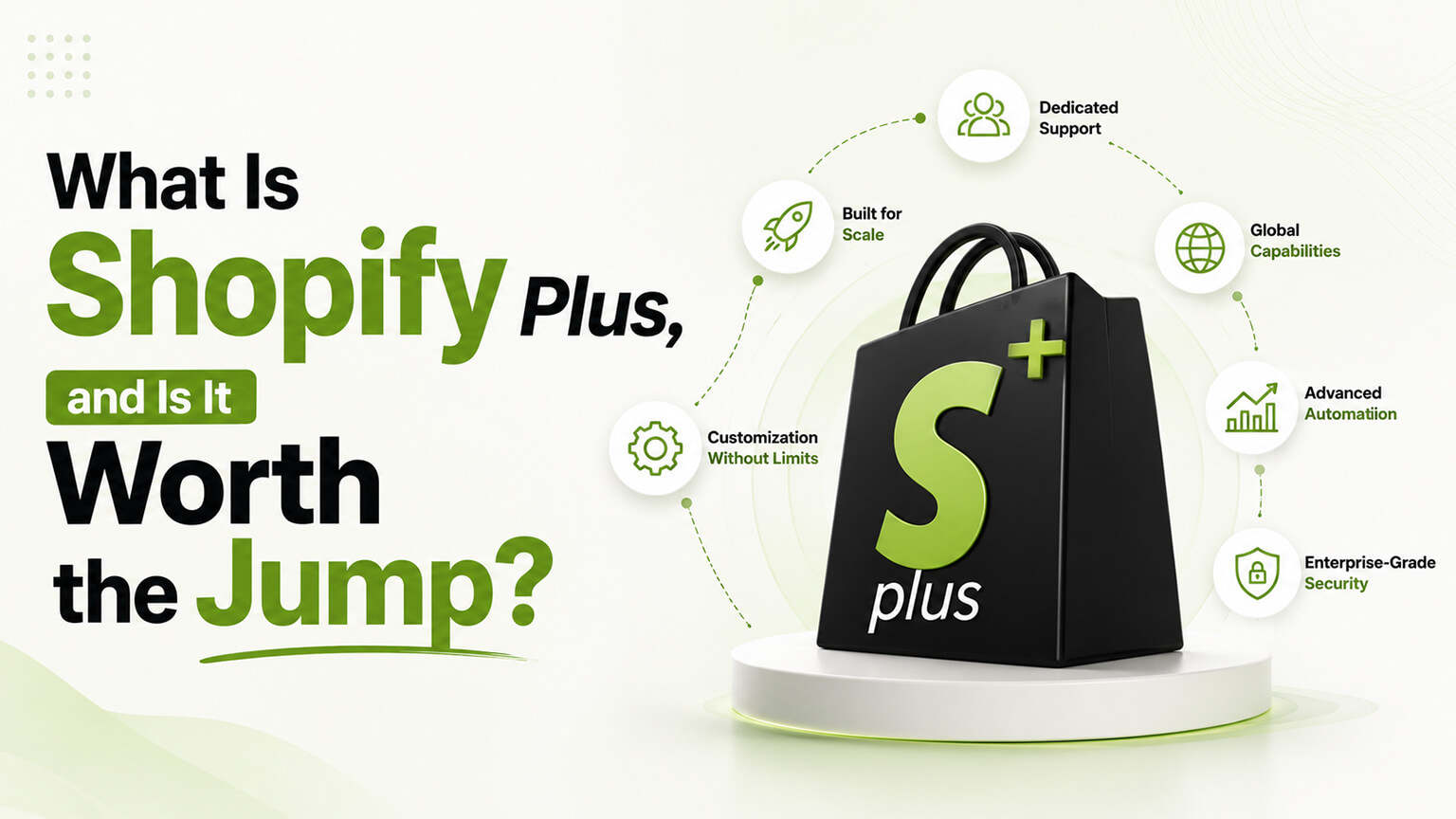
Shopify Plus has a slightly mythical reputation. It’s “the enterprise version,” the tier ambitious brands aspire to, the thing you graduate to when you’ve made it. Some of that is real and some of it is marketing, and the gap between the two costs brands money in both directions — some pay for Plus before they need it, lured by the prestige, while others stay on standard Shopify long past the point where Plus would have paid for itself. Let’s cut through it and look at what Plus actually gives you, who benefits, and how to tell which group you’re in.
What Shopify Plus actually is
Shopify Plus is Shopify’s top pricing tier, aimed at high-volume and enterprise merchants. Critically, it’s the same underlying platform as regular Shopify — your store doesn’t move to some different system. You’re on the same Shopify, with additional capabilities unlocked, higher limits, and a different level of support and pricing. That framing matters: upgrading to Plus is not a replatform, it’s an unlock. The store you have keeps working; you gain abilities you didn’t have.
The pricing reflects the audience. Where standard Shopify plans run from modest monthly fees, Plus starts much higher and is quoted based on your situation. The question is never whether Plus is expensive in absolute terms — it is — but whether what it unlocks is worth more to your business than it costs. For the right merchant that’s an easy yes; for the wrong one it’s prestige you’re renting.
What you actually get over standard Shopify
The headline capabilities are where Plus earns its keep, and they cluster around a few themes.
A customizable checkout. This is the big one and historically the main reason brands moved to Plus. On standard Shopify, the checkout is largely fixed — you get a high-converting checkout but limited ability to change it. Plus opens up checkout customization through Shopify’s Checkout Extensibility framework: custom content, upsells, fields, branding, and validation logic in the checkout flow. For brands that need to do something specific at checkout — post-purchase upsells, custom messaging, B2B-specific logic — this is often the deciding factor.
Custom commerce logic via Shopify Functions. Plus lets you build custom discount, shipping, and payment logic that goes beyond what standard rules allow. Want a discount structure, shipping rule, or cart behavior that the built-in tools can’t express? Functions make it possible. For brands with unusual selling models, this turns “the platform won’t let us” into “we built exactly what we needed.”
Native B2B. Plus includes built-in wholesale and B2B capabilities — company accounts, customer-specific catalogs and price lists, quantity rules, and net payment terms — so you can run B2B and direct-to-consumer from one platform. Brands that previously stitched B2B together with clunky wholesale apps often find this alone justifies the move, because it collapses two systems into one.
Automation and scale tools. Plus adds Launchpad for scheduling timed events like product drops and flash sales (theme, pricing, and inventory changes that go live automatically at a set time), more powerful Flow automation for operational workflows, multiple expansion stores for different regions or brands, higher API limits for heavy integrations, and a higher level of support. These matter most at volume, where manual processes break and small inefficiencies multiply.
Who needs it
Strip away the prestige and Plus makes sense for brands with specific, identifiable needs rather than a specific revenue number — though revenue and these needs tend to correlate.
You need checkout customization that standard Shopify won’t allow. You’re running, or want to run, B2B and DTC from one platform. You have high order volume where standard API limits and tooling start to pinch. You need custom commerce logic — discounts, shipping, cart behavior — that the standard rules can’t express. You run frequent high-traffic events like drops and flash sales that benefit from scheduling and the platform’s ability to handle traffic spikes. You operate multiple storefronts for different regions or brands and want them managed together.
Notice that none of these is “I make over $X.” Revenue is a rough proxy — brands often find these needs emerging somewhere around the low millions in annual revenue — but the real trigger is requirements, not a vanity threshold. A $3M brand with simple needs may not need Plus; a $1M brand with B2B and checkout customization requirements might benefit clearly. Diagnose by needs, not by ego.
Who doesn’t need it (yet)
Equally important, and less often said by people selling Plus: plenty of successful brands don’t need it. If standard Shopify’s checkout works for you, you don’t run B2B, your volume sits comfortably within standard limits, and your selling model fits the built-in tools, then Plus would mostly be paying for capabilities you won’t use.
The “we’re a serious brand, serious brands use Plus” reasoning is exactly the trap to avoid. Plus is a tool for specific jobs, not a status symbol, and there’s no prize for being on it. The money you’d spend on Plus before you need it is almost always better spent on the things that actually grow the business at your stage — acquiring customers, improving conversion, building inventory. Upgrade when a concrete need appears, not when you feel like you’ve arrived.
How to know it’s time
A practical test. Write down what you can’t do today that’s actually costing you — money, growth, or significant time. Then check whether Plus solves those specific things.
If your list includes items like “we can’t customize checkout the way we need,” “managing B2B and DTC separately is a constant drain,” “we keep hitting limits during big sales,” or “we need custom logic the platform won’t allow” — then Plus is likely worth pricing out, because it directly addresses real, costly constraints. If your list is empty, or full of things Plus doesn’t actually fix, then you’re not there yet, however appealing the upgrade sounds.
It’s also worth distinguishing Plus from headless, since they sometimes get conflated. Plus is about commerce capabilities — checkout, B2B, functions, automation. Headless is about the storefront architecture — building a custom front end decoupled from Shopify’s theme layer. They’re separate decisions; you can be on Plus with a normal theme, or pursue headless on standard Shopify (within limits). Don’t assume needing one means needing the other.
What the upgrade actually involves
Because Plus is an unlock rather than a replatform, moving to it is less dramatic than people fear — but it’s not nothing, and knowing the shape of it helps you plan. Your existing store and data come along; you’re not rebuilding from scratch. What changes is that you gain access to the Plus capabilities, and you’ll typically want to put some of them to use, which is where the work lives.
In practice, an upgrade often pairs with a project to take advantage of what Plus offers — customizing the checkout now that you can, setting up native B2B if that’s a driver, building custom logic with Functions, or configuring automation. You don’t have to do all of it at once; many brands upgrade for one capability and adopt others over time. There’s also the matter of migrating any older checkout customizations to Shopify’s current Checkout Extensibility framework, which is its own consideration and one we cover in depth elsewhere. The value of Plus comes from using its capabilities, so budget for the work of actually implementing the things you upgraded for, not just the subscription itself.
Plus versus the alternatives at the high end
When brands reach the scale where Plus is on the table, they sometimes wonder whether they should be looking at other enterprise platforms entirely. It’s a fair question, and the honest answer is that the calculus has shifted in Shopify’s favor for most merchants over recent years. The historical knock on Shopify at the enterprise level was checkout rigidity and B2B limitations; Checkout Extensibility and native B2B directly addressed both. Meanwhile, Shopify keeps its core advantages — a reliable, secure, high-converting checkout, a vast ecosystem, lower total cost of ownership than heavyweight enterprise platforms that demand large engineering teams, and the option to go headless if you need front-end flexibility.
That doesn’t make Plus automatically right for every enterprise — there are situations, usually involving very specific or unusual requirements, where another platform fits better. But for the large majority of high-volume DTC and B2B brands, Plus delivers enterprise capability without enterprise complexity and cost, which is why so many growing brands land there rather than on the traditional enterprise systems. If you’re weighing Plus against a much heavier platform, factor in not just features but the cost and engineering burden of running each — the cheaper-to-operate option that does what you need usually wins.
A reality check on timing
One more practical note on when to move, because the cost of mistiming runs both ways. Upgrade too early and you’re paying a premium for capabilities sitting idle, money that would have done more growing the business. Upgrade too late and you’re losing money or growth to the constraints Plus would lift — running B2B on clumsy workarounds, hitting limits during sales, unable to build the checkout experience you need. The signal to watch isn’t a revenue figure; it’s the appearance of a concrete, recurring, costly constraint that Plus specifically solves. When you can point to something you can’t do today that’s demonstrably costing you, and Plus fixes it, the timing is right. Until then, keep the money working elsewhere and revisit periodically as your needs evolve.
A worked example: three brands weighing the jump
Abstract criteria land better against real-ish situations, so consider three brands looking at Plus and where each should land.
The first is a DTC skincare brand doing around $2M a year on standard Shopify, with a normal checkout, no B2B, and volume that sits comfortably within standard limits. It feels like it “should” be on Plus because it’s grown up. But run the honest test — what can’t it do today that’s costing it? — and the list is empty. The checkout works, there’s no wholesale, nothing’s hitting a ceiling. For this brand, Plus would mostly be paying for prestige and idle capabilities; the money does more on acquisition and conversion. Verdict: not yet.
The second is a $1.5M brand that’s built a growing wholesale side on top of its DTC store, currently managing B2B through a clunky wholesale app and a lot of manual work, and it wants post-purchase upsells the standard checkout won’t allow. Lower revenue than the first brand — but the constraints are concrete and expensive. Native B2B would collapse two systems into one, and Checkout Extensibility would enable the upsells. Here Plus solves real, costly problems, and it likely pays for itself. Verdict: price it out and probably move.
The third is a high-volume brand running frequent flash sales and drops, hitting API limits during traffic spikes, wanting custom discount logic the standard rules can’t express, and eyeing a second regional storefront. This is Plus’s core use case — Launchpad for the drops, Functions for the custom logic, higher limits for the spikes, expansion stores for the region. Verdict: clearly worth it.
Notice the pattern: the brand with the highest revenue wasn’t the clearest yes, and the one with the lowest wasn’t the clearest no. The trigger was always a concrete, costly constraint that Plus specifically lifts — not a revenue milestone or a sense of having arrived. Run your own situation the same way, and the decision usually makes itself.
The cost of getting the timing wrong
Because the whole decision hinges on timing, it’s worth dwelling on what mistiming actually costs, in both directions, since brands routinely err each way.
Upgrade too early and you’re paying a substantial premium for capabilities sitting idle. The checkout customization you can now do, you don’t need; the B2B tools have no wholesale to serve; the higher limits aren’t being approached. That money — meaningful money at Plus pricing — would have done more work elsewhere at your stage, on acquiring customers, improving conversion, or building inventory. The upgrade felt like progress, but it was prestige rented at the expense of growth, and nothing about the business actually improved.
Upgrade too late and the mirror-image cost appears: you’re losing money or growth to the exact constraints Plus would lift. You’re running wholesale on brittle workarounds that eat staff time and cause errors. You’re hitting API limits during your biggest sales, when downtime or throttling costs the most. You can’t build the checkout experience or the custom logic you need, so you either forgo the revenue or bolt on fragile hacks. Each of these is a recurring tax you keep paying because the upgrade felt too expensive to justify — while the constraint quietly costs more than the subscription would.
The way through is to stop watching revenue as the trigger and start watching for the constraint. The right moment isn’t a number in your dashboard; it’s the appearance of a concrete, recurring, costly limitation that Plus specifically solves — B2B you can’t run cleanly, a checkout you can’t shape, limits you keep hitting, logic the platform won’t allow. When you can point to something you can’t do today that’s demonstrably costing you, and Plus fixes it, the timing is right. Until then, keep the money working elsewhere, and revisit the question periodically as your needs evolve rather than treating the upgrade as a milestone to reach for.
Frequently asked questions
How do I decide if Plus is worth it for my specific store?
Run a simple test: write down what you can’t do today that’s actually costing you money, growth, or significant time, then check whether Plus solves those specific things. If your list includes items like “we can’t customize checkout the way we need,” “managing B2B and DTC separately is a constant drain,” or “we keep hitting limits during big sales,” Plus likely pays for itself. If the list is empty or full of things Plus doesn’t fix, you’re not there yet. The trigger is a concrete, costly constraint Plus lifts — not a revenue milestone or a sense of having arrived.
At what revenue should I upgrade to Shopify Plus?
There’s no fixed threshold — needs matter more than revenue. Brands often find Plus’s value emerging somewhere in the low millions in annual revenue, but a $1M brand with B2B and checkout-customization needs may benefit while a $3M brand with simple needs may not. Upgrade when a concrete, costly constraint appears that Plus specifically solves.
Is upgrading to Shopify Plus a replatform?
No. Plus is the same underlying platform with additional capabilities unlocked, higher limits, and different support and pricing. Your store and data come along — you’re not rebuilding from scratch. The work usually lies in implementing the capabilities you upgraded for, like customizing checkout or setting up B2B, rather than in the move itself.
What’s the biggest single reason brands move to Shopify Plus?
Historically, checkout customization — the ability to modify the checkout in ways standard Shopify doesn’t allow, now through Checkout Extensibility. Native B2B is another major driver, letting brands run wholesale and DTC from one platform instead of bolting on clunky wholesale apps. Custom commerce logic via Shopify Functions and high-volume needs round out the list.
Do I need Shopify Plus to go headless?
No. Plus and headless are separate decisions. Plus is about commerce capabilities (checkout, B2B, Functions, automation); headless is about building a custom storefront decoupled from the theme layer. You can be on Plus with a normal theme, or pursue headless on standard Shopify within limits. Needing one doesn’t mean needing the other.
What you’re actually paying for
Because the price is the sticking point, it helps to be clear about what the Plus fee actually buys beyond the headline features, so you can judge the value honestly. You’re paying for the unlocked capabilities — checkout customization, Functions, native B2B, Launchpad, expansion stores — but also for the things that don’t show up in a feature list: higher API limits that keep heavy integrations and high traffic from choking, a higher level of support, and the platform’s ability to handle the demands of a high-volume operation.
For a brand operating at scale, those less-visible benefits matter more than they look on paper. Hitting API limits during a big sale, or lacking the support to resolve an urgent issue quickly, costs real money in ways that are easy to underestimate until they happen. Part of the Plus value proposition is removing those ceilings and risks, not just adding features.
The honest test remains the same: list what you can’t do today and what it’s costing you, then check whether Plus solves those specific things. If it lifts real, expensive constraints — checkout you can’t customize, B2B you’re running on workarounds, limits you keep hitting — the cost is justified and often pays for itself. If your list is thin, the fee is mostly buying prestige, and that money does more growing the business elsewhere. Pay for Plus when it solves problems you actually have, not for the badge.
The bottom line
Shopify Plus is a seriously powerful tier that unlocks checkout customization, custom commerce logic, native B2B, and serious automation and scale tooling, all on the same platform you already know. For brands with those specific needs, it’s well worth the cost and often pays for itself by replacing clumsy workarounds or enabling things that were simply impossible before.
But it’s a tool for jobs, not a trophy. The brands that get the most from Plus are the ones who moved because they had a concrete, costly need it solved — not because the upgrade felt like a milestone. Figure out what you can’t do today and what it’s costing you. If Plus fixes real, expensive problems, make the jump. If it doesn’t, keep your money working on growth and revisit when an actual need appears.