
Dawn Theme Review: Is Shopify’s Free Theme Enough?
On this page
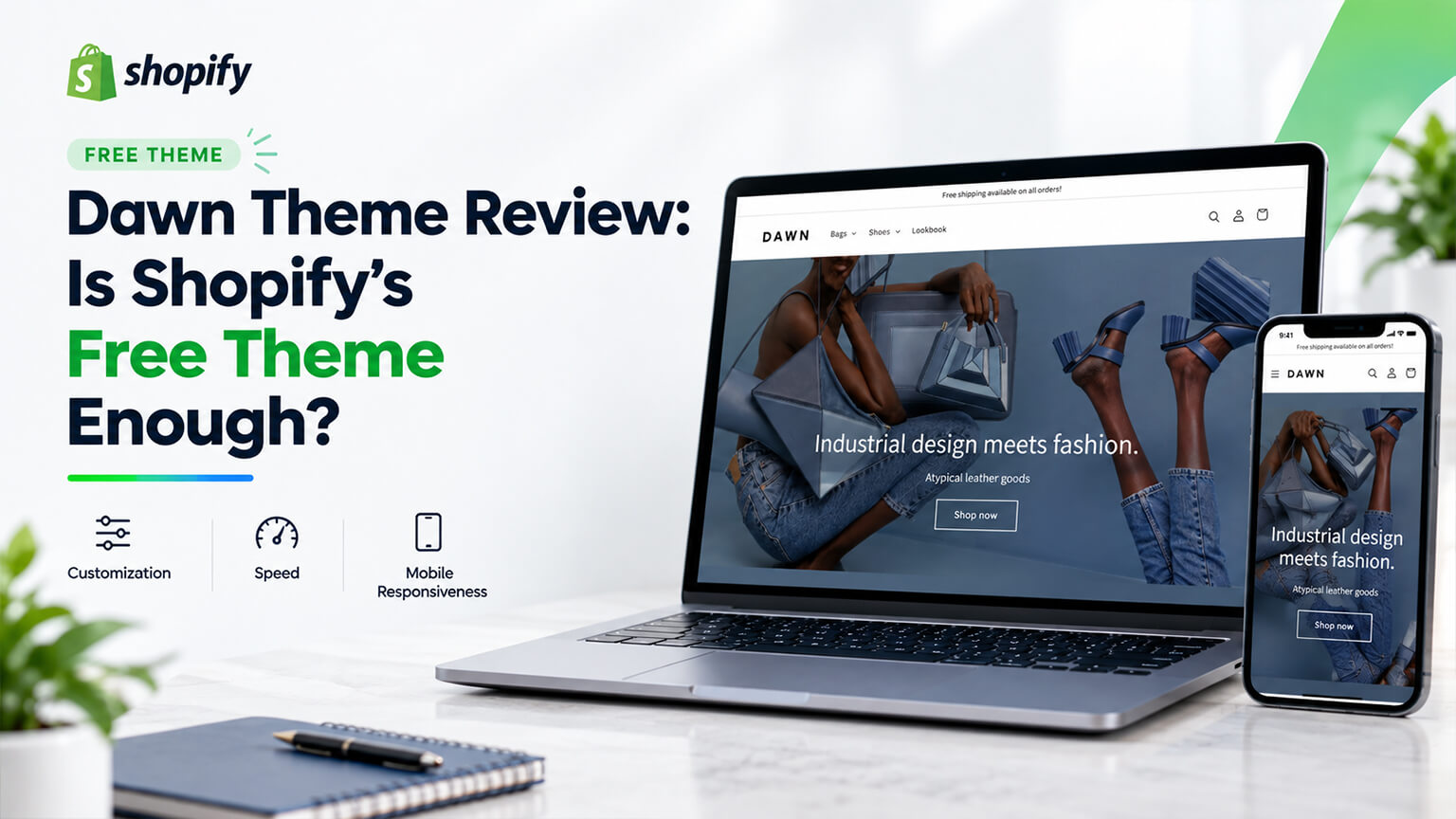
Dawn is Shopify’s default theme and the one most stores start on, which makes “is it enough” one of the most common questions in the ecosystem.
The answer most articles give is no, usually because the article is selling a premium theme. The honest answer is that Dawn is a actually good theme that is enough for more stores than people assume, and that the signals telling you it is not enough are specific and recognisable.
What Dawn is, and why it exists
Dawn was built as a reference implementation for Shopify’s Online Store 2.0 architecture — sections everywhere, app blocks, metafield support, and a deliberately lean codebase. It exists partly to demonstrate what a well-built modern Shopify theme looks like.
That origin explains both its strengths and its limitations. It is clean, fast, and architecturally exemplary. It is also deliberately plain, because its job was to be a foundation rather than a finished design.
What Dawn does well
Performance. Dawn is among the faster themes available, which matters because speed affects both conversion and search. Many premium themes carry considerably more JavaScript and third-party dependency. This is Dawn’s single strongest argument and it is routinely undervalued because speed is invisible.
Maintenance and updates. Shopify maintains it, updates it alongside platform features, and new capabilities tend to arrive here first. You are not dependent on a third-party developer continuing to care, which is a real risk with premium themes from small vendors.
Architectural quality. Properly structured, well-documented, sensible Liquid. For a developer inheriting a Dawn-based store, this is far better news than inheriting a heavily modified premium theme. It also makes customisation cheaper, because less time goes into understanding what is there.
Metafield and app block support. Strong, because demonstrating exactly this was part of why it was built. Rendering structured product data is more straightforward than on many older premium themes, and app blocks place cleanly without snippet surgery.
Accessibility. Better than most themes out of the box, which matters legally in some markets and ethically in all of them.
Cost. Free, obviously, and the money saved is usually better spent on photography or on targeted customisation than on a theme licence.
It is a good starting point for custom work. For an agency building something bespoke, starting from Dawn is frequently the right technical decision regardless of the client’s budget, because the foundation is clean and the platform’s own improvements keep arriving.

Where Dawn runs out
Honestly, and these are the real constraints.
It looks like Dawn. The most common objection and a legitimate one. Default Dawn is recognisable, and a store that looks like thousands of others does your brand no favours — particularly in design-led categories. This is solvable with customisation, and the solving costs money, which is the actual trade.
Limited typographic and spacing control. You can change fonts and adjust some spacing, but the fine control that premium themes expose — precise type scales, letter spacing, section padding that varies at breakpoints — is thinner here. For brands whose positioning depends on how the store feels, this is usually where the frustration starts.
Fewer sections and less variety. Dawn’s section library covers the fundamentals well and lacks the specialised sections premium themes offer — complex comparison blocks, elaborate editorial layouts, advanced product page arrangements. You can build any of these, as custom work and at custom-work prices.
Variant and swatch presentation. Functional rather than sophisticated. Image swatches, advanced variant switching, and nuanced colour presentation generally need customisation, which is why apparel and beauty brands tend to feel Dawn’s limits earliest.
No built-in advanced features. Mega menus, advanced filtering presentation, quick view, size guides, countdown or urgency elements, sophisticated bundling displays. Premium themes bundle these; on Dawn each is an app or custom work.
Collection page capability. Adequate rather than rich. There is less flexibility for mixed content, promotional tiles, and editorial treatment within product grids than premium themes typically offer.
Product page structure. Solid and fairly conventional. Highly structured product pages with extensive tabbed or accordioned information, comparison content, or multiple distinct information layers all need building rather than configuring.
It assumes competence to look good. This is the underrated constraint. Dawn with excellent photography, considered typography choices, and careful spacing looks actually good. Dawn configured carelessly looks like an unfinished store, because nothing in it rescues weak inputs the way a heavily designed premium theme partly does.
The specific signals you have outgrown it
Rather than a general verdict, these are the recognisable moments.
You are paying for apps that a premium theme would have included. Count them. If you have three apps providing functionality bundled into themes you could have bought, you have spent the theme’s price several times over and taken on page weight as well.
Your customisation spend has passed the cost of a premium theme. Common and often unnoticed, because customisation arrives as a series of small invoices. Add up two years of Dawn modifications before concluding free was cheaper.
Your brand positioning is being undermined. If you sell at premium price points and your store looks like a default, that gap costs you — in conversion and in perceived quality.
Your catalogue has outgrown the presentation. Many variants, complex attributes, or a need for sophisticated filtering and swatches.
Your team is blocked. If building the campaign page you want requires a developer every time because the sections do not exist, your merchandising runs at the speed of your development queue.
You need specific functionality repeatedly that a premium theme built for your category would provide natively.
None of these apply? Then Dawn is probably still fine, and your money is better spent on photography, content, or performance work than on a new theme.
A worked example: the store that should have stayed
A homewares brand doing reasonable volume on Dawn was persuaded to move to a premium theme, on the reasoning that their store looked generic and a better theme would help.
Their mobile load time went from 2.1 seconds to 4.3. Their conversion fell 12%. The new theme looked considerably more designed, and it carried substantially more JavaScript, a slider library they used once, and animation throughout.
They also discovered that three of the premium theme’s selling points duplicated apps they kept anyway, so the app spend did not fall.
We eventually moved them back to Dawn — this time customised properly: their actual typefaces, a proper type scale, generous spacing, image swatches, a restructured product page with metafield-driven detail, and two custom sections their merchandising team wanted.
The customisation cost roughly what the premium theme had cost. Load time returned to 2.2 seconds, conversion recovered and improved past the original, and the store no longer looked like default Dawn.
The point is not that premium themes are worse. It is that “our store looks generic” is a design problem, not a theme problem, and buying a theme to solve it can cost you performance you were silently benefiting from.
Dawn versus a premium theme: how to decide
Choose Dawn, customised, when: performance matters to you, your requirements are conventional, you want long-term maintainability, you are planning custom work anyway, or you would rather spend on photography and content.
Choose a premium theme when: it provides several features you need natively that would otherwise be apps or custom work, you want a designed starting point rather than a blank one, your category has specific needs a specialist theme addresses well, or you need to launch quickly with limited development budget.
The calculation that settles most cases: add up what the premium theme costs plus the customisation you would still need, against Dawn plus the customisation to reach the same place. If the premium theme provides several things you would otherwise build, buy it. If you would customise heavily either way, Dawn is usually the better foundation, because you keep the performance and the maintainability.
How to make Dawn not look like Dawn
Since this is the objection that drives most upgrades, it is worth being concrete about what actually closes the gap. These are in rough order of visual impact per pound spent.
Change the typefaces, properly. The single largest lever. Default Dawn’s type is deliberately neutral, and loading your brand’s actual typefaces — with a considered type scale across headings, body, and small text — changes the character of the whole store immediately. Keep it to two families and a handful of weights so you do not pay for it in load time.
Open up the spacing. Default section padding is conservative. Generous, consistent vertical rhythm is most of what makes a store feel premium, and it is largely a settings and CSS exercise rather than a rebuild. Pay attention to the spacing between sections, not just within them.
Replace the imagery and fix the aspect ratios. Dawn’s grids are neutral, which means your photography carries the look entirely. Consistent crops, a deliberate aspect ratio, and a coherent treatment across the catalogue do more than any theme feature.
Restructure the product page. Move to an accordion or tabbed arrangement driven by metafields, bring reviews up, place reassurance content deliberately, and give your main image more room. This is where conversion lives as well as where the store stops looking default.
Add image swatches. Immediately more sophisticated than Dawn’s defaults and functionally better, particularly in apparel and beauty.
Build two or three sections your team actually needs. Not twenty. The specific ones your merchandising keeps asking for — a comparison block, an editorial layout, a shoppable lookbook row.
Refine the header and navigation. Default Dawn’s header is recognisable. Adjusting its height, type treatment, and behaviour on scroll is a small change with disproportionate effect, since it appears on every page.
Tidy the buttons and form fields. Border radius, weight, hover behaviour, and focus states. Small, cheap, and they read as polish.
Then stop. The temptation is to keep adding. Each addition costs performance, and Dawn’s speed advantage is the thing you are trying to keep.
Done well, that list costs roughly what a premium theme plus light customisation would, and leaves you on a faster, better-maintained foundation. Done carelessly — a dozen plugins and a page builder bolted on — you end up slower than the premium theme you avoided.
Shopify’s other free themes
Dawn is the default, not the only option, and the alternatives are worth knowing about since they are free to try.
Shopify maintains several first-party themes alongside Dawn, aimed at different catalogue sizes and presentation styles — some leaner and more editorial, some structured for larger catalogues, some with bolder default styling. They share Dawn’s advantages: first-party maintenance, updates alongside platform features, strong metafield and app block support, and generally good performance.
Why this matters practically. Before buying a premium theme, spend an hour trying Shopify’s other free themes with your own products and photography. Stores frequently conclude they need to pay because Dawn specifically does not suit them, when a different first-party theme is closer to what they want and carries the same benefits.
How to compare them. Install a candidate unpublished, load your real products into it, and look at your own worst-case product page rather than the demo. Check the section library against the pages you actually need to build. Then test speed on each with your app stack active.
The caveat. First-party themes vary in how actively they are developed, and some are older than Dawn with thinner section libraries. Check when a theme was last updated before committing to it, since Dawn receives the most attention.
Verify the current first-party range on Shopify’s own theme store rather than relying on any list, since the lineup changes.
Keeping Dawn updatable
One of Dawn’s genuine advantages is that Shopify keeps improving it, and the way you customise determines whether you can take those improvements.
Customise through settings and sections first. Anything achievable in the theme customiser survives an update untouched, because your settings are stored separately from the theme code.
Put custom CSS somewhere deliberate. A single custom stylesheet or a clearly marked block, rather than edits scattered through Dawn’s existing CSS files. When you update, you reapply one file rather than hunting through a diff.
Add new sections rather than modifying existing ones. A new custom section file is yours and does not conflict. A modified copy of Dawn’s own section will conflict with the updated version, every time.
Avoid editing core files where you can. Theme.liquid, the main product template, and the cart are the ones most likely to change upstream. Where you must edit them, keep the changes minimal and commented so the next person can see what is yours.
Use version control. So you can see exactly what you changed, which turns an update from an archaeology exercise into a diff.
Keep a changelog of your customisations. What was changed, where, why, and when. Six months later this is the difference between a one-hour update and a day of investigation.
Update deliberately rather than never or immediately. Read what changed, apply it on an unpublished copy, test your customisations, then publish. Stores that never update eventually sit several versions behind on a theme whose improvements they are paying nothing for.
There is a full article in this batch on customising themes without breaking updates, which goes into this in more detail — but the principle worth carrying away here is that Dawn’s updatability is part of its value, and heavy careless customisation throws that away. At which point you have a slow, hard-to-update theme and none of the reasons you chose Dawn in the first place.
The bottom line
Dawn is a good theme, not a compromise. It is fast, well built, properly maintained, strong on metafields and app blocks, and an excellent foundation for custom work.
Its real limitations are fine typographic and spacing control, section variety, variant and swatch sophistication, and the fact that default Dawn looks like default Dawn. All are solvable with customisation, and whether that is better value than a premium theme depends on how much of a premium theme’s feature set you would actually use.
The signals that you have outgrown it are specific: apps duplicating theme features, customisation spend exceeding a premium theme’s cost, a positioning gap, catalogue complexity, or a blocked team. If none of those apply, Dawn is enough — and the better investment is photography and content rather than a theme that may well be slower.
Frequently asked questions
Is Dawn good enough for a real Shopify store?
For a great many stores, yes. Dawn is fast, properly maintained by Shopify, architecturally well built, strong on metafield and app block support, and better on accessibility than most themes. Plenty of stores doing substantial revenue run on it. Its real constraint is that it is deliberately plain — it was designed as a reference implementation rather than a finished design — so it needs good photography and considered configuration to look good, and it will not rescue weak inputs the way a heavily designed premium theme partly does.
Should I upgrade from Dawn to a paid theme?
Only if you can name the specific features you would use. The test that settles most cases: count the apps you pay for that a premium theme would include, and add up what you have already spent on Dawn customisation. If a premium theme provides several things you actually need natively, buying it is sensible. If you would customise heavily either way, Dawn is usually the better foundation because you keep its performance and maintainability. “Our store looks generic” is a design problem and can be fixed on Dawn for roughly what a premium theme costs.
Is Dawn faster than premium Shopify themes?
Generally yes, and often by a meaningful margin, because it was built deliberately lean while many premium themes carry extensive JavaScript, animation libraries, and sliders you may never use. That matters more than it appears, since speed affects both conversion and search performance. It is worth testing rather than assuming for any specific comparison — measure a live store on each, on the mobile setting, rather than comparing demos. And bear in mind your app stack will usually affect your speed more than your theme does.
What are Dawn’s biggest limitations?
Fine typographic and spacing control is thinner than premium themes offer, which design-led brands feel first. The section library covers fundamentals without the specialised sections premium themes bundle. Variant and swatch presentation is functional rather than sophisticated, which apparel brands notice early. Features like mega menus, quick view, size guides, and advanced filtering presentation are apps or custom work rather than built in. And default Dawn is visually recognisable, so without real customisation your store looks like many others.
Can I make Dawn look custom?
Yes, and it is one of the better foundations for doing so precisely because the code is clean and well structured, which makes customisation cheaper than modifying a complex premium theme. Changing the typefaces to your own, establishing a proper type scale, opening up the spacing, adding image swatches, restructuring the product page around metafield-driven content, and building two or three sections your team actually needs will take Dawn somewhere that does not read as default. Budget for it as a real project rather than expecting the settings alone to get you there.